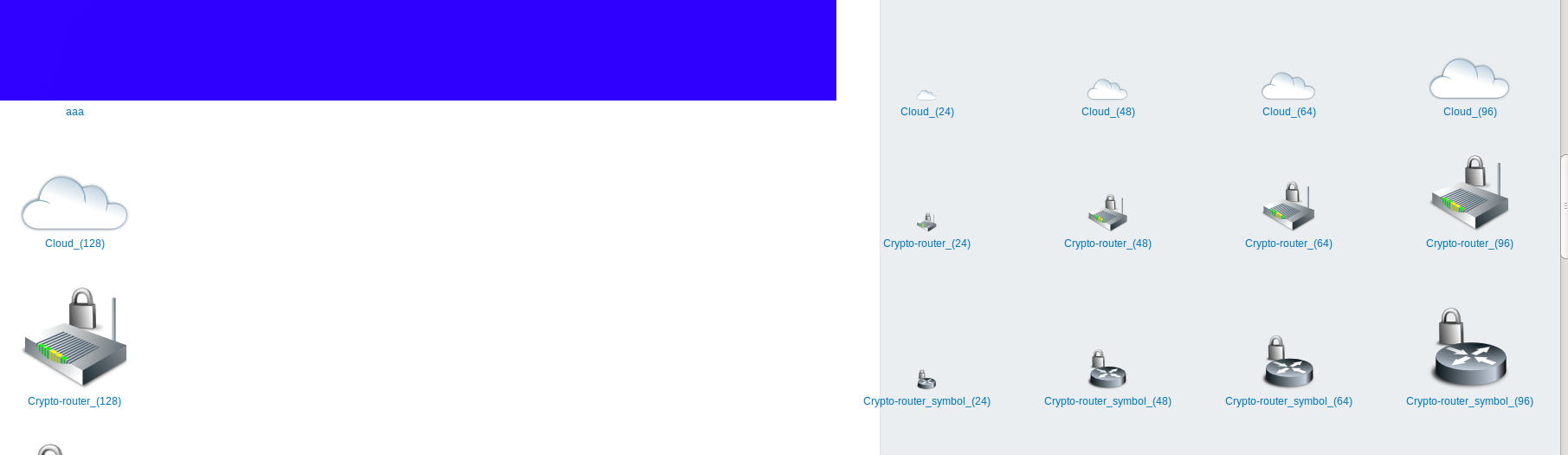
icons_layout.png
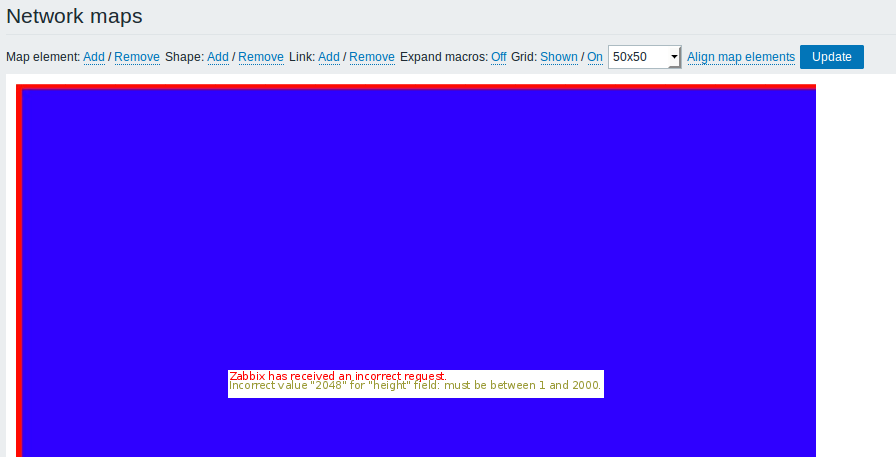
image_size.png
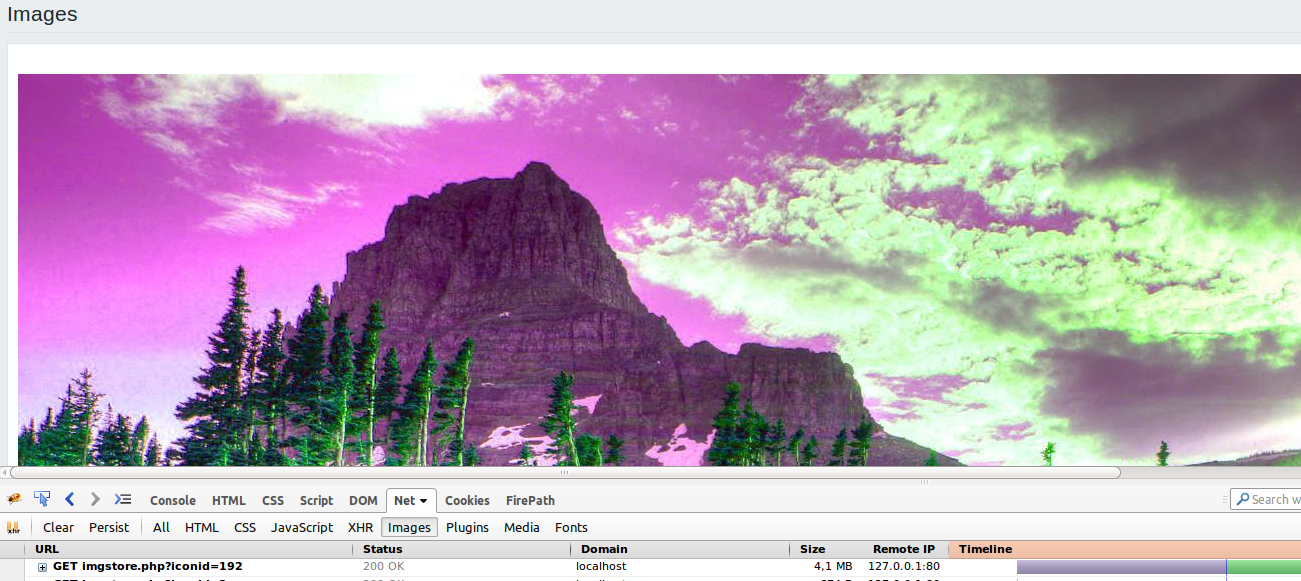
map_icon.png
icons_layout.png
image_size.png
map_icon.png
[ZBX-14552] Large image size validation Created: 2018 Jul 03 Updated: 2025 May 08 Resolved: 2025 May 08 |
|
| Status: | Closed |
| Project: | ZABBIX BUGS AND ISSUES |
| Component/s: | Frontend (F) |
| Affects Version/s: | 3.0.20rc1, 3.4.12rc1, 4.0.0alpha9 |
| Fix Version/s: | None |
| Type: | Problem report | Priority: | Trivial |
| Reporter: | Natalja Romancaka | Assignee: | Unassigned |
| Resolution: | Cannot Reproduce | Votes: | 0 |
| Labels: | icons, image | ||
| Remaining Estimate: | Not Specified | ||
| Time Spent: | Not Specified | ||
| Original Estimate: | Not Specified | ||
| Attachments: |
icons_layout.png
image_size.png
map_icon.png
|
| Description |
|
Exist several scenarios that occur due large image size. Steps to reproduce:
Result: Steps to reproduce:
Result: Steps to reproduce:
Result: |