-
Type:
Incident report
-
Resolution: Fixed
-
Priority:
 Trivial
-
Affects Version/s: 4.0.0alpha1
-
Component/s: Frontend (F)
-
Sprint 21
-
0.125
Steps to reproduce:
- Go to Configuration->Maintenances
- Click Create new maintenance period
- Go to Periods tab
- Click New
- Select Period type: Monthly
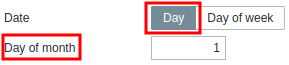
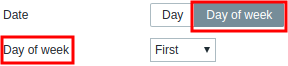
- Compare two positions of Date radio button
Result:
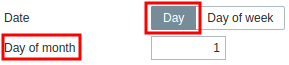
vs.
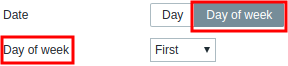
Expected:
Consistency.