-
Type:
Problem report
-
Resolution: Fixed
-
Priority:
 Trivial
-
Affects Version/s: 4.0.7, 4.2.1, 4.4.0alpha1
-
Component/s: Frontend (F)
-
Sprint 53 (Jun 2019), Sprint 54 (Jul 2019)
-
0.5
Steps to reproduce:
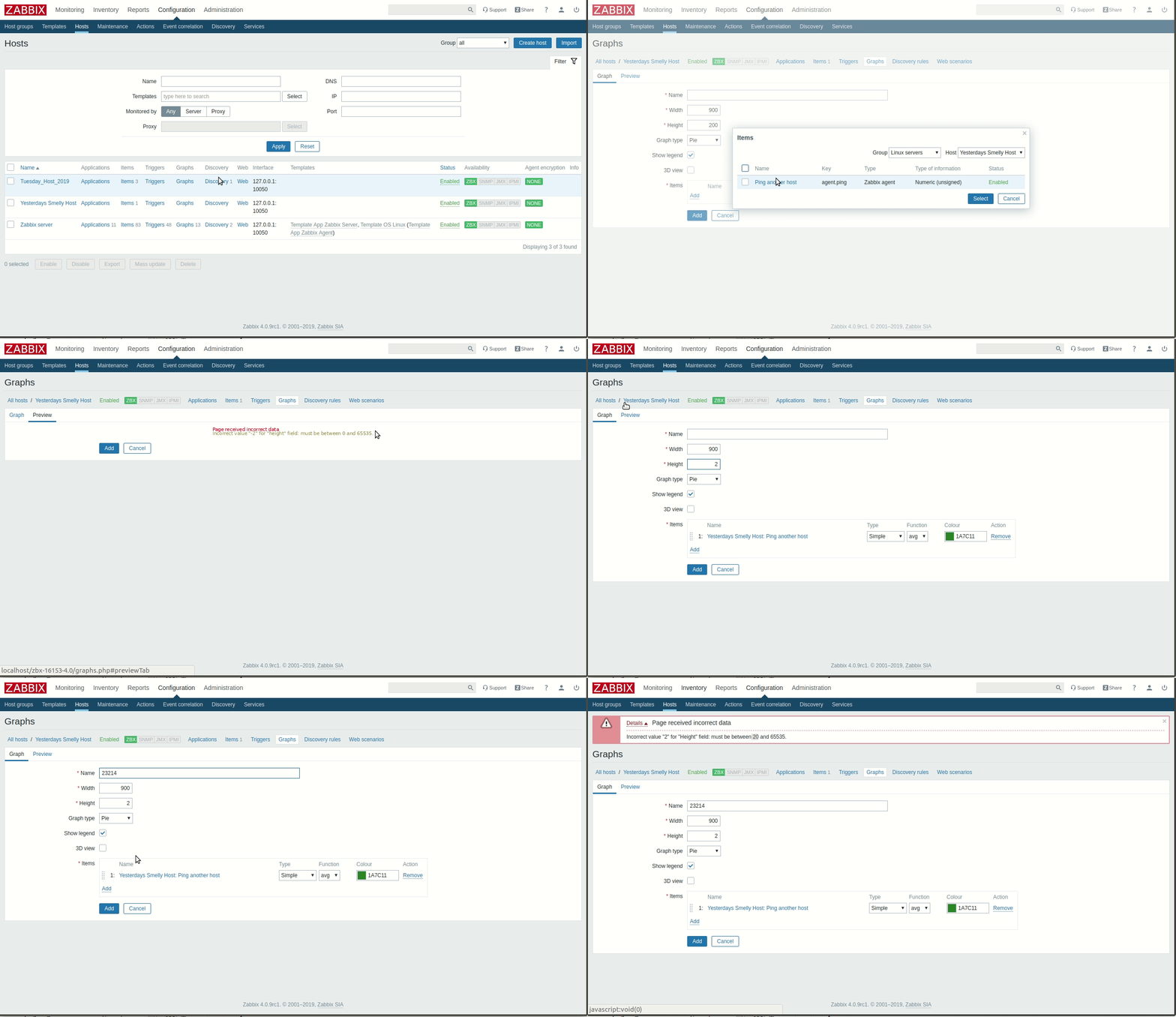
- Navigate to Configuration -> Hosts -> Graphs.
- Press Create graph.
- Change Graph type from Normal to Pie or Exploded.
- Switch to the Preview tab.
Result:
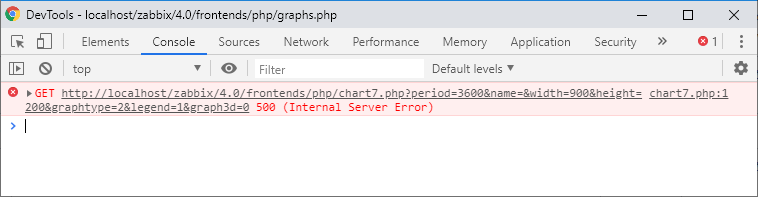
A spinning wheel being displayed and never finish loading.
Expected:
A message similar to the one displayed for normal and stacked graphs without items: "No items defined".