-
Type:
Problem report
-
Resolution: Fixed
-
Priority:
 Trivial
-
Affects Version/s: 4.0.11
-
Component/s: Frontend (F)
-
Sprint 55 (Aug 2019), Sprint 54 (Jul 2019)
-
0.5
Zabbix 4.0.11 with Internet Explorer 11 (11.615.17763.0)
Steps to Reproduce:
1. Configuration -> Templates or Hosts -> Graphs
2. Select a graph that can change settings.
3. Go to the "Preview" tab and back to the graph tab.
4. Change the "Show triggers" setting
5. Go to the "Preview" tab.
Result:
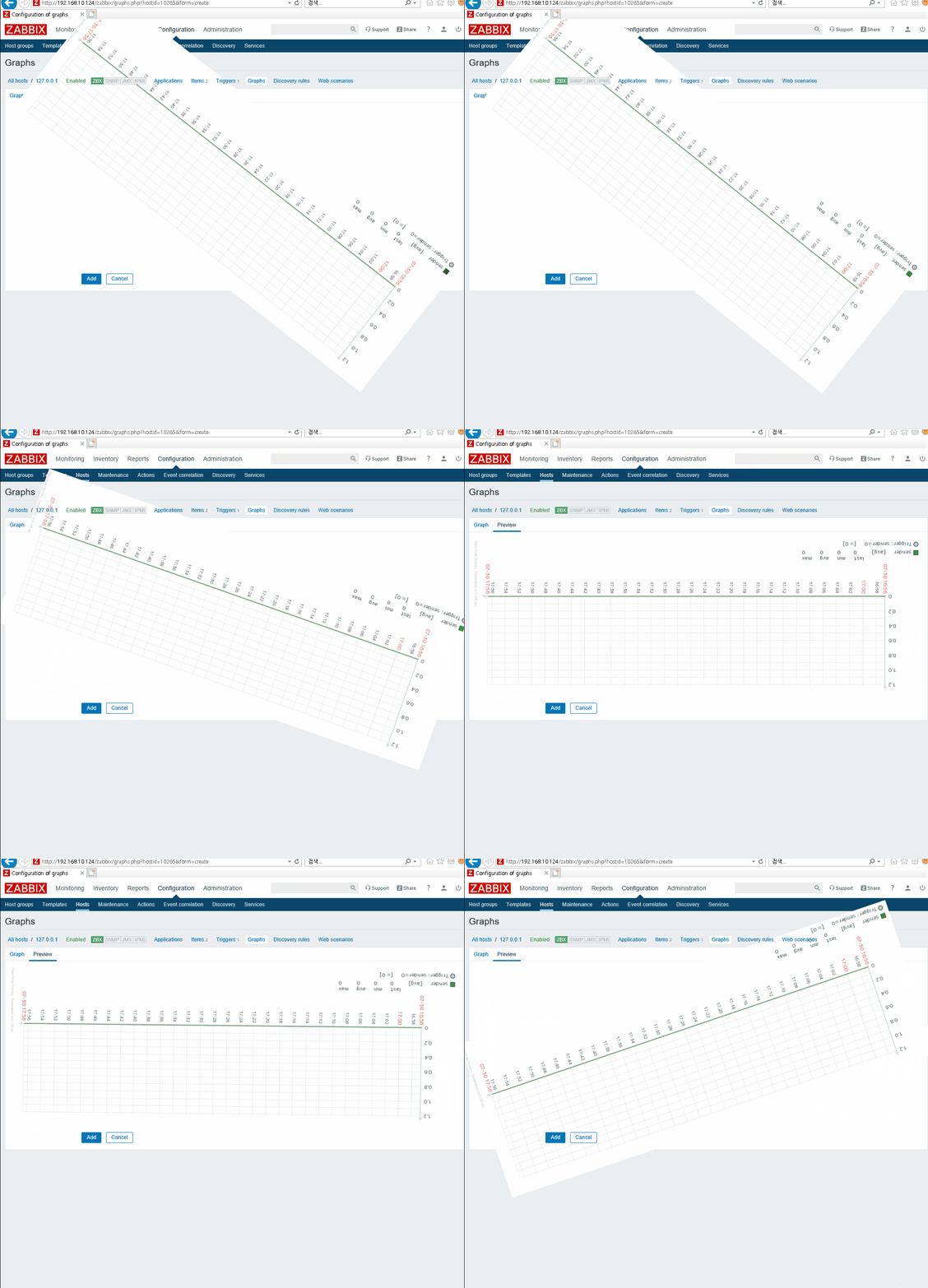
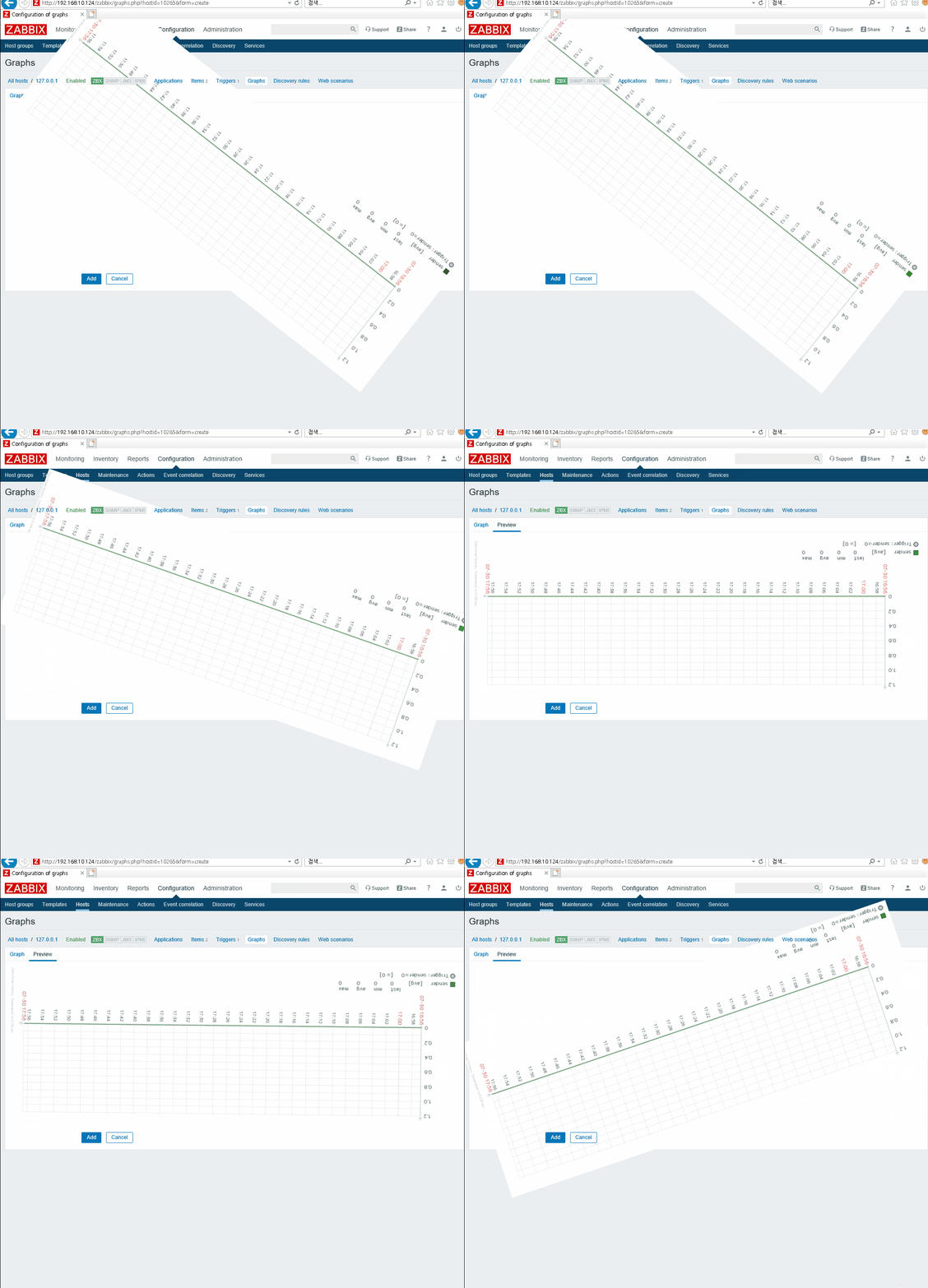
You can see that GRAPH SPIN (very fast)
Please See attached GIF.