-
Type:
Problem report
-
Resolution: Fixed
-
Priority:
 Trivial
-
Affects Version/s: 4.4.0alpha2, 4.4 (plan)
-
Component/s: Frontend (F)
-
Sprint 55 (Aug 2019)
-
0.25
Steps to reproduce:
- Create a new dashboard.
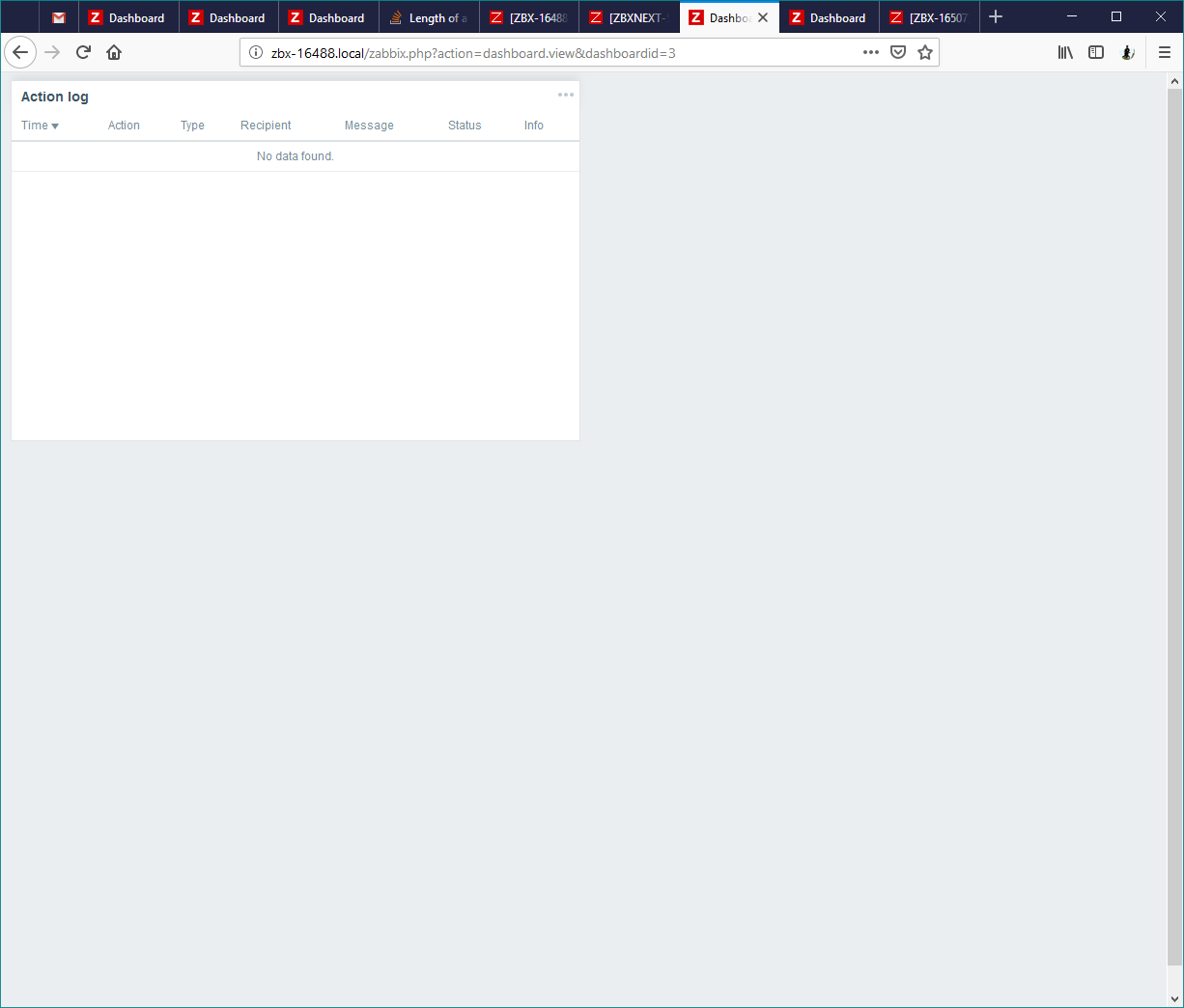
- Create Action Log widget (with unchecked "Show header" checkbox) in the top-left corner of the dashboard (or any other place starting with the top row).
- Save the dashboard and enter a kiosk mode.
- Focus the widget by mouse. The page will slide down to allow the header to appear.
- The vertical scrollbar will also appear causing unnecessary flickering.
Expected:
The scrollbar should appear when there is actually a scrollable content.
- causes
-
-

- Closed
-

