-
Type:
Problem report
-
Resolution: Commercial support required
-
Priority:
 Trivial
-
None
-
Affects Version/s: 4.0.15
-
Component/s: Server (S)
-
Environment:
Steps to reproduce:
- Updated Zabbix server from version 4.0.6 to 4.0.15
- Add item vmware.eventlog[\{$URL},skip] to vCenter server host in zabbix
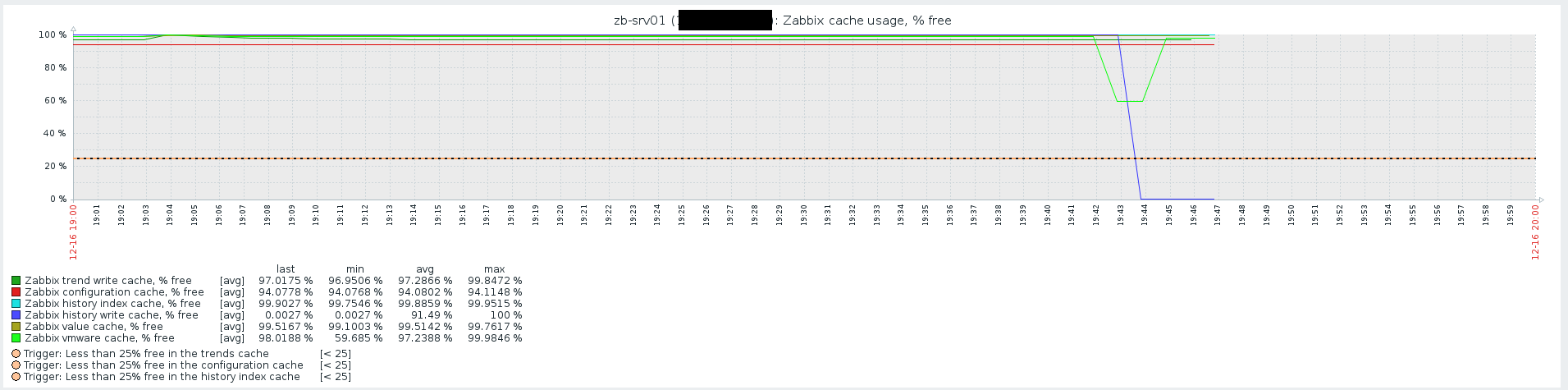
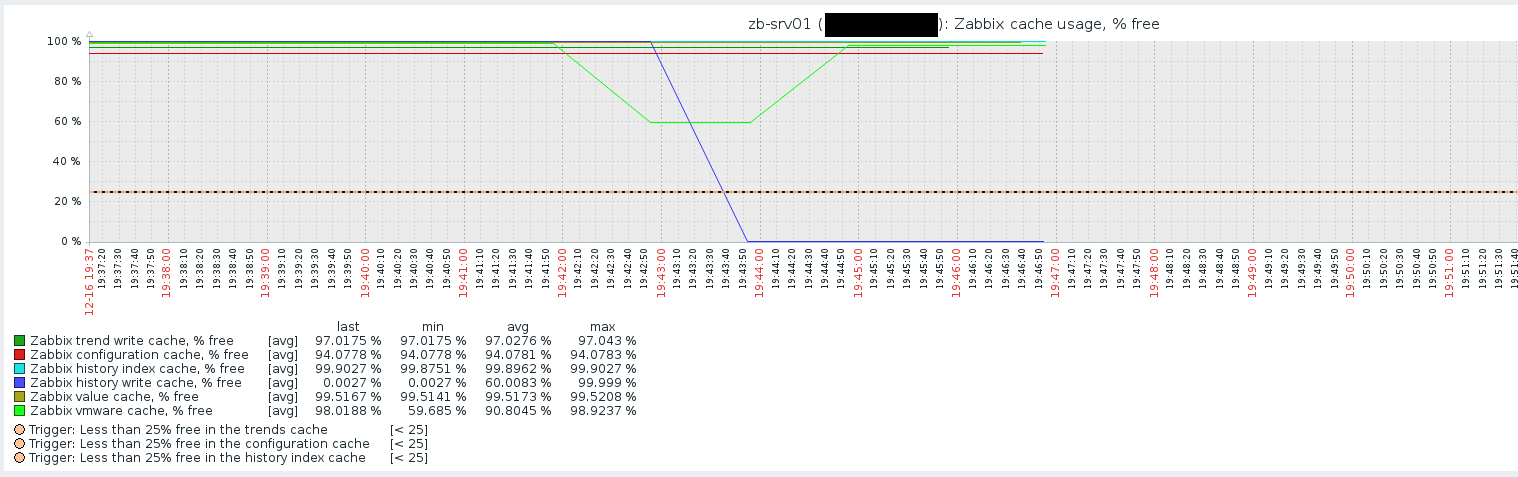
- Wait to history cache to exhaust
Result:
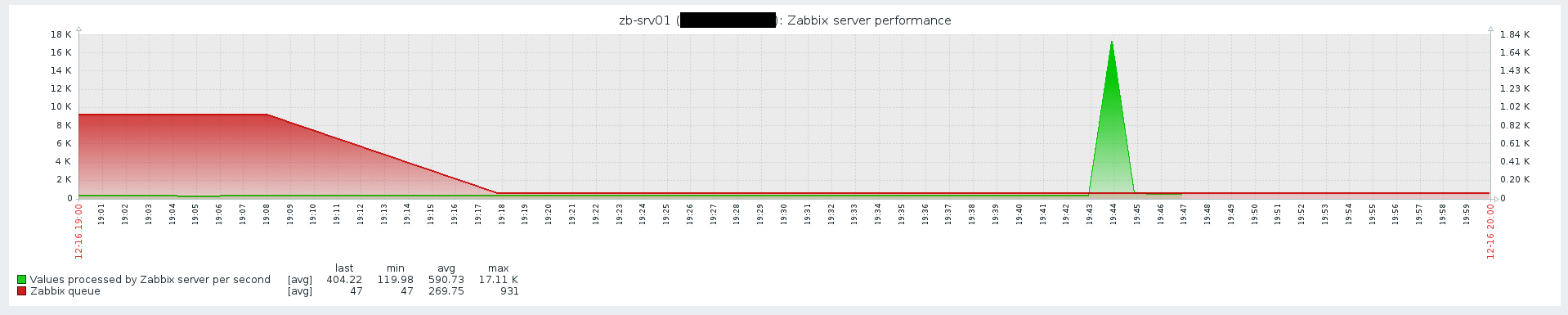
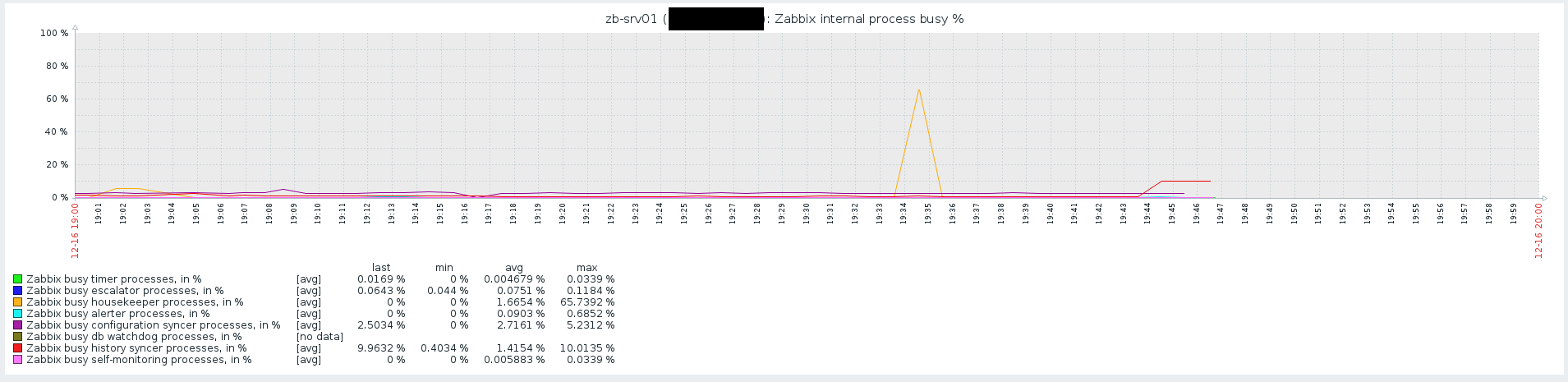
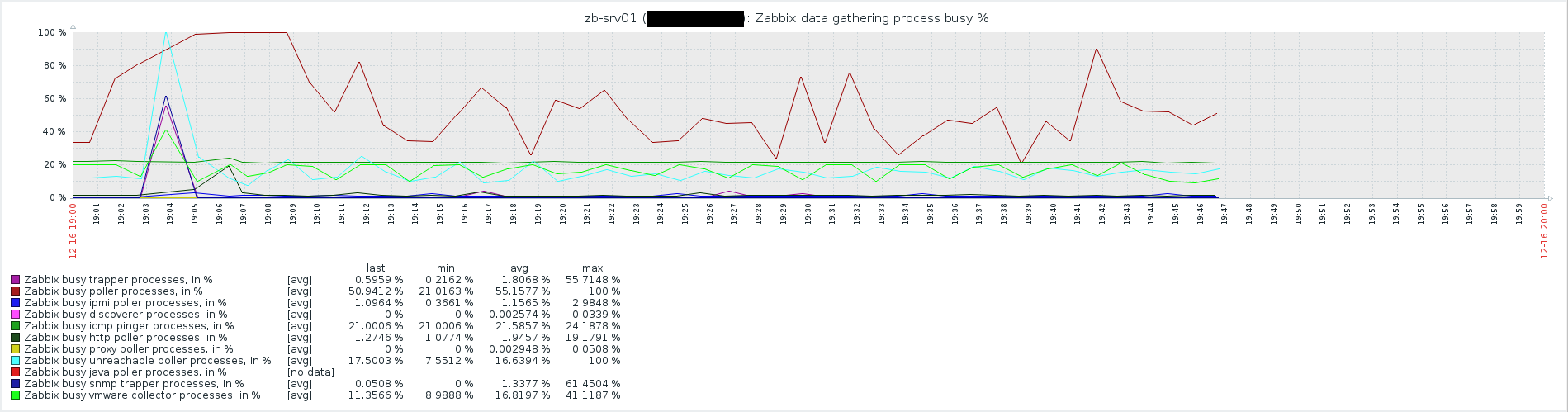
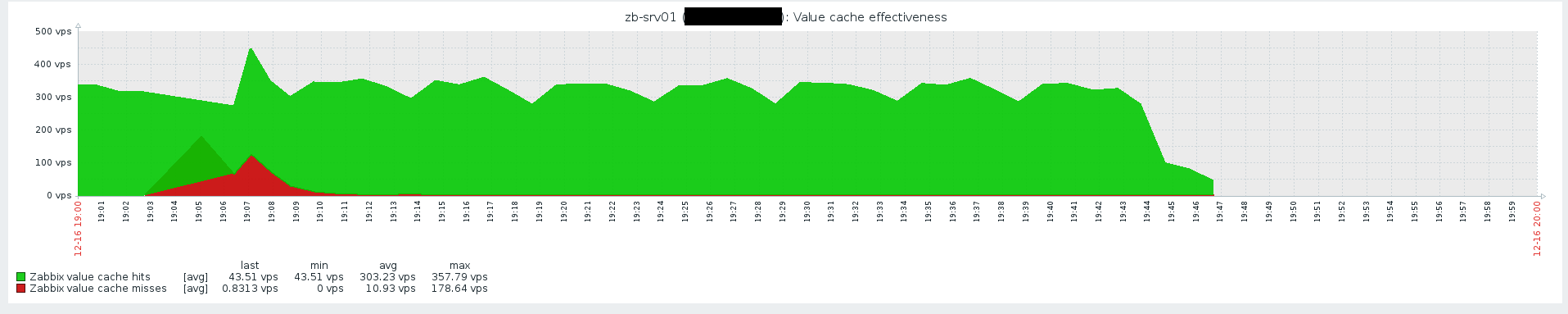
After history cache exhausted zabbix server shuts down itself, while item doesn't have any data in it. After server stopped - there is no indication of reason why it was shut.
Expected:
After history cache exhausted zabbix server doesn't shuts down itself, some data in item