-
Type:
Incident report
-
Resolution: Cannot Reproduce
-
Priority:
 Trivial
-
None
-
Affects Version/s: 4.4.4, 4.4.5
-
Component/s: Frontend (F)
-
None
Steps to reproduce:
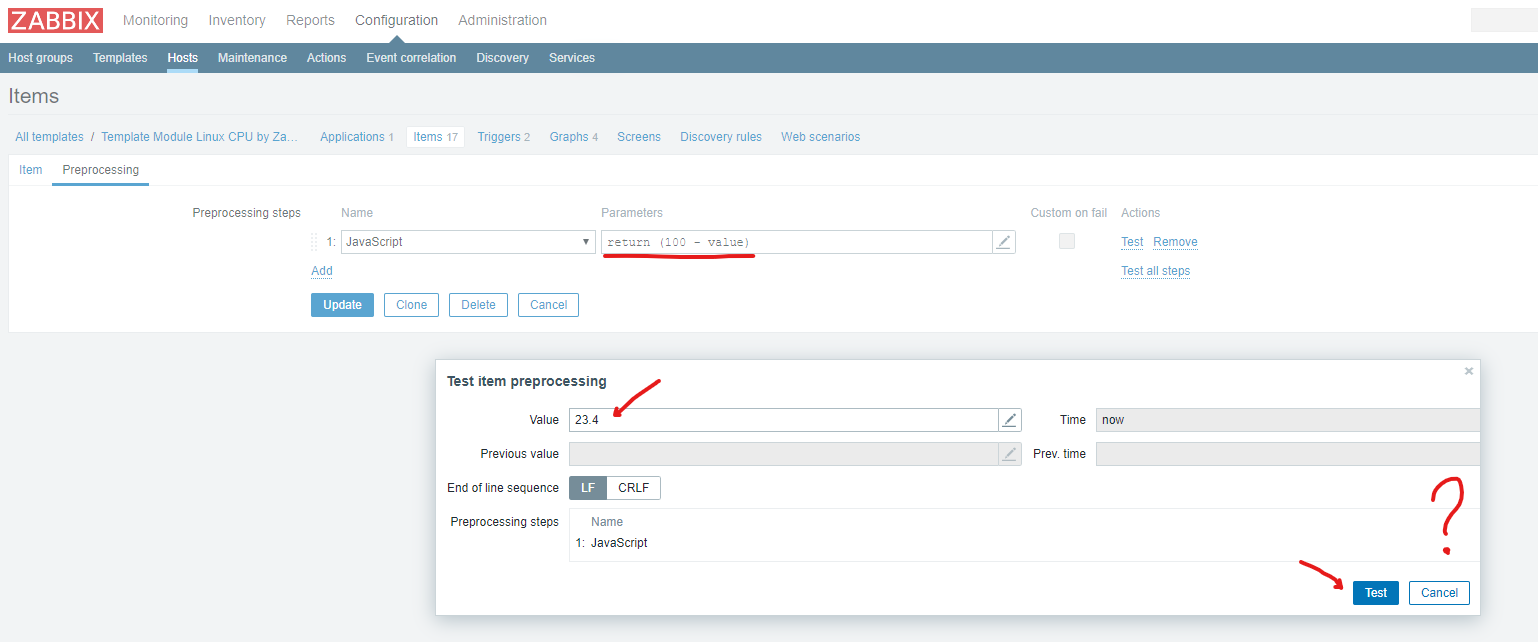
- Open standart template "Template Module Linux CPU by Zabbix agent active", open items "CPU utilization"
- Go to preprocessing tab, add javascript (return 100-value)
- Click Test action link, enter value, press Test
- See screenshot on the bug
Result:
See screenshot on the bug