-
Type:
Problem report
-
Resolution: Commercial support required
-
Priority:
 Trivial
-
None
-
Affects Version/s: 4.0.19
-
Component/s: Server (S)
-
None
-
Environment:Ubuntu 18, Postgres Database
Steps to reproduce:
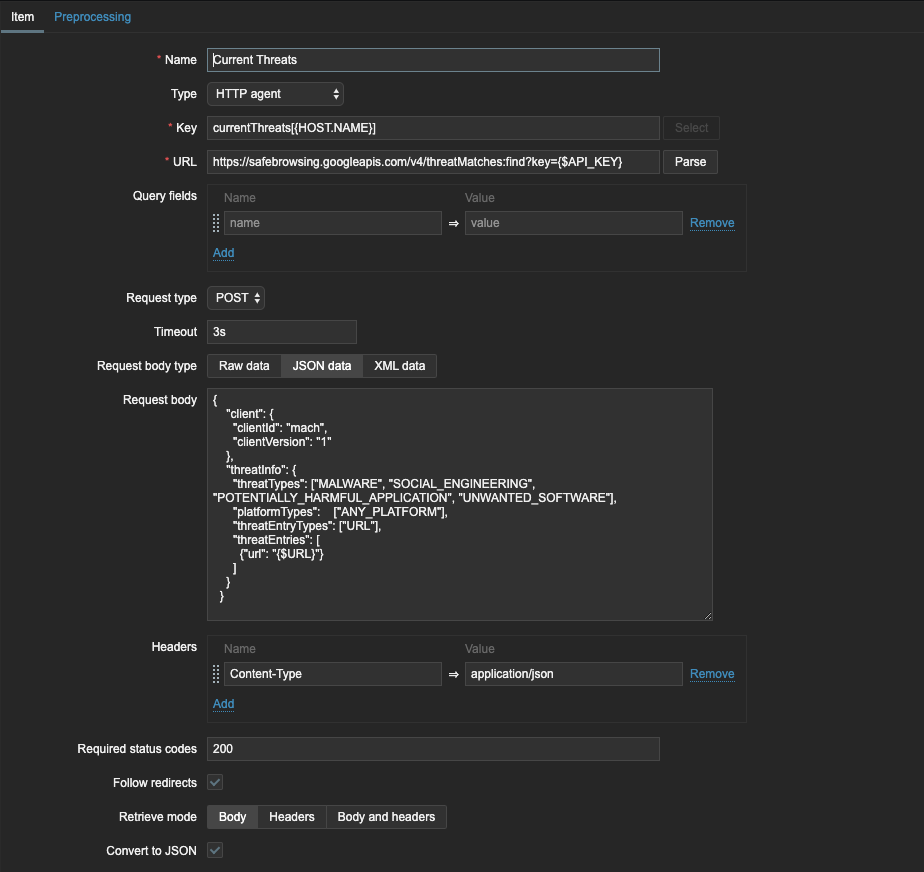
- Create an item with type HTTP agent
- Paste JSON request body into 'Request body' section
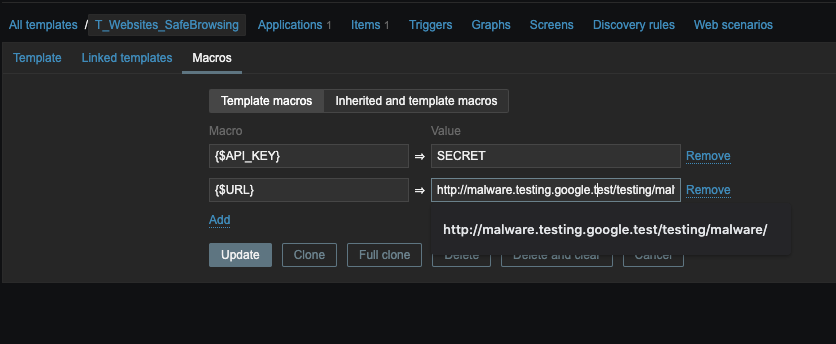
- Change a value in the body to a user macro
- Monitor response
Result:
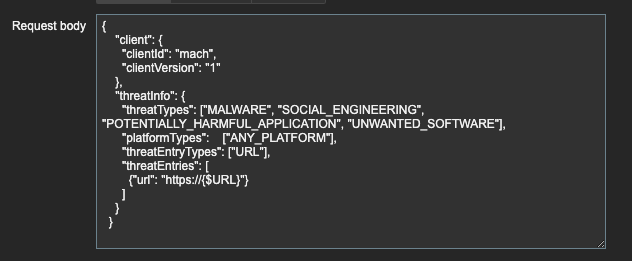
The result I get from the endpoint when I use a macro is blank or '{}', suggesting that the JSON data posted is valid, but the "url" value is incorrect and does not match any records in Google Safe Browsing API.
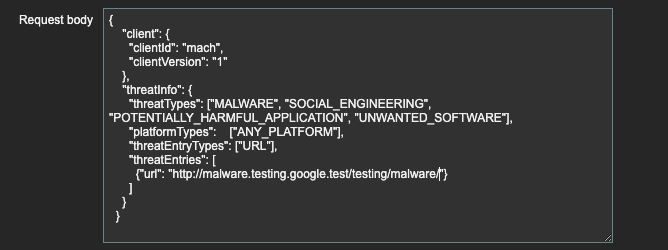
If I change my '{$URL}' macro within the JSON body to the exact text I put in my user macro, it works and the responseI get is a match from Google Safe Browsing API.
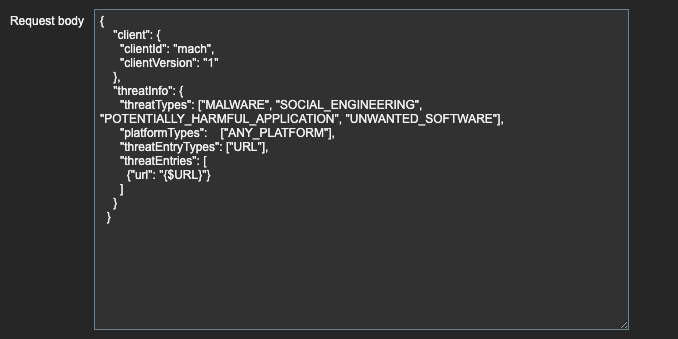
I'll include a screenshot of both the JSON body including the macro, as well as a screenshot of the straight text.
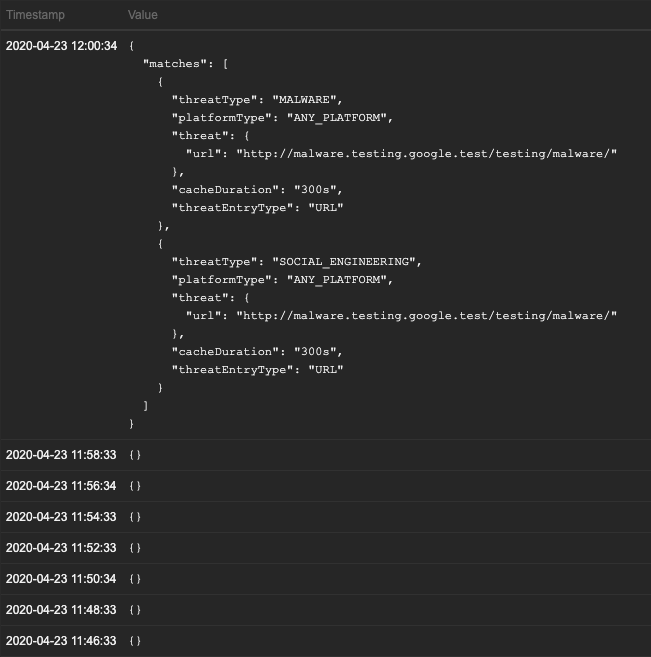
I'll also include a screenshot of latest data, which shows where I change it to use the straight text URL and it begins to work.
Expected:
I expect the macro to send the url in place of the macro unformatted and result in a match.
I've tried:
Finding logs within the Google Safe Browsing URL that show what the request body contains, but I don't think this is possible.
I've also tried finding logs of what Zabbix is actually sending, but couldn't find any way to do this either after a lot of searching.
I've tried sending as 'Raw data' as well as 'JSON data' within the item config.
If there is a way to debug this within Zabbix itself, I'd love to get some more info on what it's actually sending in place of the macro placeholder.