-
Type:
Problem report
-
Resolution: Fixed
-
Priority:
 Critical
-
Affects Version/s: 5.0.1, 5.2 (plan)
-
Component/s: Frontend (F)
Steps to reproduce:
- install 5.0.1
- open Problems interface page
- click on History tab
- no time filter
- press apply without any filters set
- get time filter
- select any tab despite history - get time filter until apply pressed
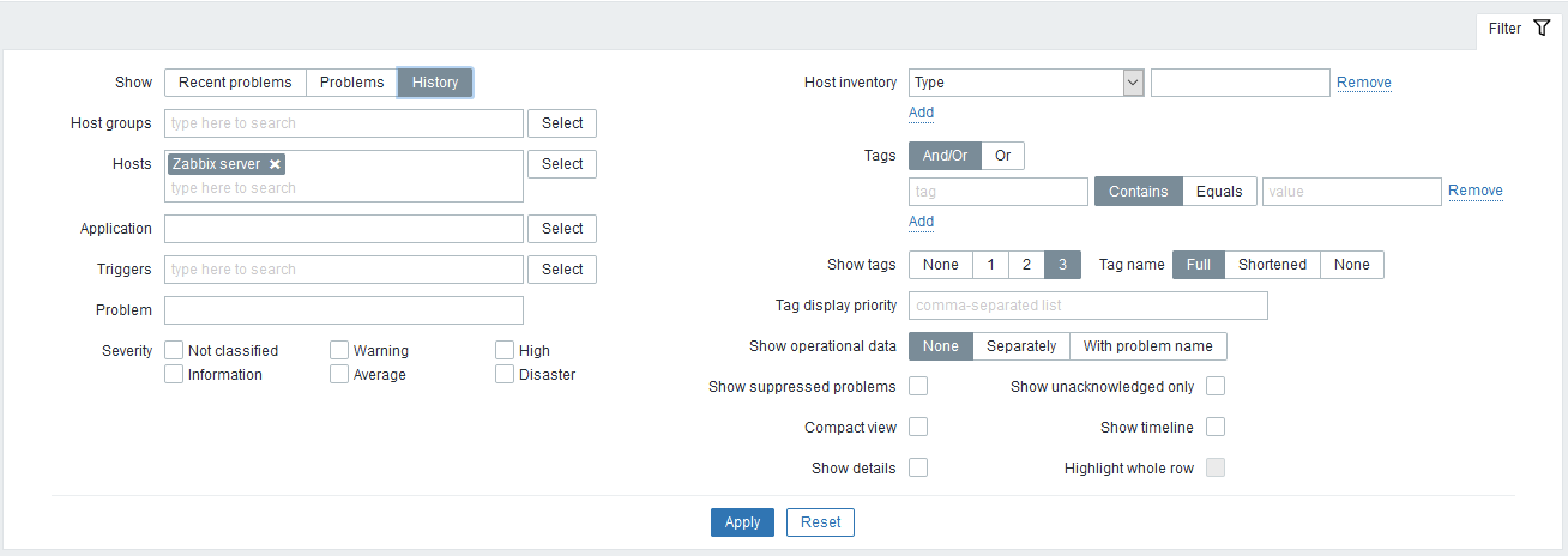
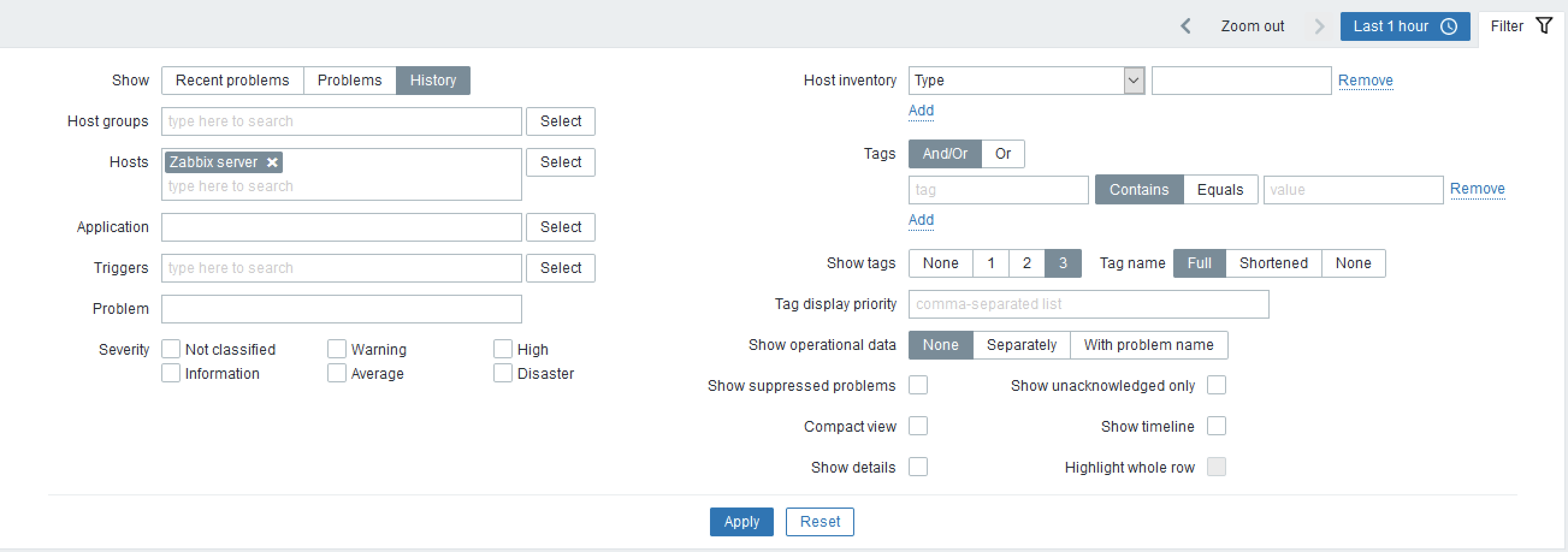
Result:
Confusing behaviour, filter shown in not suitable situation or not shown at all before any action can be done.
Expected:
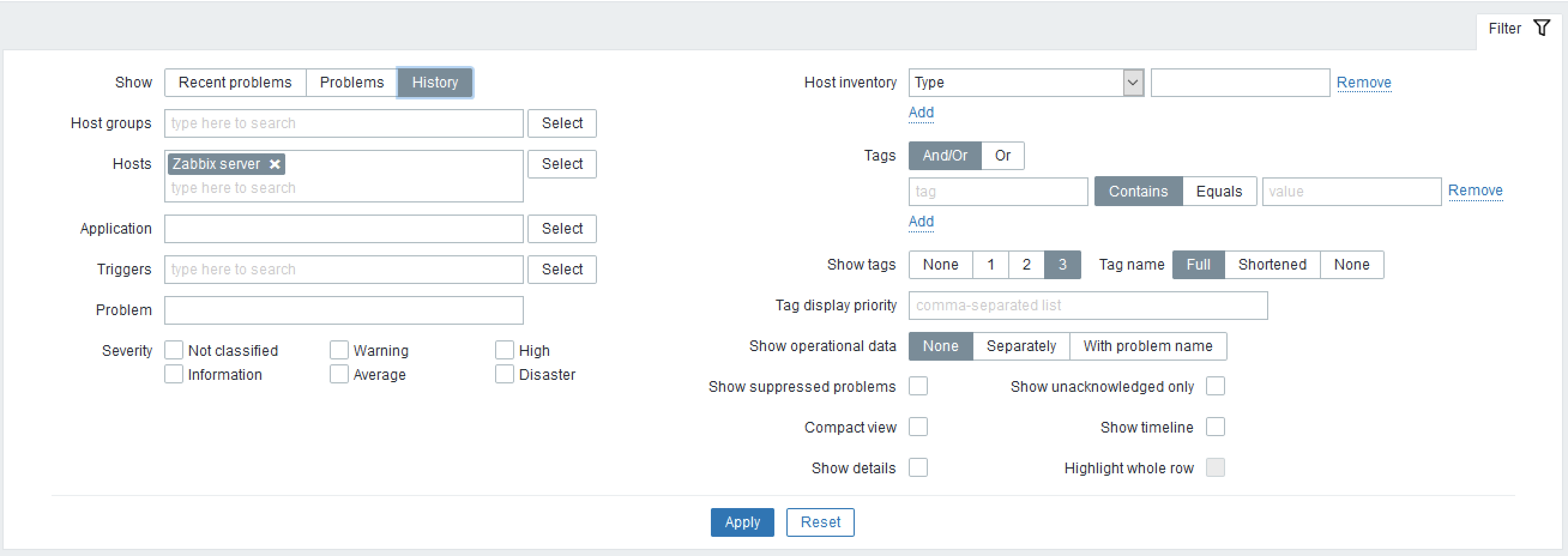
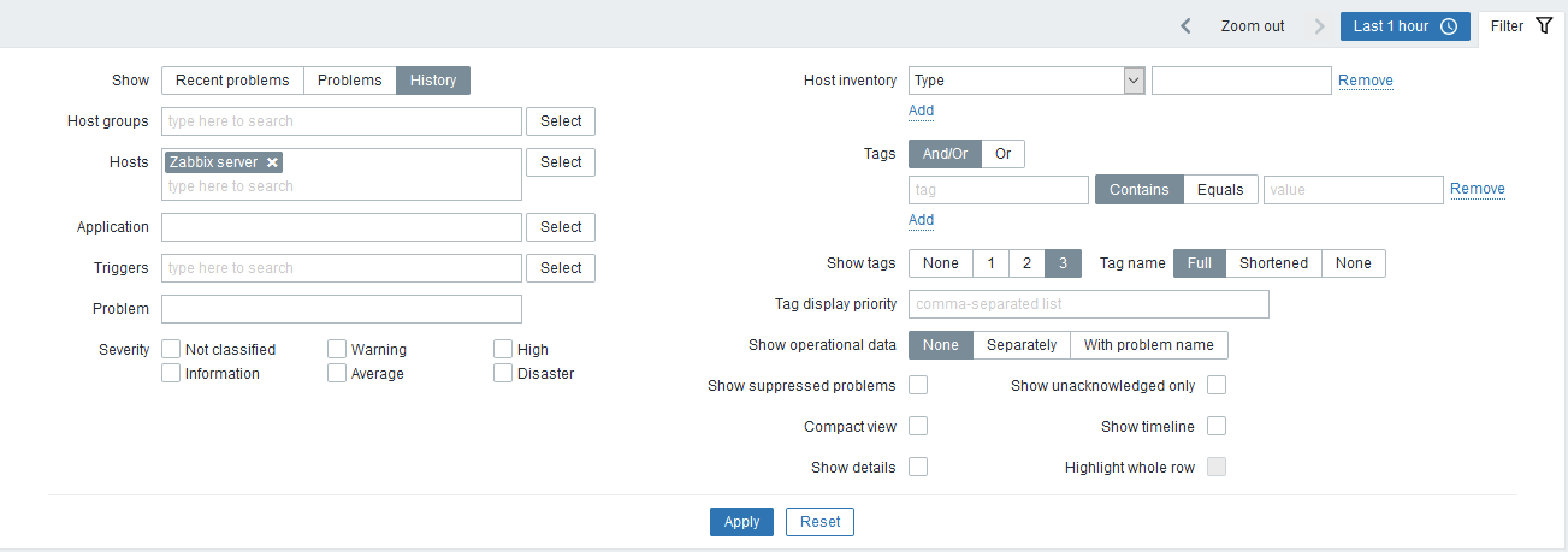
Select History -> time filter shown automatically
Select Problem/recent problems -> no time filter shown automatically
- depends on
-
ZBXNEXT-9383 Time selector filter doesn't work if Show -> History field is not applied in home tab
-

- Open
-
- part of
-
ZBXNEXT-710 Save filter parameters as favourites
-

- Closed
-