-
Type:
Problem report
-
Resolution: Declined
-
Priority:
 Trivial
-
None
-
Affects Version/s: 5.0.8
-
Component/s: Server (S)
Steps to reproduce:
- Discover a host using a Discovery Rule
- Discovery rule checks for IP range and Discovery Status = Up
- Add the host using a Discovery Action
- If <Discovery Rule>, Add Host, Add to Group
- Change the IP address of the host in your environment
- Delete the host from Zabbix
Result:
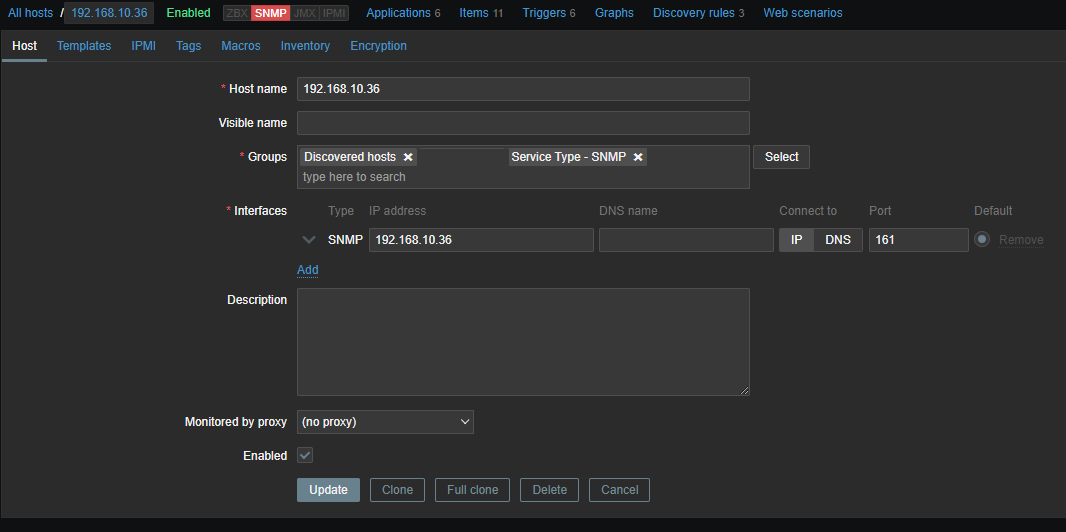
- Zabbix re-adds the host using the old IP address
Expected:
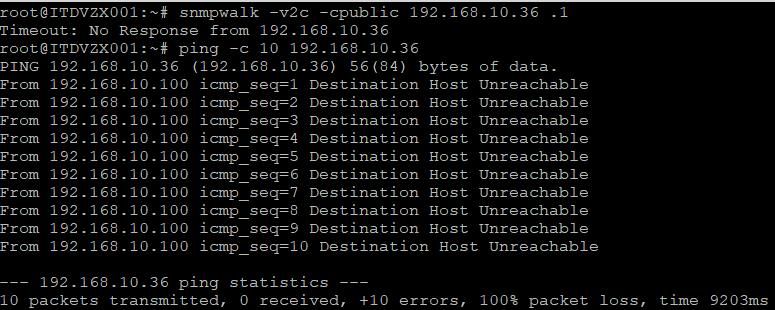
- Zabbix does not re-add hosts that are not discovered or contactable.
Screenshots
1) Device not discovered for over 8 days

2) Device having to be disabled by Administrators because of erroneous rediscovery.