-
Type:
Patch request
-
Resolution: Won't fix
-
Priority:
 Trivial
-
None
-
Affects Version/s: 5.2.5
-
Component/s: Agent (G)
-
None
-
Environment:Windows Server 2012 R2/ 2016/ 2019
Due to some issue (i haven't been able to pinpoint yet) zabbix agent 2 crashes infrequently.
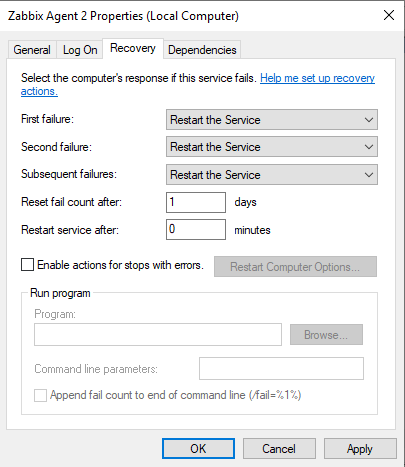
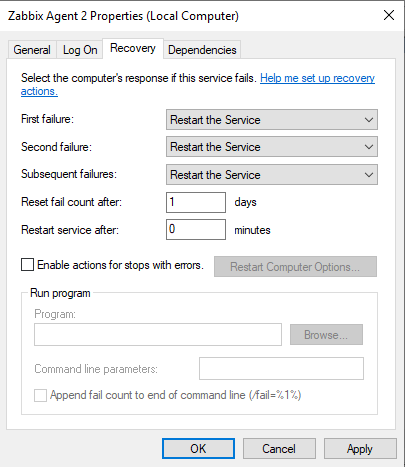
To dampen the situation impact (and i guess to help in general) i would propose setting the service recovery options to always restart the service.
This should be done when installing the service (Zabbix Agent Installer.exe or --install switch )
Steps to reproduce:
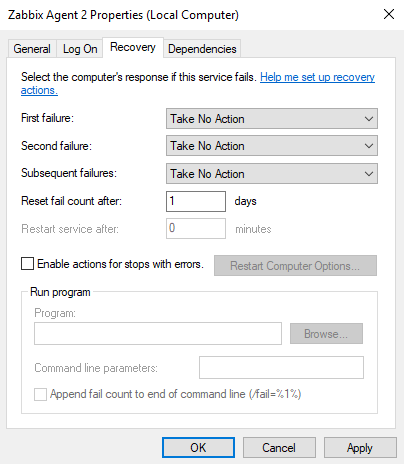
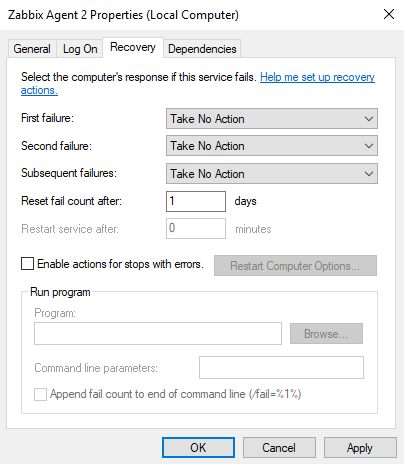
- Open Services.msc
- Open Properties of Zabbix Agent 2
- Open Tab Recovery
Result:
Expected:
Set Recovery Options to restart service on failures