Log in
Skip to main content
Skip to sidebar
Linked Applications
Loading…
Dashboards
Projects
Issues
Help
Keyboard Shortcuts
About Jira
Jira Credits
Log In
Cookie Notice/Disclaimer
ZABBIX BUGS AND ISSUES
ZBX-19423
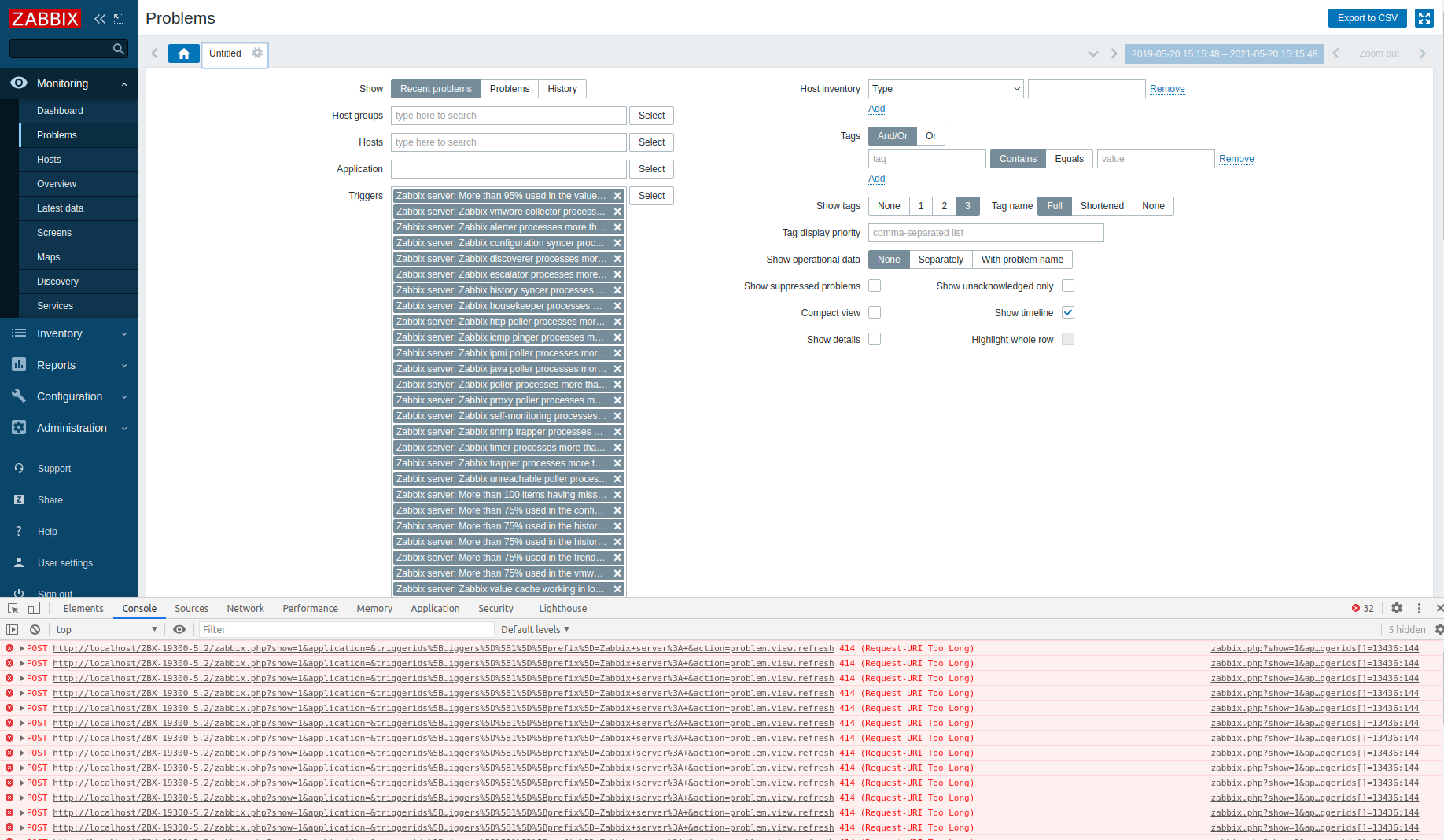
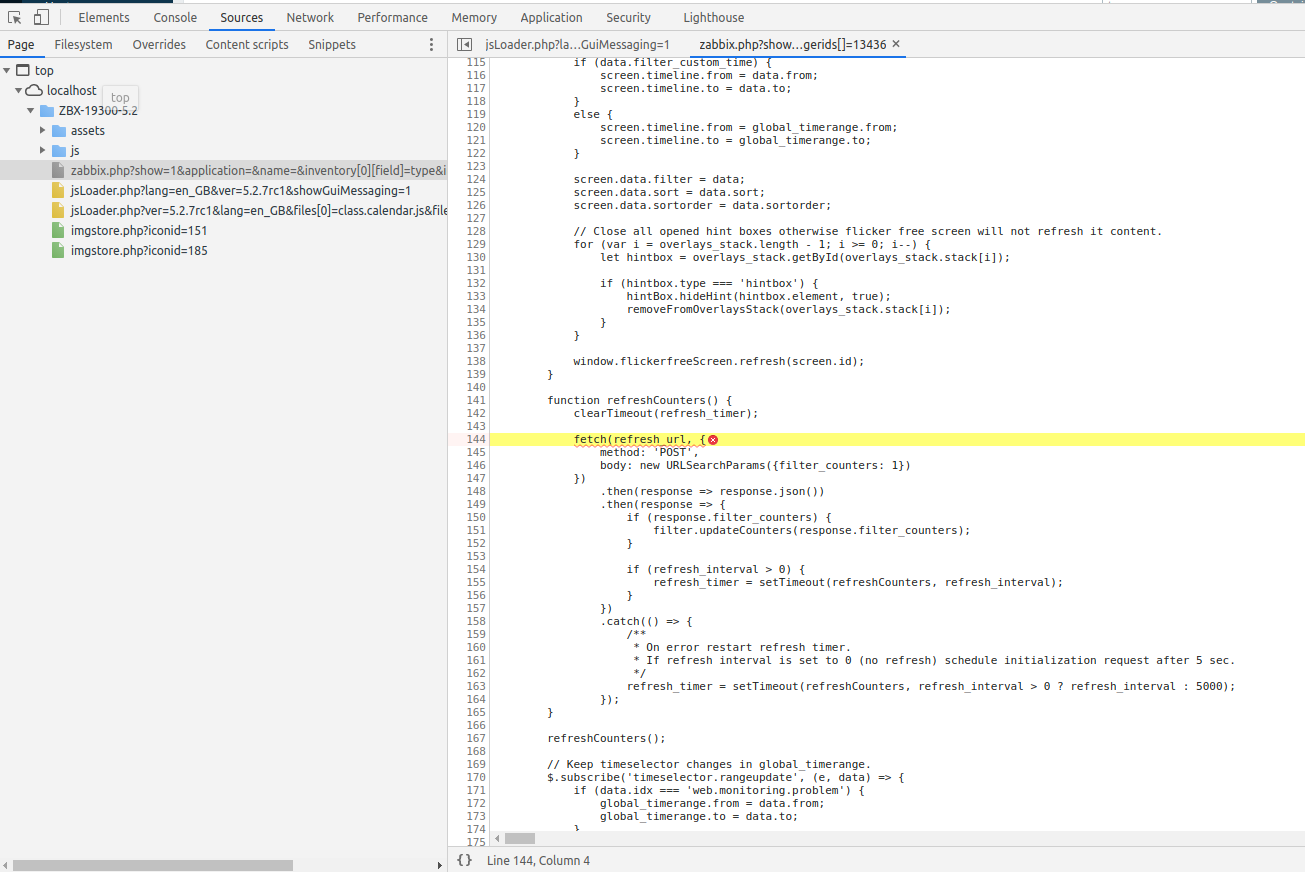
Console error appears adding triggers to problem monitoring filter
Log In
Open
null
Export
XML
Word
Printable
Details
Type:
Problem report
Resolution:
Unresolved
Priority:
Trivial
Fix Version/s:
None
Affects Version/s:
5.2.6
,
5.2.7rc1
,
5.4.0
,
5.4.1rc1
,
6.0.0alpha1
Component/s:
API (A)
,
Frontend (F)
Labels:
console
error
filter
trigger
Description
Steps to reproduce:
Go to Monitoring->Problems
Add ALL available triggers from Zabbix server to filter.
Save filter.
Check console.
Result:
Expected:
no console error.
Attachments
Attachments
Options
Sort By Name
Sort By Date
Ascending
Descending
Thumbnails
List
Download All
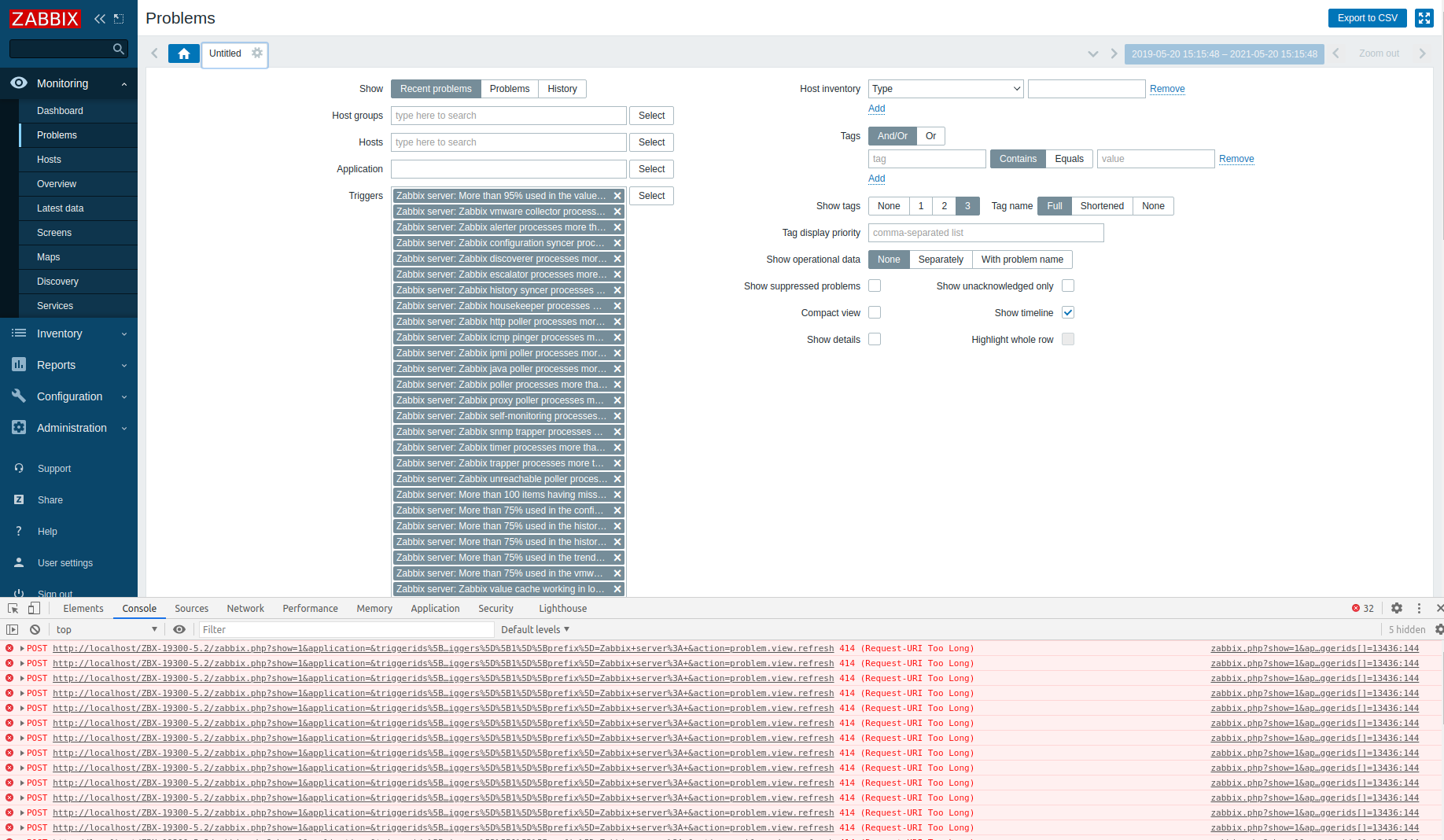
Selection_685.png
371 kB
2021 May 20 16:43
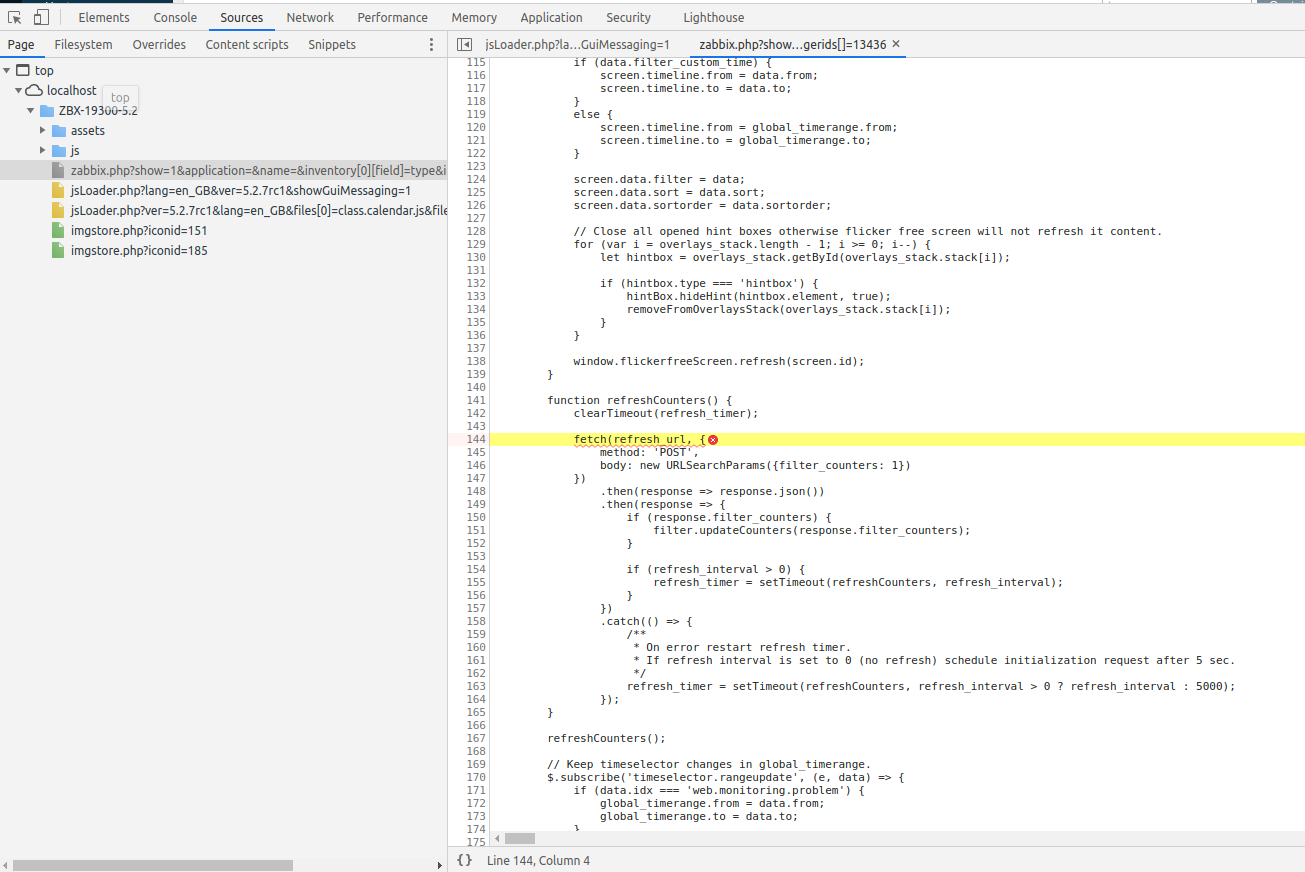
Selection_686.png
169 kB
2021 May 20 16:44
Activity
People
Assignee:
Zabbix Development Team
Reporter:
Sergejs Maklakovs
Votes
:
0
Vote for this issue
Watchers:
1
Start watching this issue
Dates
Created:
2021 May 20 16:45
Updated:
2021 May 20 16:45
 Trivial