-
Type:
Problem report
-
Resolution: Cannot Reproduce
-
Priority:
 Trivial
-
None
-
Affects Version/s: 5.4.4
-
Component/s: Agent2 plugin (G)
-
None
-
Environment:Zabbix server 5.4.4
Zabbix proxy 5.4.4
Zabbix agent 2 5.4.4 (Windows x64)
Steps to reproduce:
- Install and start agent 2 on a Windows server with line `HostMetadataItem=system.uname` in the agent configuration file.
- Create an autoregistration rule with the following:
Condition: Host metadata contains Windows
Operation: Link to templates: Windows by Zabbix agent active
Result:
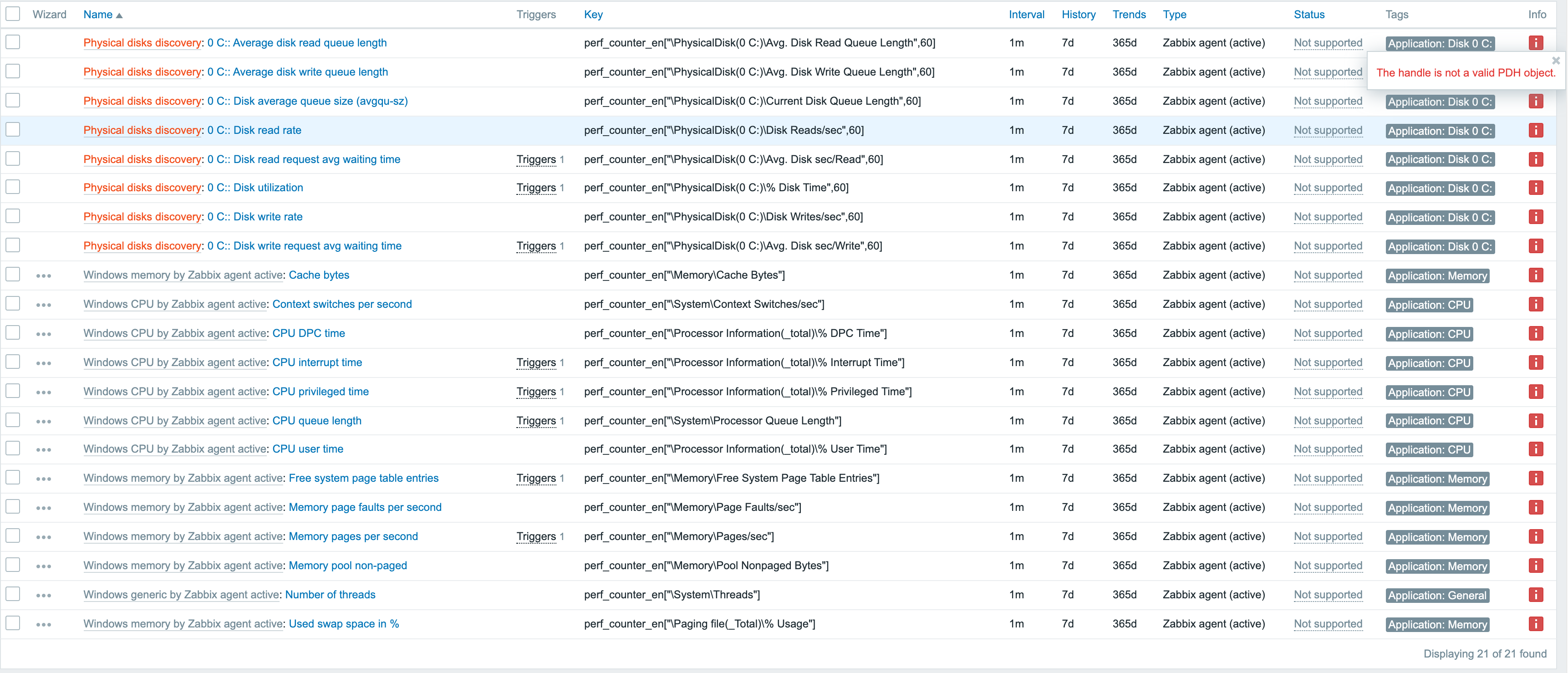
The host will register with the server but all items using performance counters will not collect data. In the agent logs the following message shows up multiple times:
2021/09/23 07:05:23.360574 plugin 'WindowsPerfMon' collector failed: The handle is not a valid PDH object.
Expected:
I was able to get the items to start collecting data by restarting the agents on the hosts. I think the expected behavior should be that the items begin collecting data without requiring a restart of the agent on the monitored machines.
- duplicates
-
-

- Closed
-