-
Type:
Incident report
-
Resolution: Done
-
Priority:
 Trivial
-
None
-
Affects Version/s: 5.4.4
-
Component/s: Agent (G)
-
None
-
Environment:Debian 10
Steps to reproduce:
- Make an item log log[_pathToLog_,,ISO-8859-1,,all,,]
- Set log format: dd/MM/yyyy hh:mm:ss
- Test it with this string into the file 01/10/2021 09:56:33 Unable to render embedded object: File (~Info~) not found. Lorem Ipsum
Result:
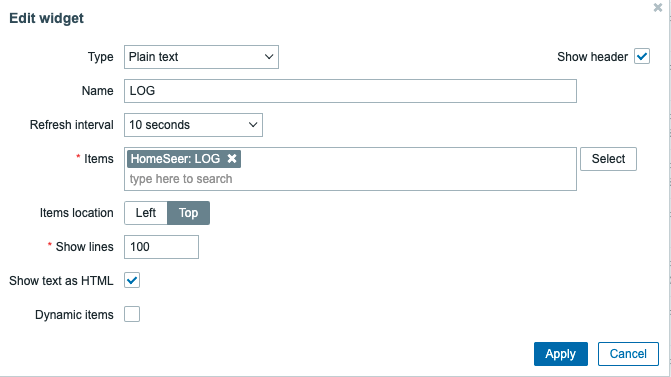
When displaying this item in a dashboard (for example) the timestamp displayed is the time when the active agent read the file and not the timestamp written in the line.
Expected:
The timestamp must be the value written in the line of the log.

- part of
-
ZBXNEXT-7052 display timestamp of logs in Plain text widget
-

- Closed
-