-
Type:
Problem report
-
Resolution: Fixed
-
Priority:
 Major
Major
-
Affects Version/s: 6.2.0rc1
-
Component/s: Frontend (F)
-
Sprint 89 (Jun 2022)
-
0.25
Steps to reproduce:
- Create template with host prototype
- Add macros to host prototype
- Create host
- Link template to the host
- On host open inherited host prototype from template
- Select Macros tab
Result:
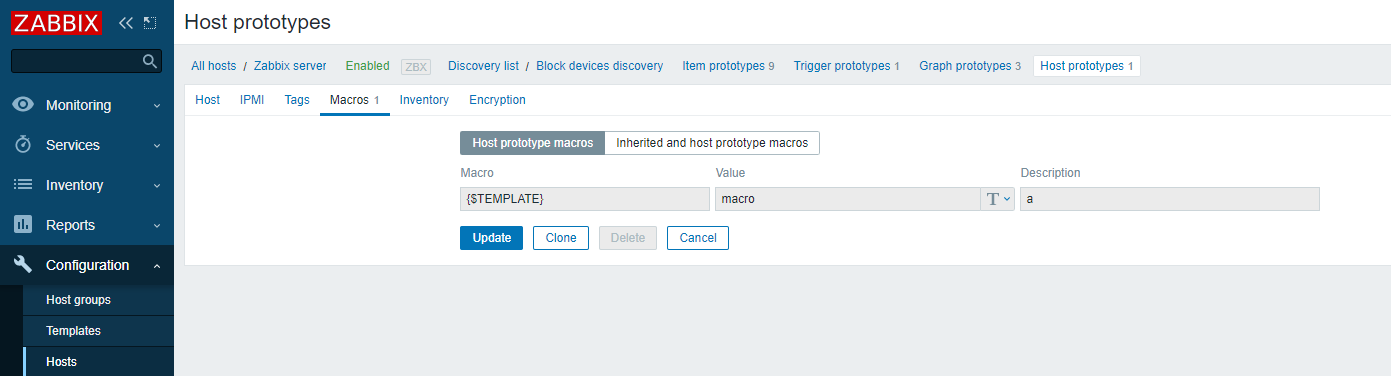
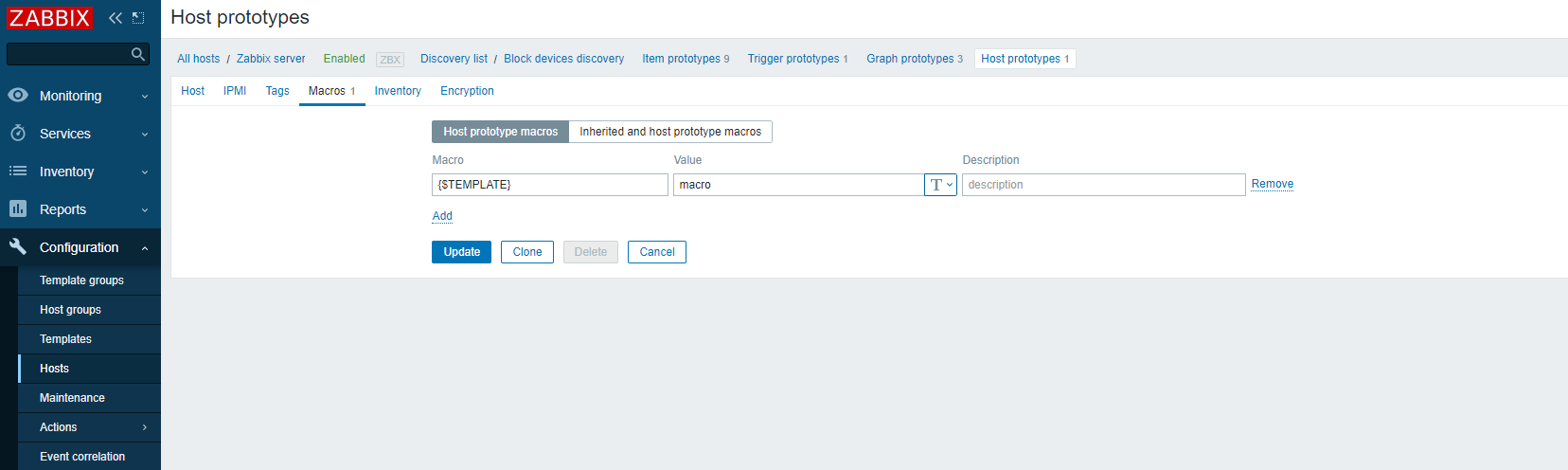
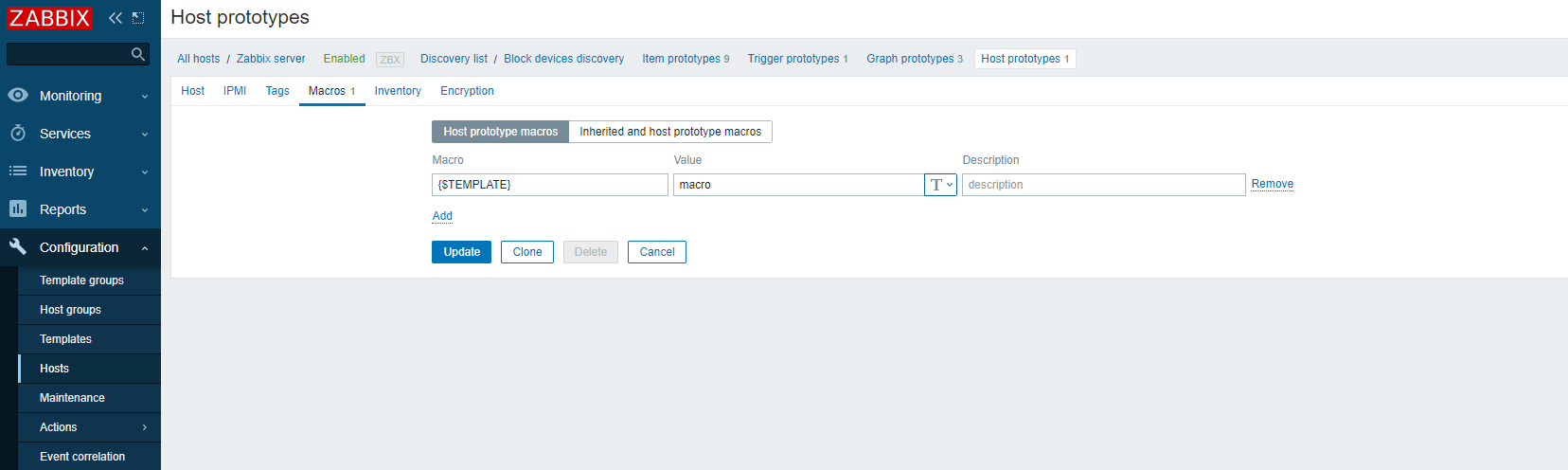
Macros looks enabled.
Add button not working and changes not saved
Expected:
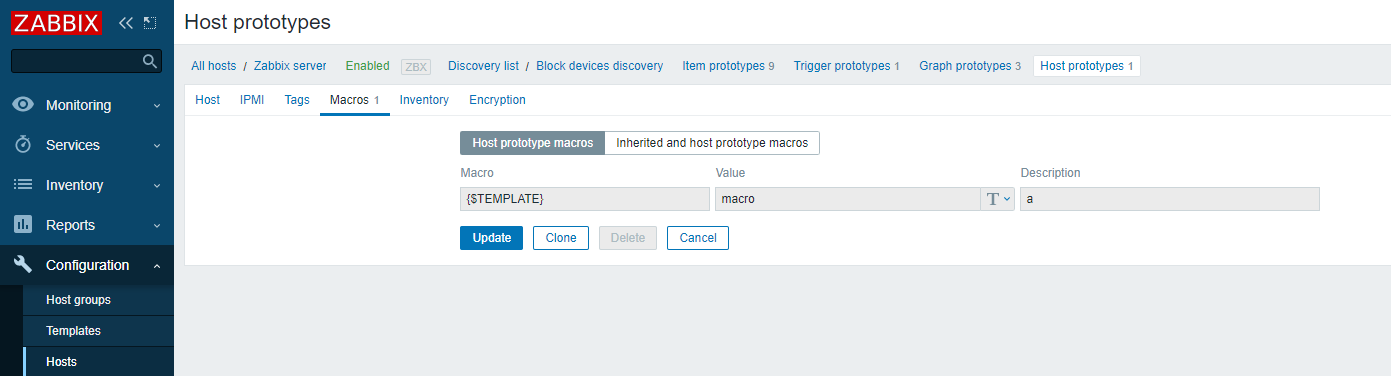
Macros should be disabled.
If there are no macros, it used to be message "No macros found."
- caused by
-
ZBXNEXT-5517 make host macro values editable on hosts that are generated from a host prototype
-

- Closed
-