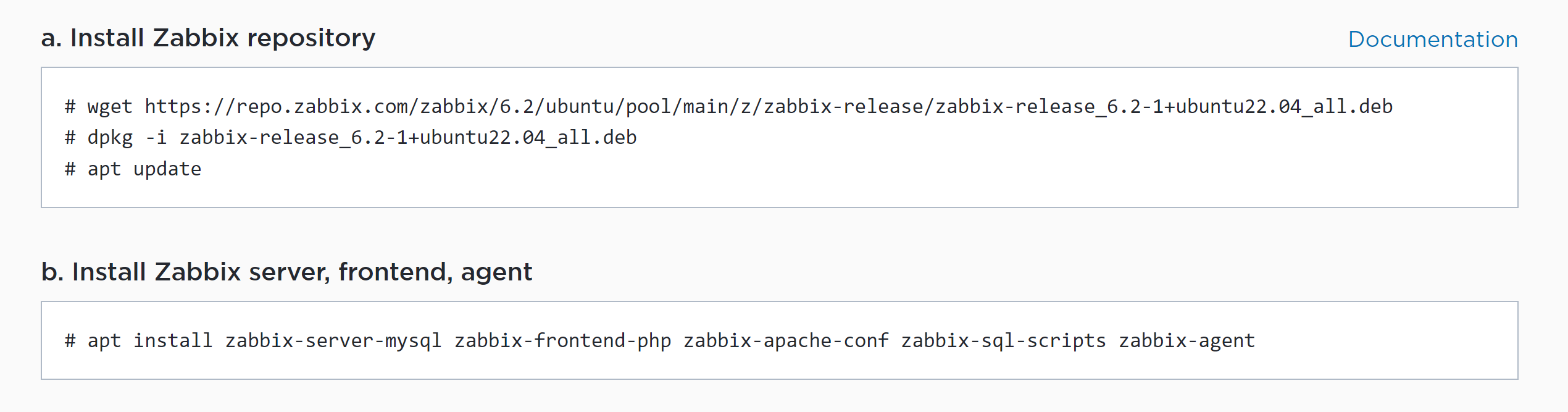
-
Type:
Incident report
-
Resolution: Unresolved
-
Priority:
 Major
Major
-
None
-
Affects Version/s: None
-
Component/s: None
-
None
-
Environment:Ubuntu 22.04 ,
Steps to reproduce:
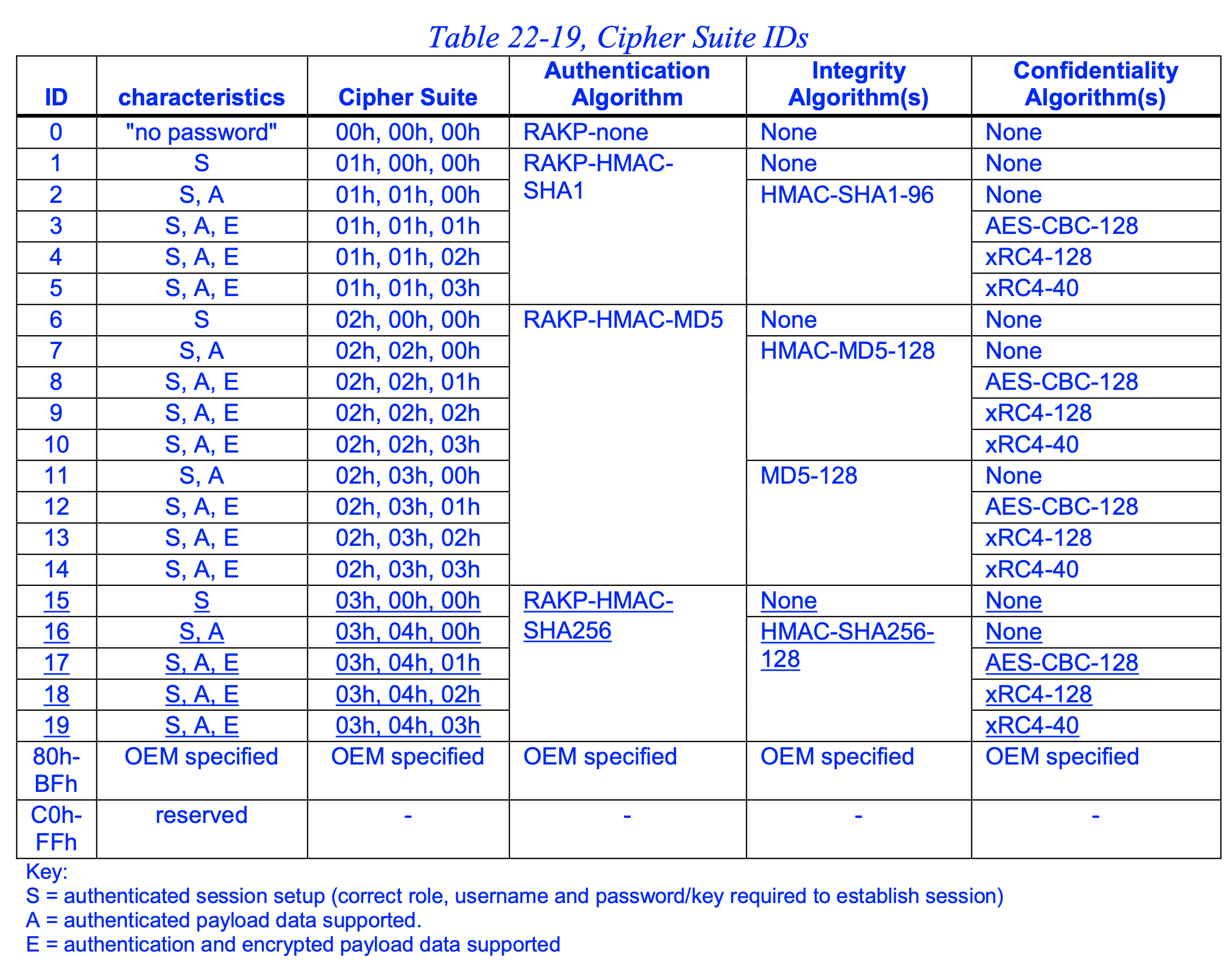
- Remote system has Default IPMI Cipher Suite 17 support only.
- If we run command with -C 17 we get output else no output
- Zabbix Host failed with error -cannot connect to IPMI host: [33554436] Unknown error 33554436
- other host with default cipher 3 support works fine on same ZAbbix
Result:
See screenshot... 
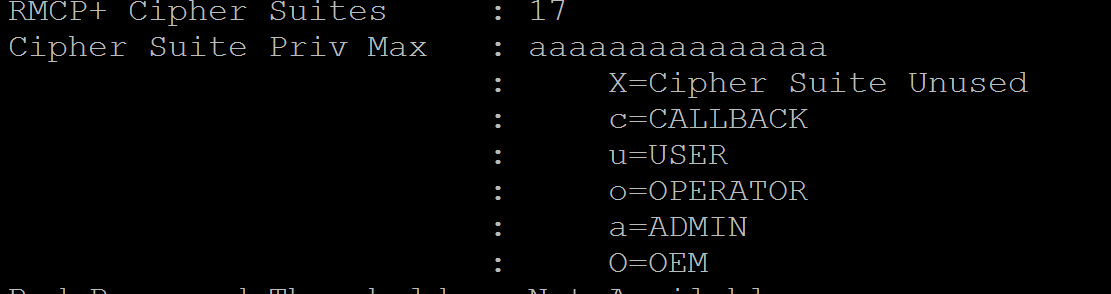
 See log file...
See memory dump...
Expected:
user should be given an option /macro to set -C 17 value or Guidance to change it
See screenshot....
See attached patch file...