-
Type:
Incident report
-
Resolution: Duplicate
-
Priority:
 Trivial
-
None
-
Affects Version/s: 6.0.8
-
Component/s: Frontend (F)
-
None
Steps to reproduce:
- Add a new token
- De select "Set expiration date and time"
- Click on Add
- You get an error
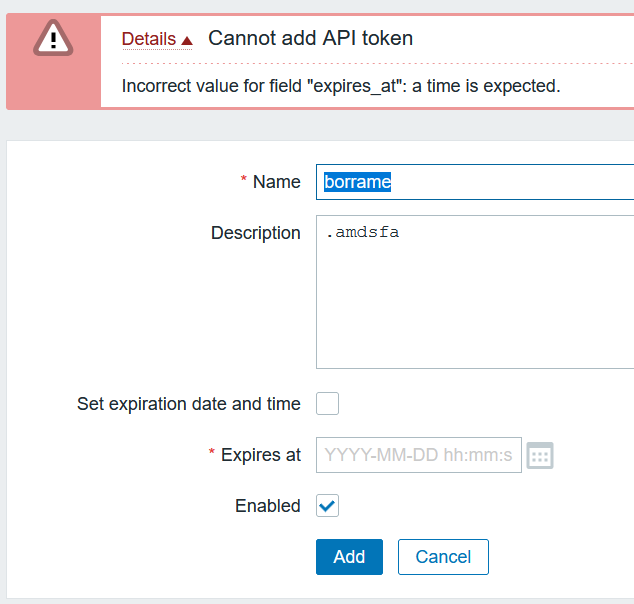
Expected:
Do not check the data as is not necessary or put very future date
- duplicates
-
ZBX-21259 API token expiration date field is always visible
-
- Closed
-