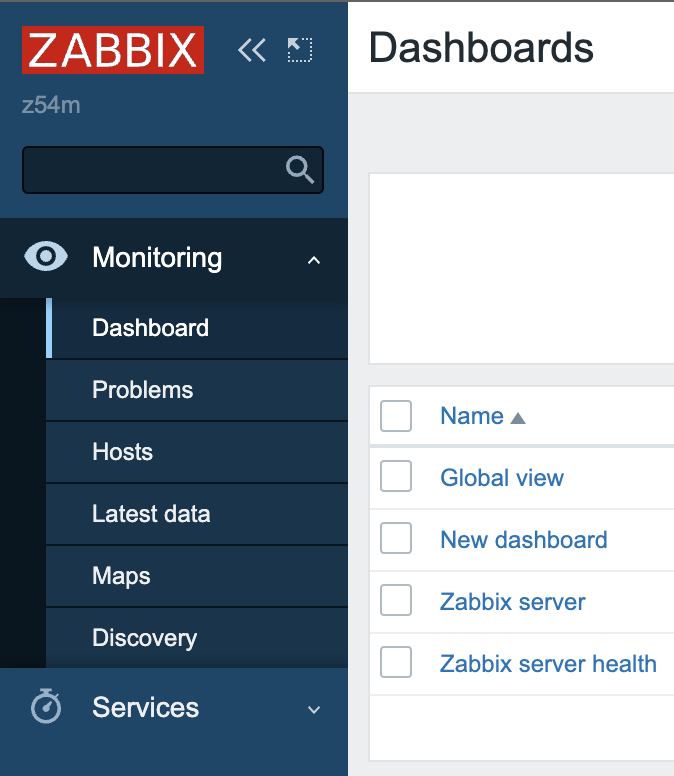
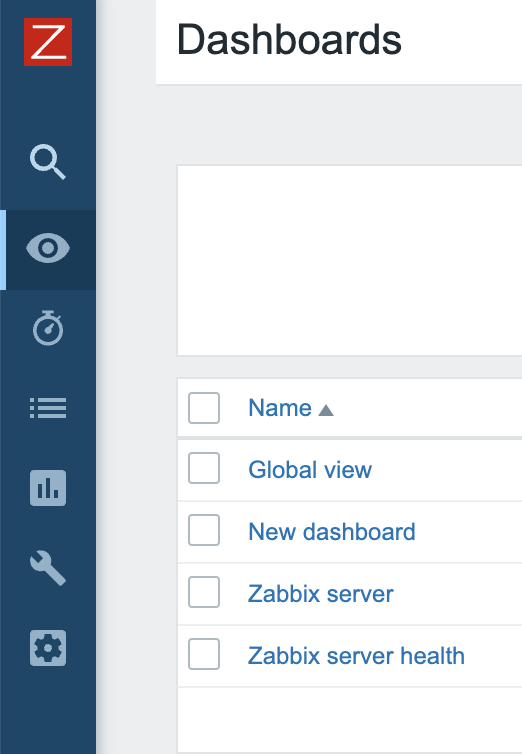
Add icon size and current approach for rebranding Zabbix ui.

XMLWordPrintable

    • Type: Documentation task
    • Resolution: Fixed
    • Priority: Trivial
    • 7.0 (plan)
    • Affects Version/s: None
    • Component/s: Documentation (D)
    • None
    • Sprint 98 (Mar 2023)
    • 0.25

      Steps to reproduce:
      if we going to use our rebranding manual https://www.zabbix.com/documentation/6.2/en/manual/web_interface/rebranding?hl=Rebrand%2Crebrand

      It's not clear what size of icon should be s we have side bar collapsed or expanded.
      Would be great to explain what icon used in what case.

      Right now we should go to sprint or CSS style for find out this.
        1. Screenshot 2023-02-27 at 16.17.51.png
          48 kB
          Andrei Gushchin
        2. long.png
          73 kB
          Andrei Gushchin

            Assignee:
            Arturs Dancis
            Reporter:
            Andrei Gushchin (Inactive)
            Team D
            Votes:
            0 Vote for this issue
            Watchers:
            3 Start watching this issue

              Created:
              Updated:
              Resolved: