-
Type:
Problem report
-
Resolution: Fixed
-
Priority:
 Trivial
-
Affects Version/s: 6.4.1rc1, 7.0.0alpha1
-
Component/s: Frontend (F)
-
Sprint 98 (Mar 2023), Sprint 99 (Apr 2023)
-
1
Steps to reproduce:
1) Navigate to Data collection->Template.
2) Check-in one template from the list.
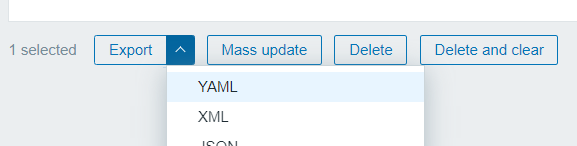
3) Press "Export" button.
4) After downloading the file, press Delete or Delete and clear the button.
Result:
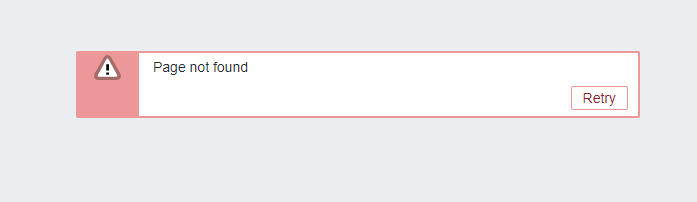
Error message, template not deleted.
Expected:
No errors, template deleted.
- caused by
-
ZBXNEXT-8074 Secure CSRF tokens
-
- Closed
-

