-
Type:
Problem report
-
Resolution: Unresolved
-
Priority:
 Major
Major
-
None
-
Affects Version/s: 6.0.14, 6.4.0, 7.0.0alpha1
-
Component/s: Frontend (F)
-
None
-
Environment:Ubuntu 22.04.2 ARM on Graviton 3 from official ARM packages/Zabbix LTS 6.0.14
Steps to reproduce:
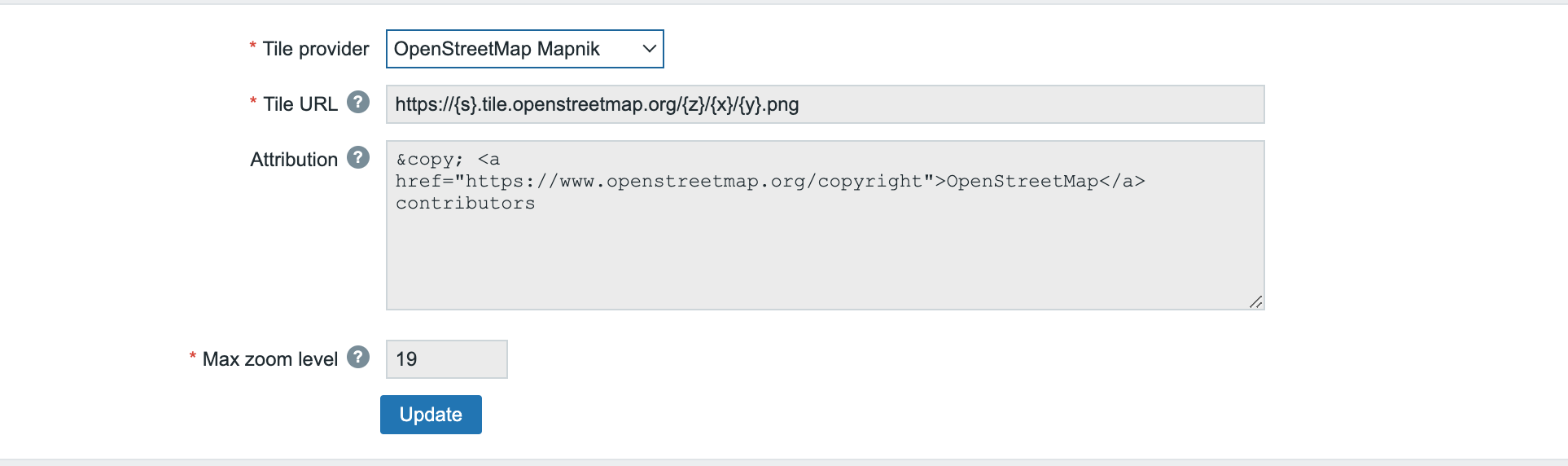
- Go to fresh install Administration - Geographical maps.
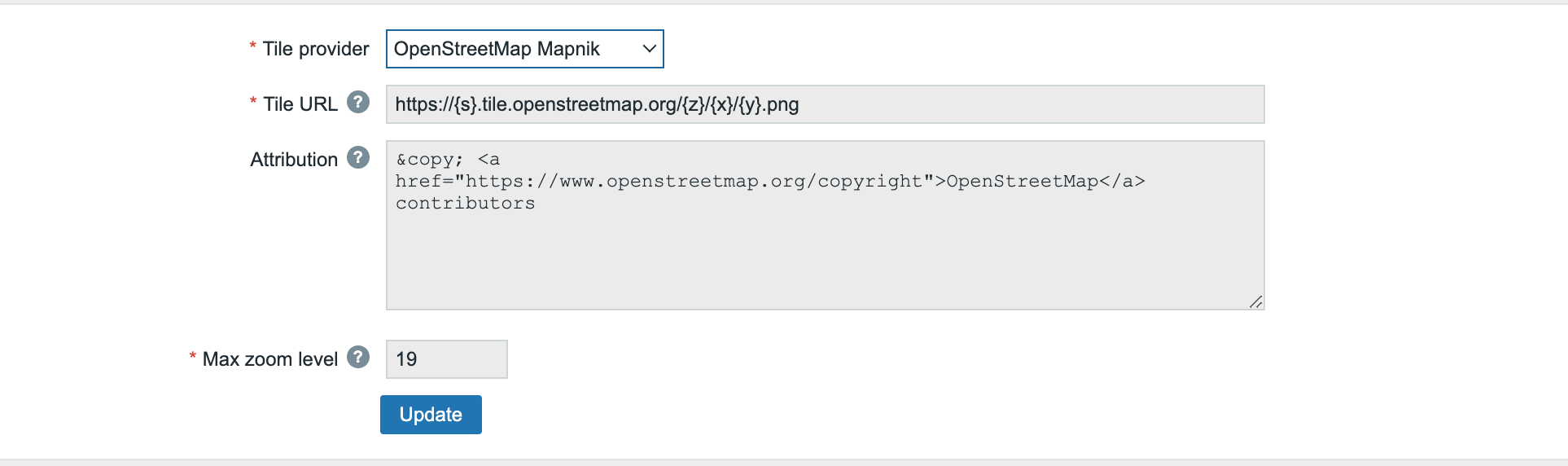
- Try to chnage Zoom level or or Tile URL or Attribution for pre-configured options
Result:
Expected:
Pre-configured options doesn't allow to modify something in case of a service chnage or if you need to chnage Zoom Level for example.
Custom option - it's only one, so you cannot add 2+ custom options even for pre-configured.