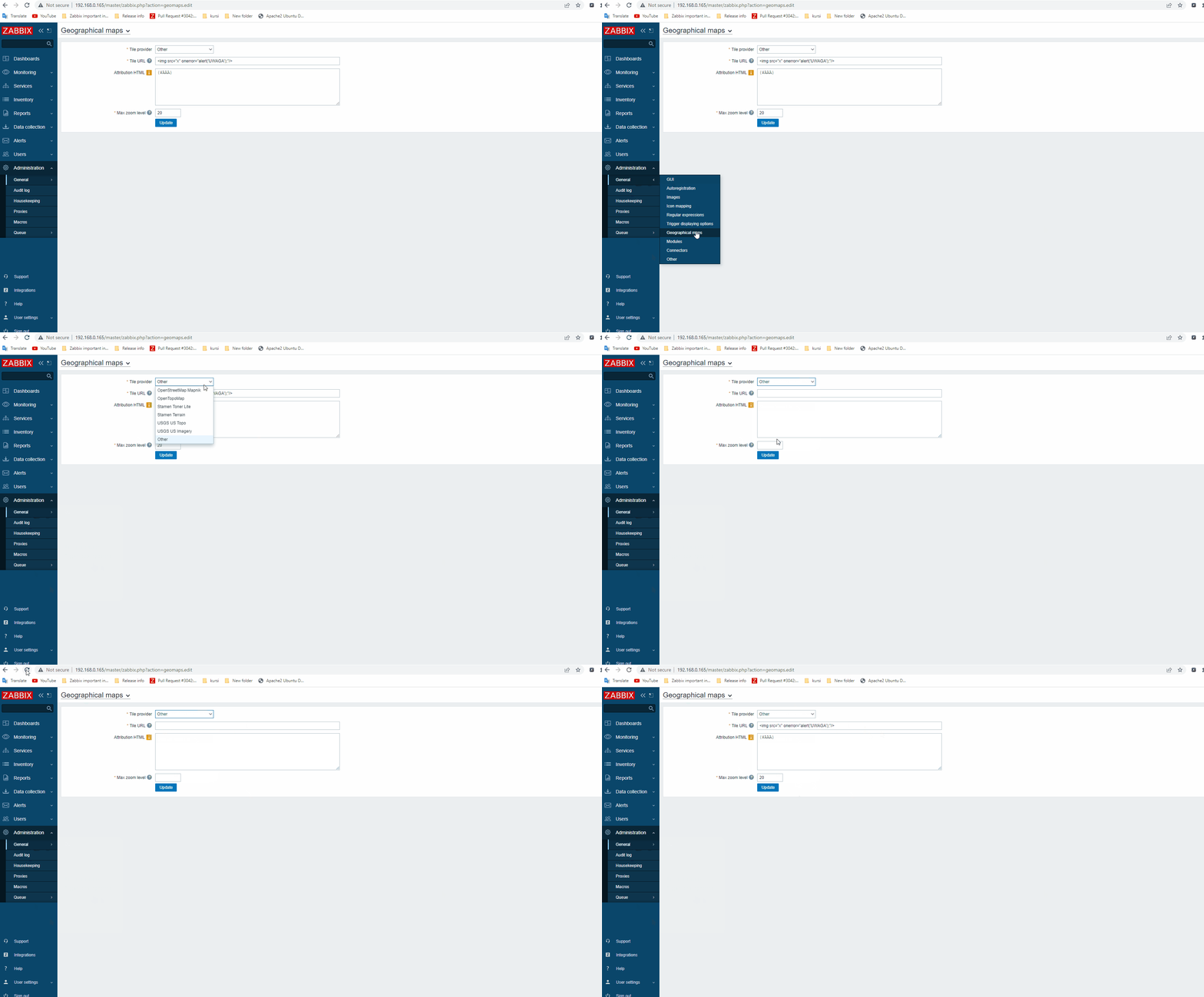
-
Type:
Problem report
-
Resolution: Won't fix
-
Priority:
 Trivial
-
None
-
Affects Version/s: 6.0.17rc1, 6.4.2rc1, 7.0.0alpha1
-
Component/s: Frontend (F)
Steps to reproduce:
1) Navigate to Administration->General->Geographical maps.
2) Set Tile provider - Other.
Tile URL - anything
Attribution HTM l - anything.
Max zoom level - 10.
3) Press Update button.
4) Change Tile provider to OpenStreetMap (or another one, no matter what). And then again to Other.
Result:
All fields are empty.
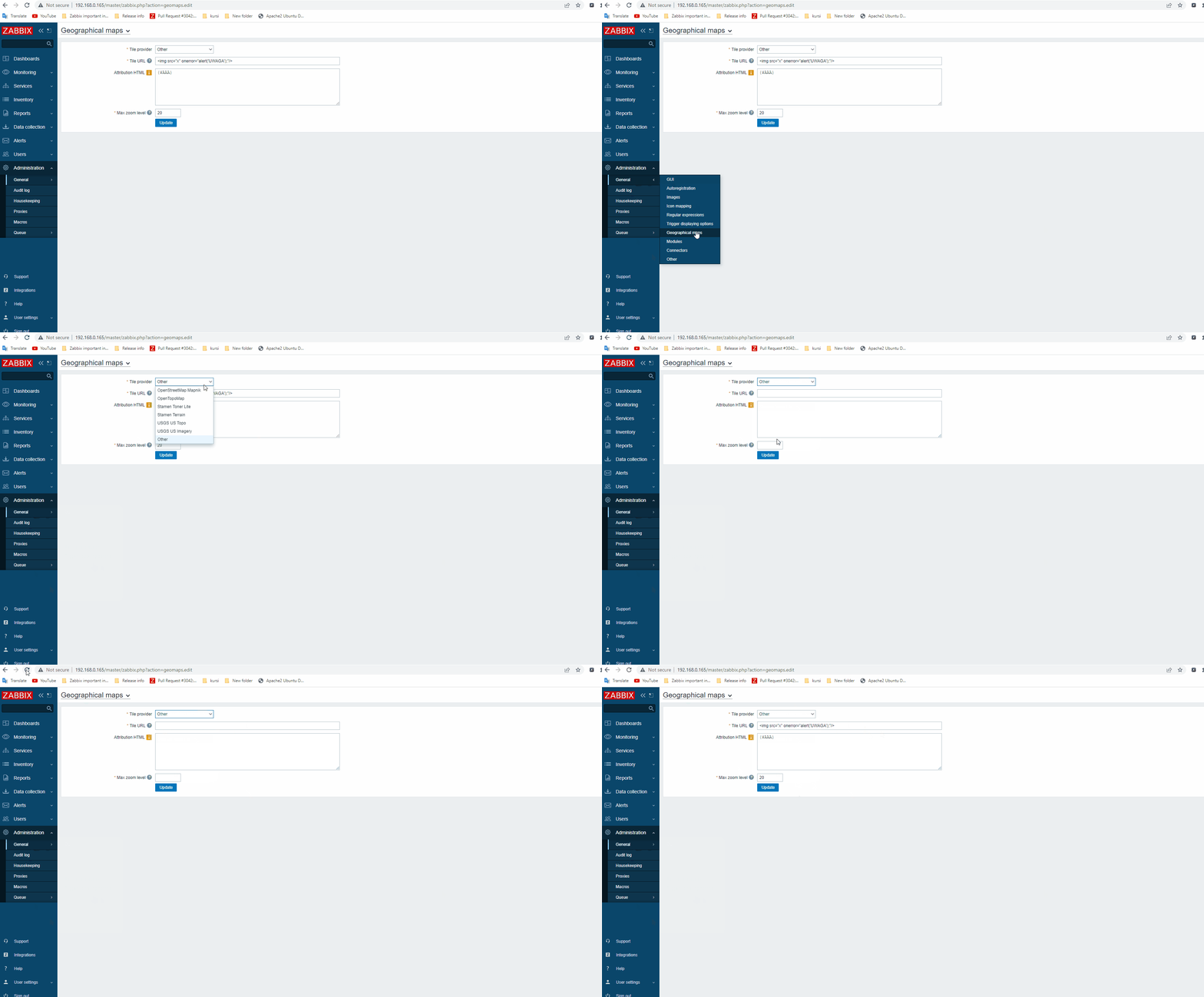
Expected:
All fields are saved and correctly filled.