-
Type:
Problem report
-
Resolution: Duplicate
-
Priority:
 Trivial
-
None
-
Affects Version/s: 6.0.19rc1, 6.4.4rc1, 7.0.0alpha2
-
Component/s: Frontend (F)
Steps to reproduce:
- Select item and open mass update form
- Select tab "Preprocessing" and add preprocessing step
- Check "Validation" preprocessing steps in select list
Result:
select options not fully visible, you can't at once understand which one you need
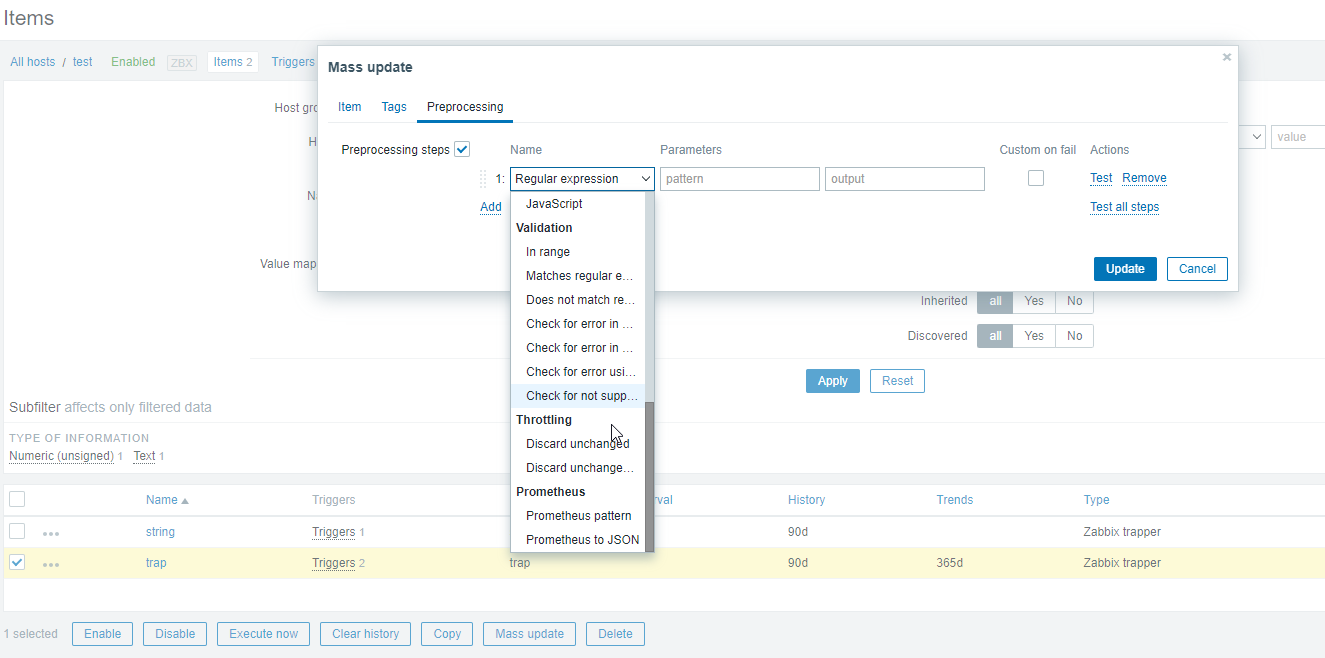
Expected:
select options visible
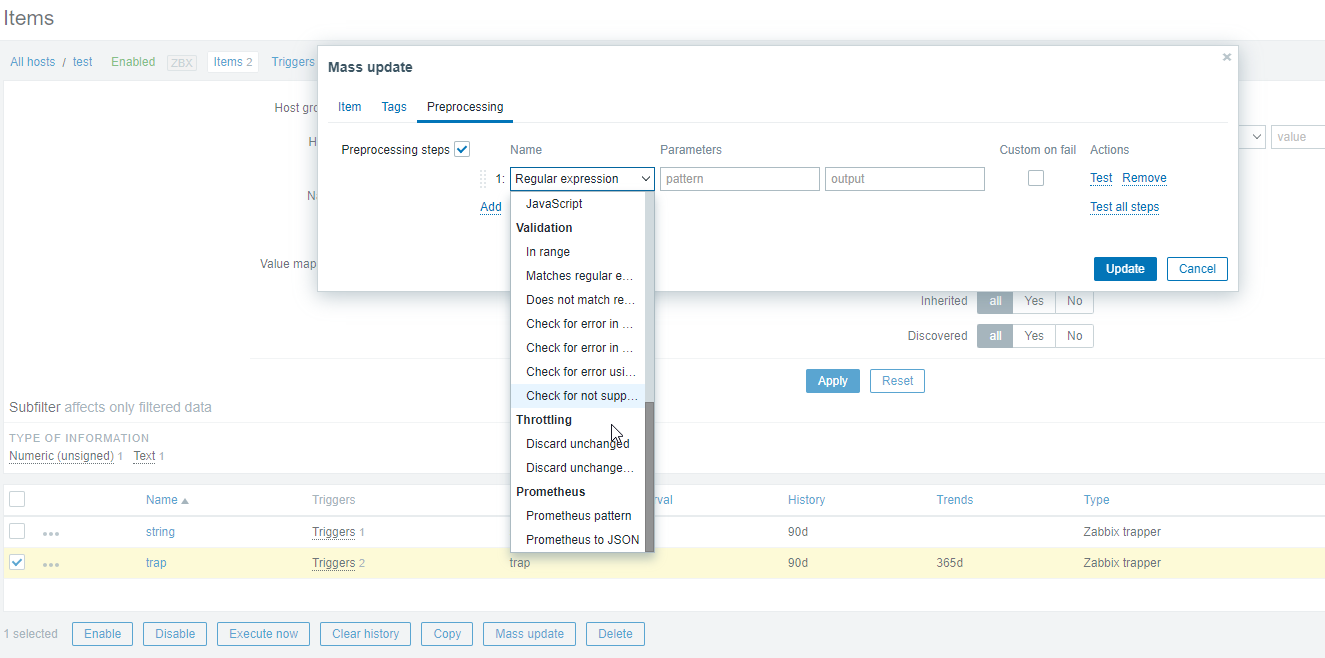
- is duplicated by
-
-
- Closed
-