-
Type:
Problem report
-
Resolution: Fixed
-
Priority:
 Critical
-
Affects Version/s: 7.0.0beta2
-
Component/s: Frontend (F)
-
S24-W18/19, S24-W20/21
-
0.125
Steps to reproduce:
1) Create template with Dashboard.
2) In created template dashboard add Clock widget.
3) Link created Dashboard to any Host.
4) Navigate to Monitoring->Hosts and press on dashboard.
Result:
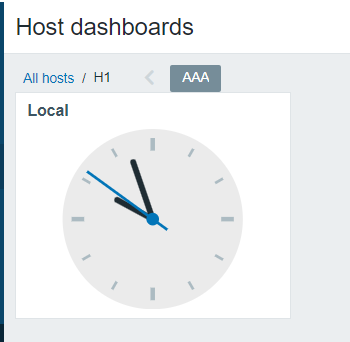
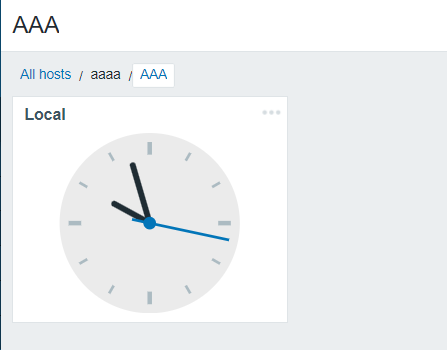
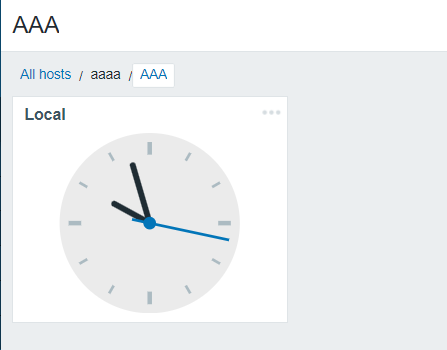
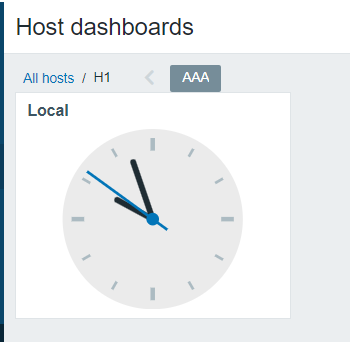
As we can see, there is no gap between dashboard name and clock widget.
Expected: