-
Type:
Problem report
-
Resolution: Duplicate
-
Priority:
 Trivial
-
None
-
Affects Version/s: 7.2.0alpha1
-
Component/s: Frontend (F)
-
Sprint candidates
-
1
Steps to reproduce:
- Open Proxy creation form overlay
- Fill Name field
- Press F5
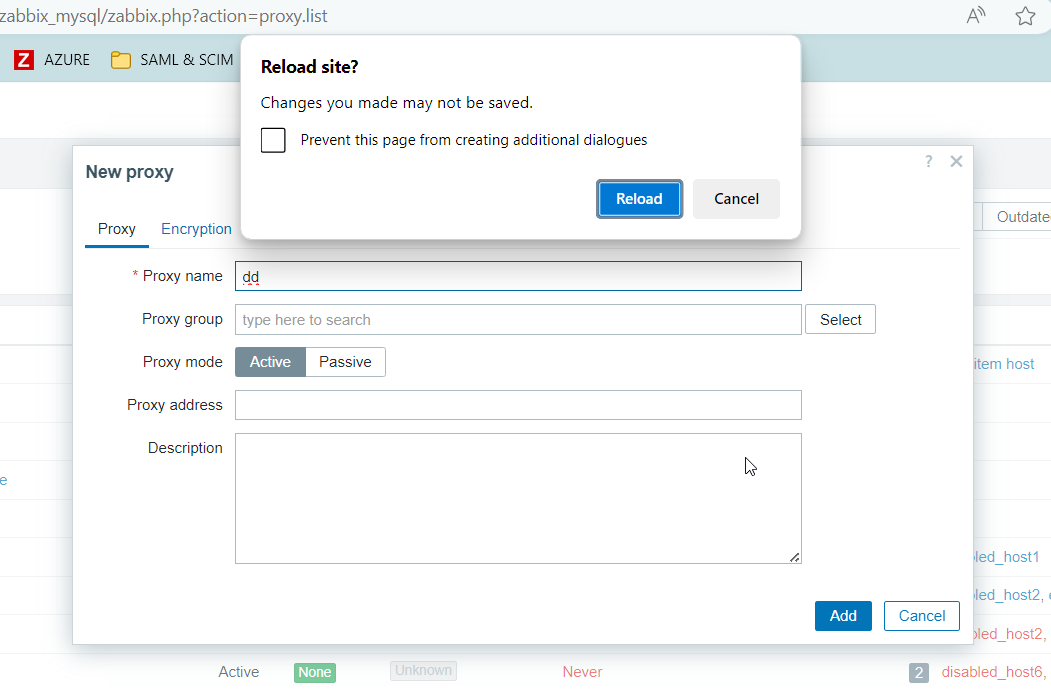
Result: Browser alert about loosing filled data appears - EXPECTED
- Open Proxy creation form overlay
- Fill Name field
- Open Proxy group popup (Click Select button)
- Close popup without even selecting anything
- Press F5
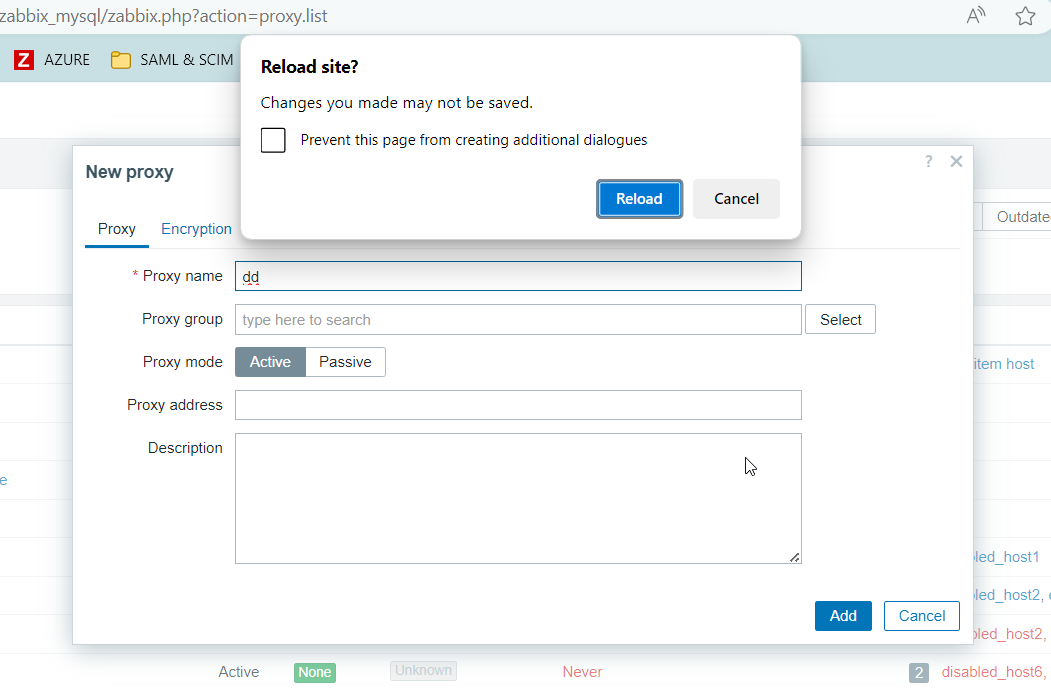
Result: No any alert appears and page is just reloaded - NOT EXPECTED
- duplicates
-
-
- Closed
-

