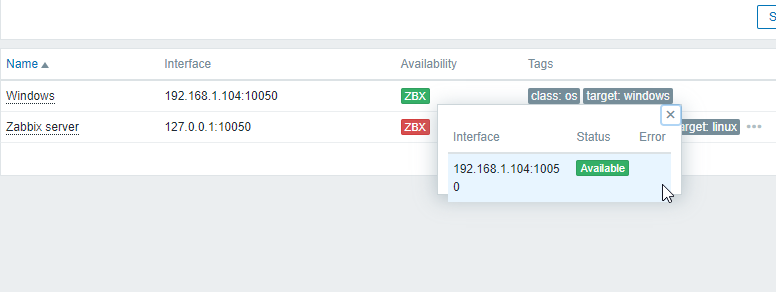
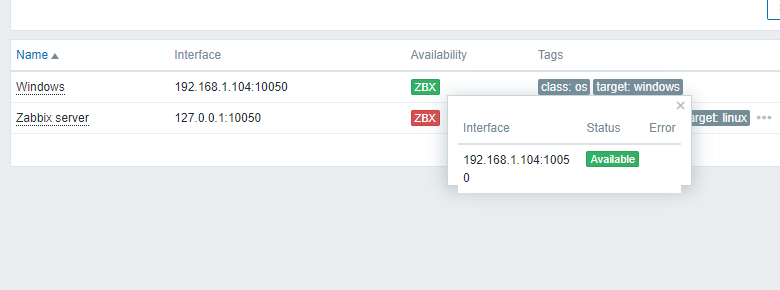
-
Type:
Problem report
-
Resolution: Fixed
-
Priority:
 Trivial
-
Affects Version/s: 7.0.1, 7.2.0alpha1
-
Component/s: Frontend (F)
Steps to reproduce:
- Configure host and establish successful connection with agent to get green ZBX button.
- Go to Monitoring => Hosts or Configuration => Hosts
- Click on green ZBX button.
Result:
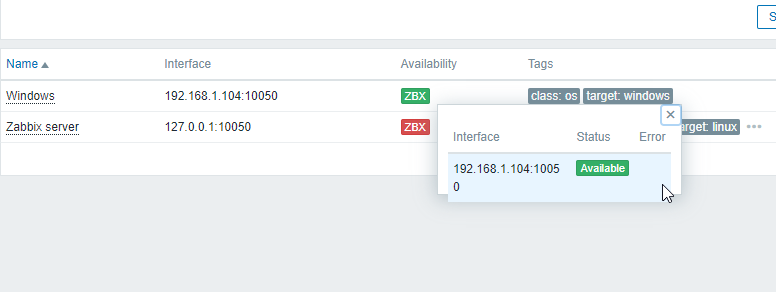
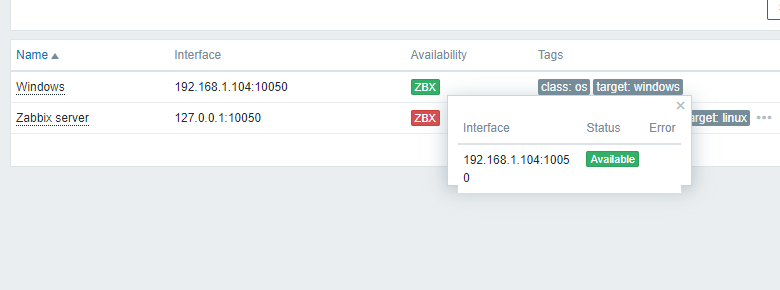
! Note that this might not be reproduced on small laptop display, but on big external monitor.
Tested in Chrome and Edge