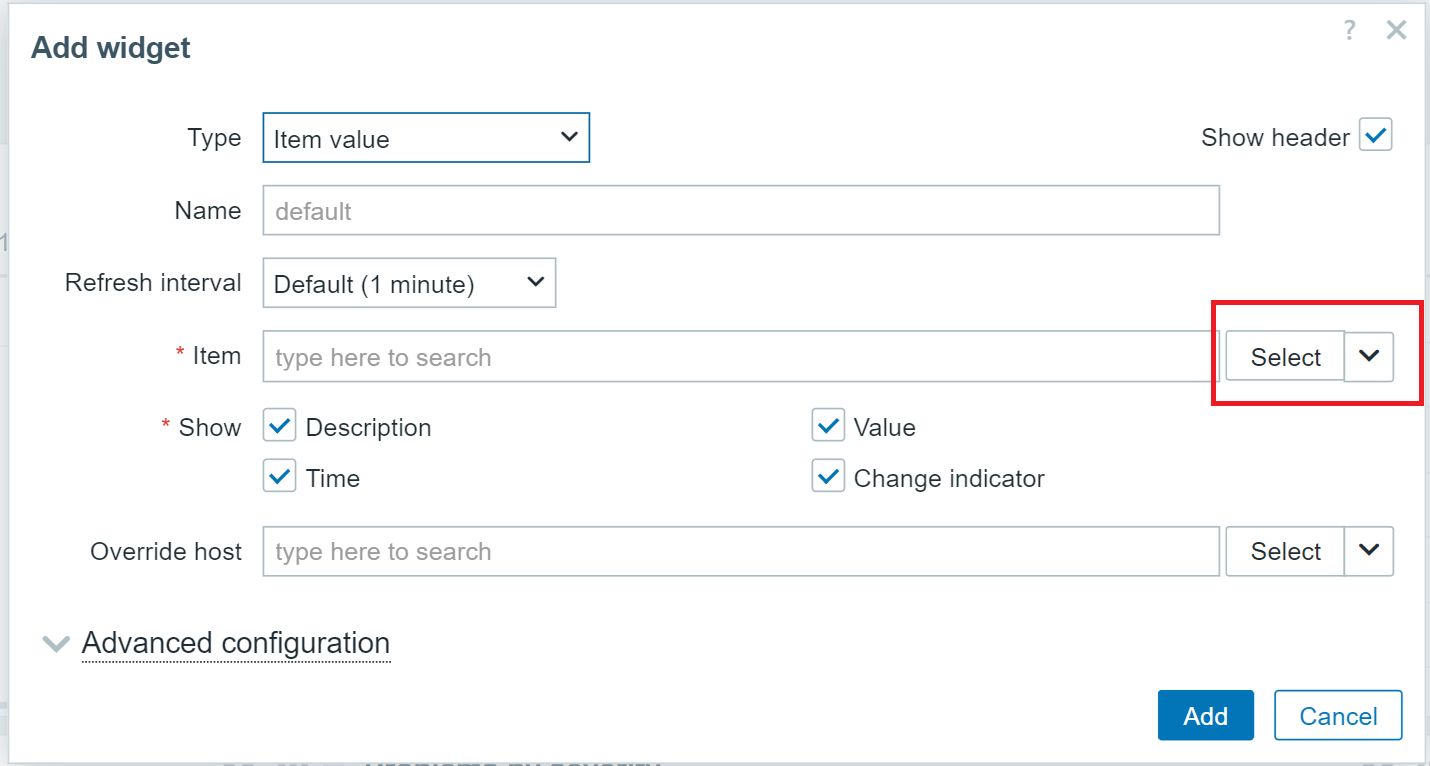
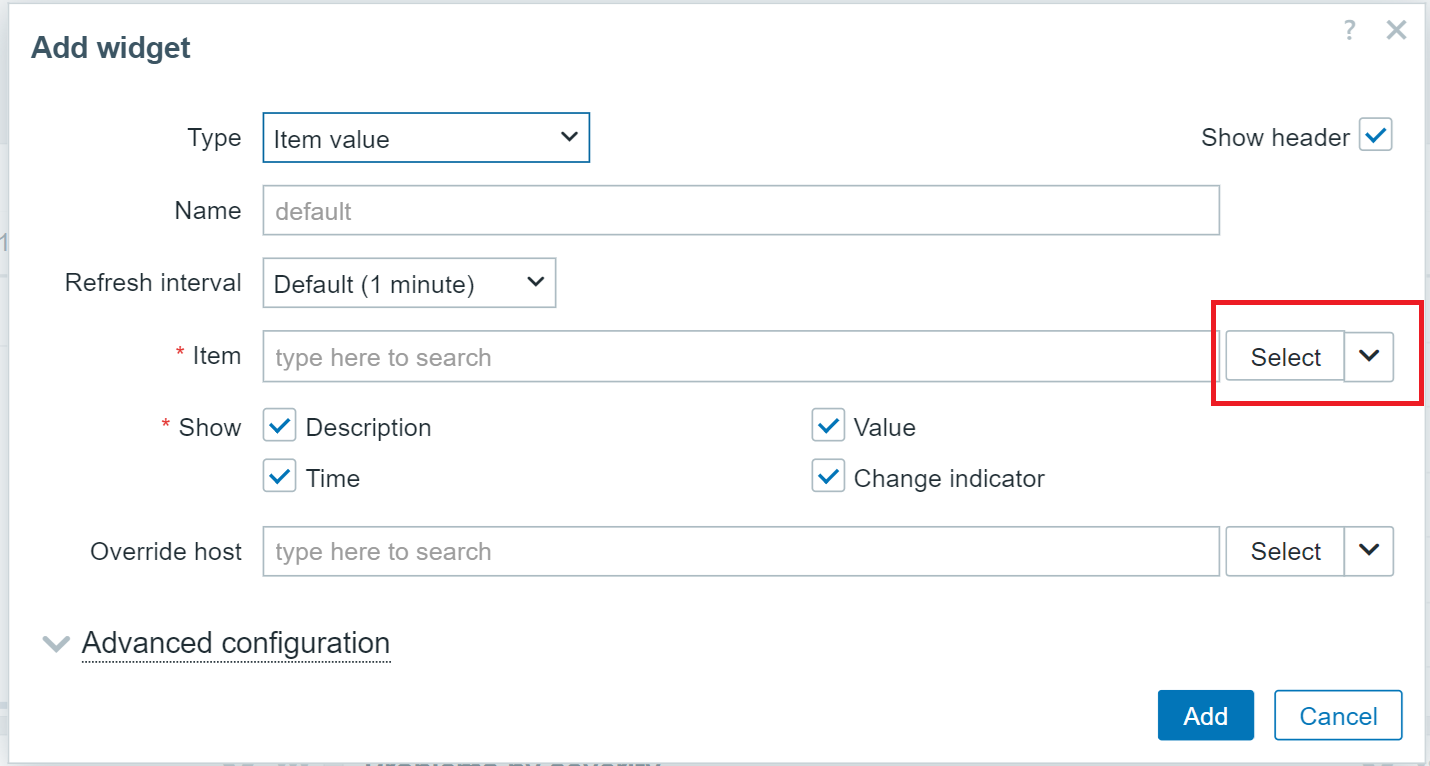
Edit widget form - broken pixel for Item selection

XMLWordPrintable

    • S24-W48/49, S25-W2/3, S25-W4/5
    • 0.5

      Steps to reproduce:

      1. Setup your screen to 1920x1080 display resolution and 125% scale
      2. Go to Dashboard
      3. Click on Edit dashboard button
      4. Click on Add buttonĀ 
      5. For the Type field select Item value
      6. Observe buttons and selectors for Item field

      Result:
      Expected:
      All elements must be on the same line.
            Assignee:
            Dmitrijs Fofanovs
            Reporter:
            Deniss Ponomarenko
            Team A
            Votes:
            0 Vote for this issue
            Watchers:
            4 Start watching this issue

              Created:
              Updated:
              Resolved:

                Estimated:
                Original Estimate - Not Specified
                Not Specified
                Remaining:
                Remaining Estimate - Not Specified
                Not Specified
                Logged:
                Time Spent - 4h
                4h
