-
Type:
Problem report
-
Resolution: Fixed
-
Priority:
 Trivial
-
Affects Version/s: 7.0.6rc1, 7.2.0beta1
-
Component/s: Frontend (F)
-
Prev.Sprint, S25-W34/35, S25-W36/37, S25-W42/43, S25-W46/47, S25-W50/51/52/01, S26-W10/11, S26-W12/13, S26-W18/19
-
1
Steps to reproduce:
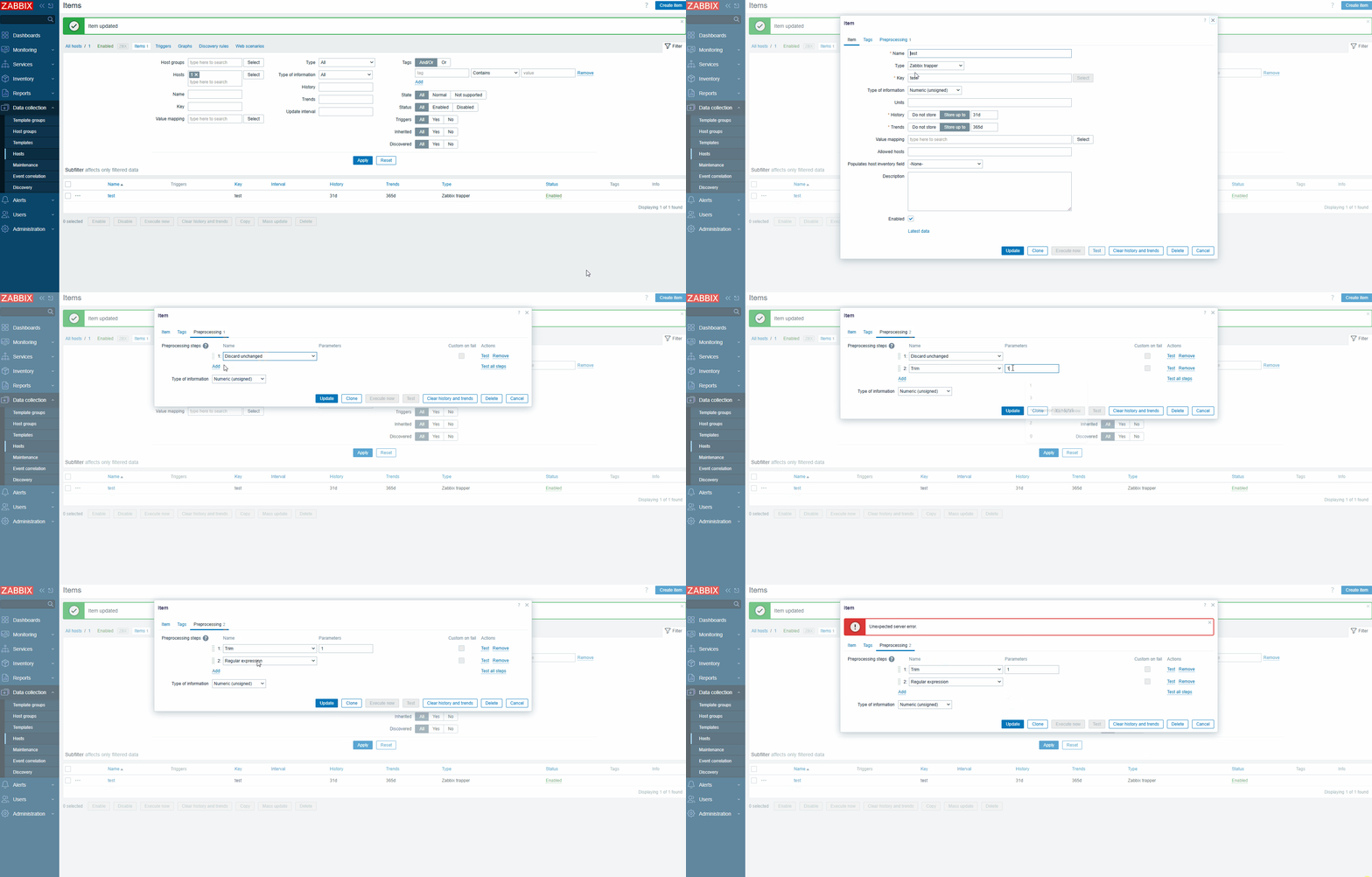
- Create and save item with one preprocessing step, for example with type "Discard unchanged"
- Edit item
- Open preprocessing tab
- Open the existing preprocessing dropdown and close (this is an important step!)
- Add new prepossessing step, for example with type "Trim"
- Change the order of the steps. Move the second step to the first
Result:
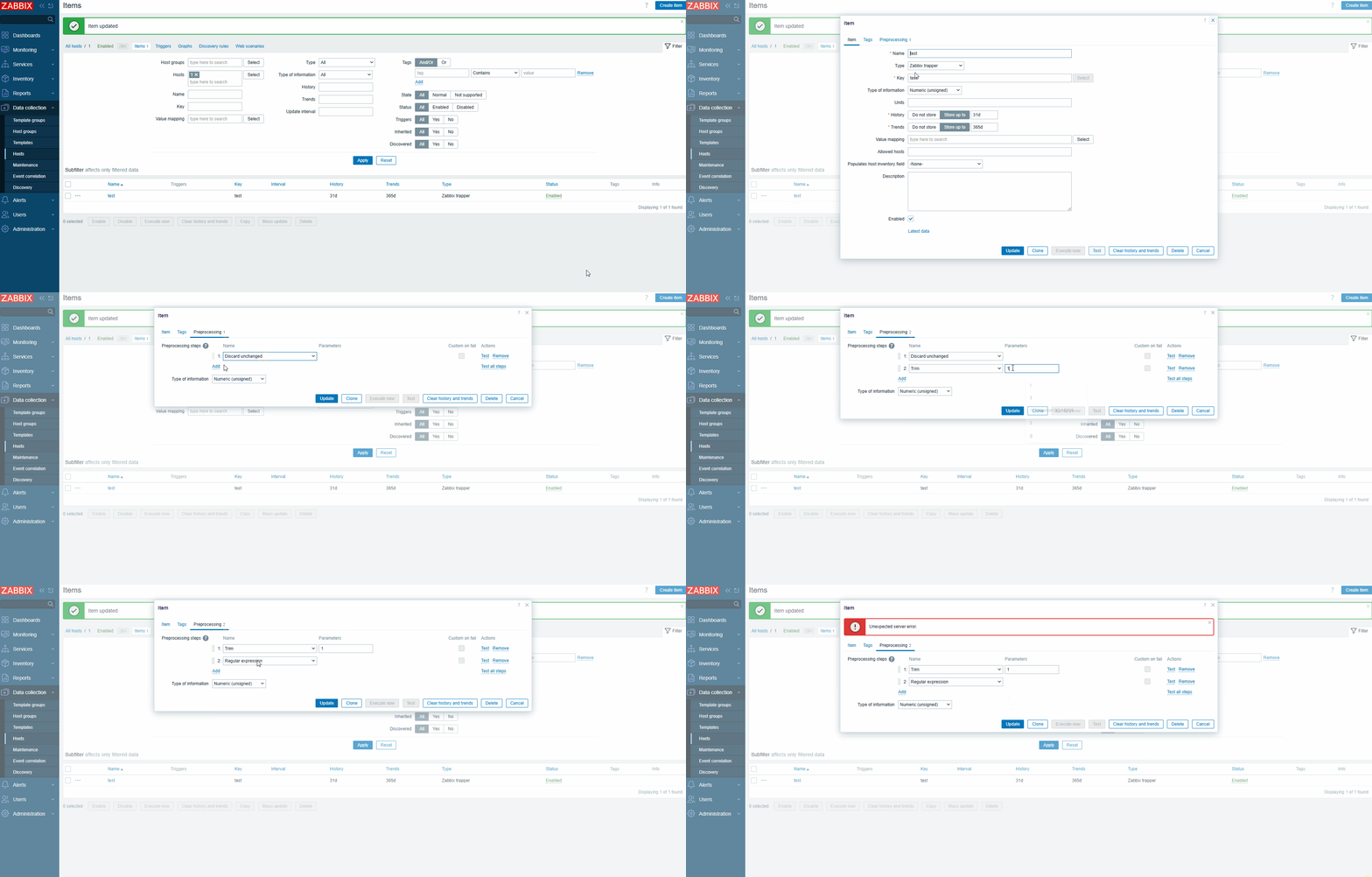
Prepossessing type of existent step was changed. There may be different errors when trying to save item, depending on prepossessing types selected
Expected:
Prepossessing type not changed


- caused by
-
ZBXNEXT-7726 new preprocessing step: turn not supported error message to a collected value
-
- Closed
-


