-
Type:
Documentation task
-
Resolution: Fixed
-
Priority:
 Trivial
-
Affects Version/s: 7.2.3
-
Component/s: Documentation (D)
-
None
-
Environment:RedHat 9.5 latest patches
5.14.0-503.22.1.el9_5.x86_64 #1 SMP PREEMPT_DYNAMIC Wed Jan 15 08:02:15 EST 2025 x86_64 x86_64 x86_64 GNU/Linux
zabbix-release-7.2-1.el9.noarch
zabbix-web-7.2.3-release1.el9.noarch
zabbix-web-deps-7.2.3-release1.el9.noarch
zabbix-web-mysql-7.2.3-release1.el9.noarch
zabbix-apache-conf-7.2.3-release1.el9.noarch
zabbix-agent2-7.2.3-release1.el9.x86_64
zabbix-server-mysql-7.2.3-release1.el9.x86_64
zabbix-sql-scripts-7.2.3-release1.el9.noarch
zabbix-selinux-policy-7.2.3-release1.el9.x86_64
php-common-8.0.30-1.el9_2.x86_64
php-bcmath-8.0.30-1.el9_2.x86_64
php-ldap-8.0.30-1.el9_2.x86_64
php-mbstring-8.0.30-1.el9_2.x86_64
php-pdo-8.0.30-1.el9_2.x86_64
php-mysqlnd-8.0.30-1.el9_2.x86_64
php-xml-8.0.30-1.el9_2.x86_64
php-fpm-8.0.30-1.el9_2.x86_64
php-gd-8.0.30-1.el9_2.x86_64RedHat 9.5 latest patches 5.14.0-503.22.1.el9_5.x86_64 #1 SMP PREEMPT_DYNAMIC Wed Jan 15 08:02:15 EST 2025 x86_64 x86_64 x86_64 GNU/Linux zabbix-release-7.2-1.el9.noarch zabbix-web-7.2.3-release1.el9.noarch zabbix-web-deps-7.2.3-release1.el9.noarch zabbix-web-mysql-7.2.3-release1.el9.noarch zabbix-apache-conf-7.2.3-release1.el9.noarch zabbix-agent2-7.2.3-release1.el9.x86_64 zabbix-server-mysql-7.2.3-release1.el9.x86_64 zabbix-sql-scripts-7.2.3-release1.el9.noarch zabbix-selinux-policy-7.2.3-release1.el9.x86_64 php-common-8.0.30-1.el9_2.x86_64 php-bcmath-8.0.30-1.el9_2.x86_64 php-ldap-8.0.30-1.el9_2.x86_64 php-mbstring-8.0.30-1.el9_2.x86_64 php-pdo-8.0.30-1.el9_2.x86_64 php-mysqlnd-8.0.30-1.el9_2.x86_64 php-xml-8.0.30-1.el9_2.x86_64 php-fpm-8.0.30-1.el9_2.x86_64 php-gd-8.0.30-1.el9_2.x86_64
-
Sprint candidates
-
1
Steps to reproduce:
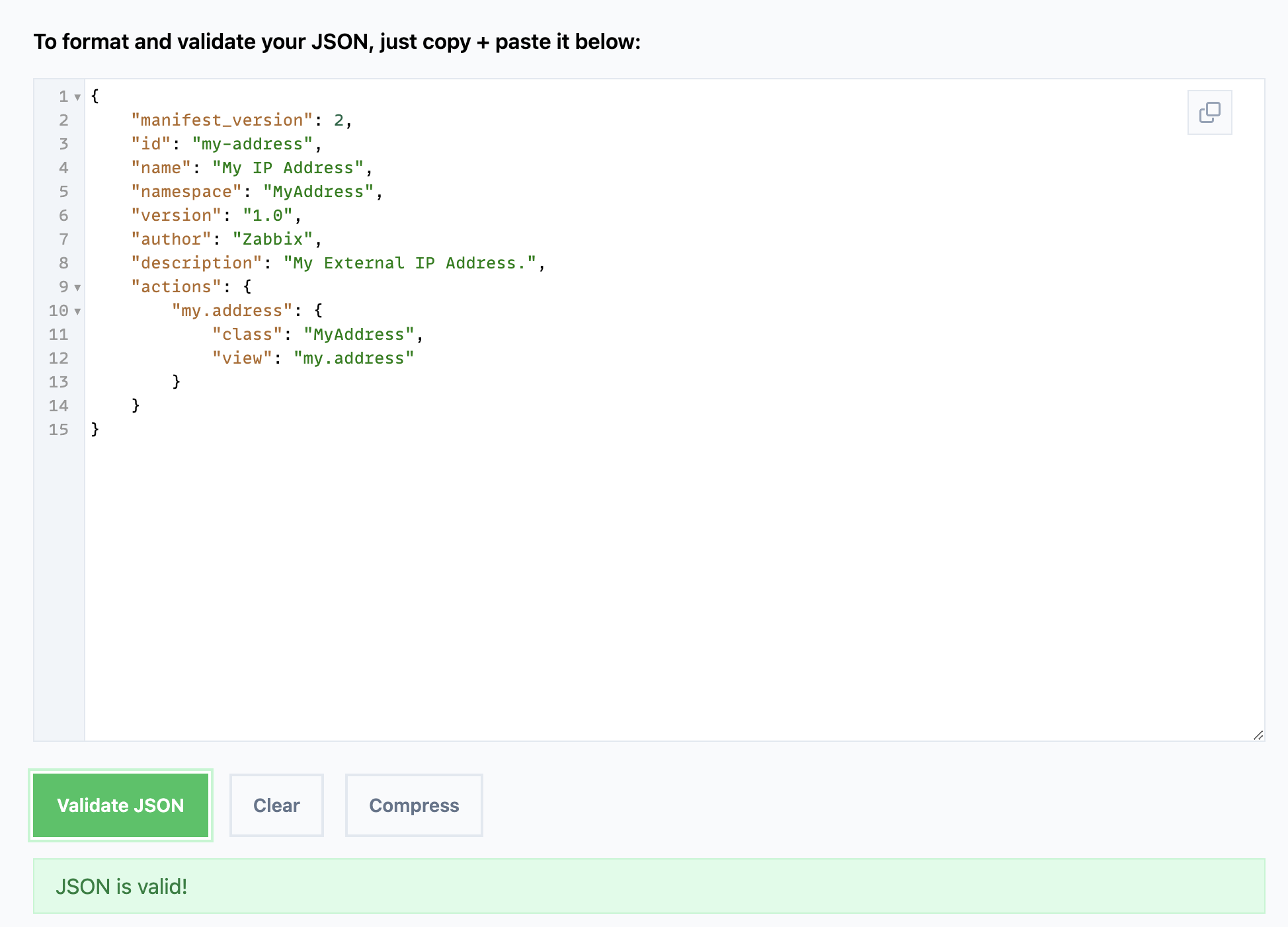
- Open the manual at this link https://www.zabbix.com/documentation/current/en/devel/modules/tutorials/module
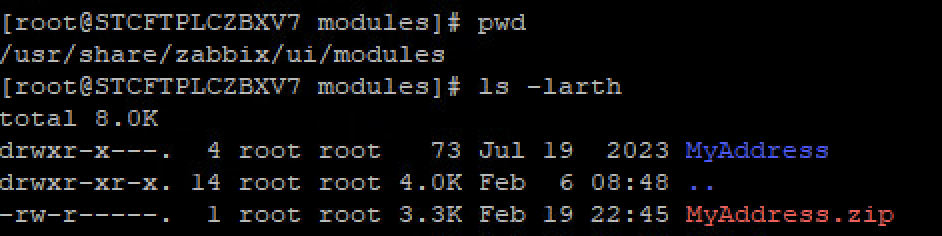
- Download the https://www.zabbix.com/documentation/current/assets/en/devel/modules/examples/MyAddress.zip
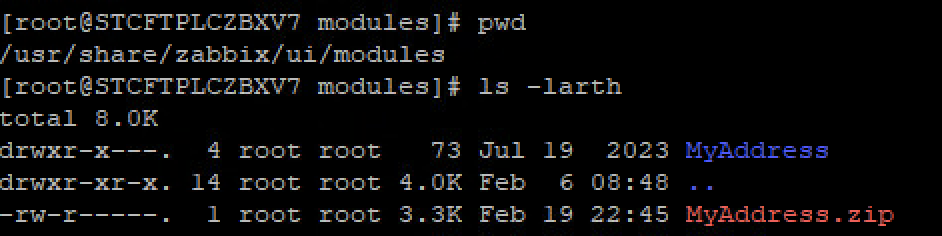
- Upload it inside the Frontend machine
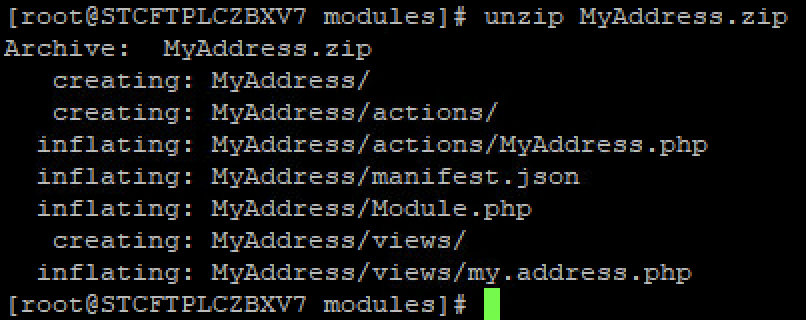
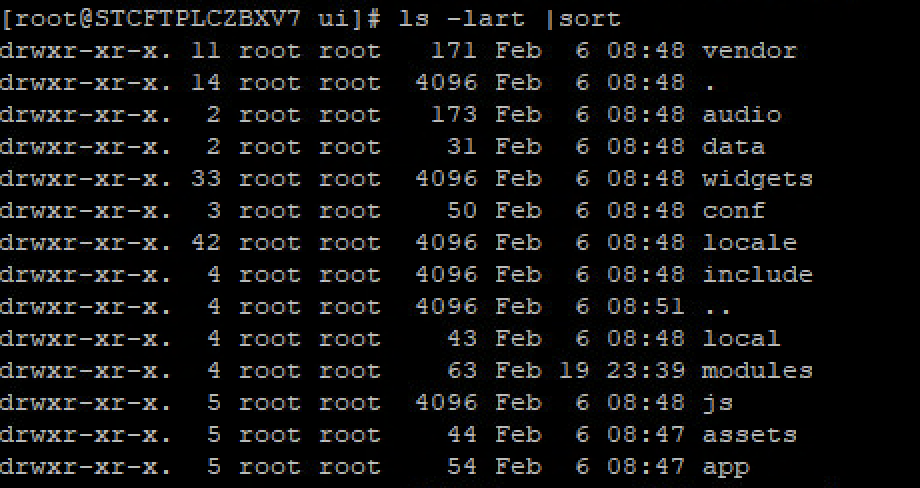
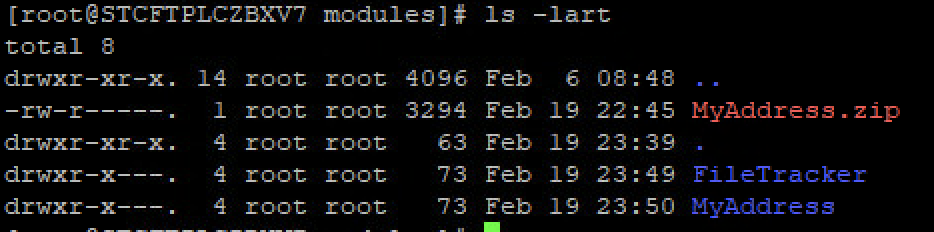
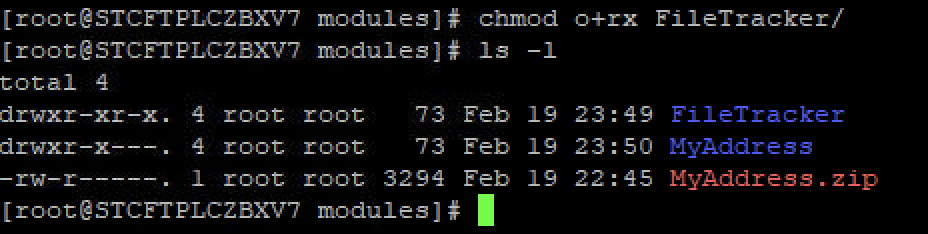
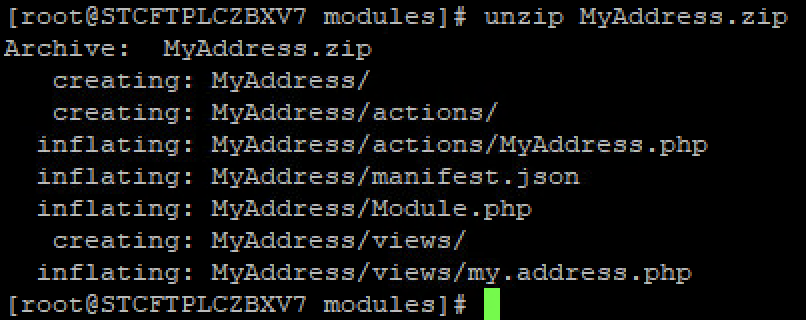
- Unzip it inside the /usr/share/zabbix/ui/modules
- In Zabbix frontend, go to Administration → General → Modules section and click on the Scan directory button
Result:
No New modules found
No errors

Expected:
Same results as the tutorial
New Submenus in the Monitoring section
New web page