-
Type:
Problem report
-
Resolution: False Positive
-
Priority:
 Trivial
-
None
-
Affects Version/s: 7.0.18rc1, 8.0.0alpha1
-
Component/s: Frontend (F)
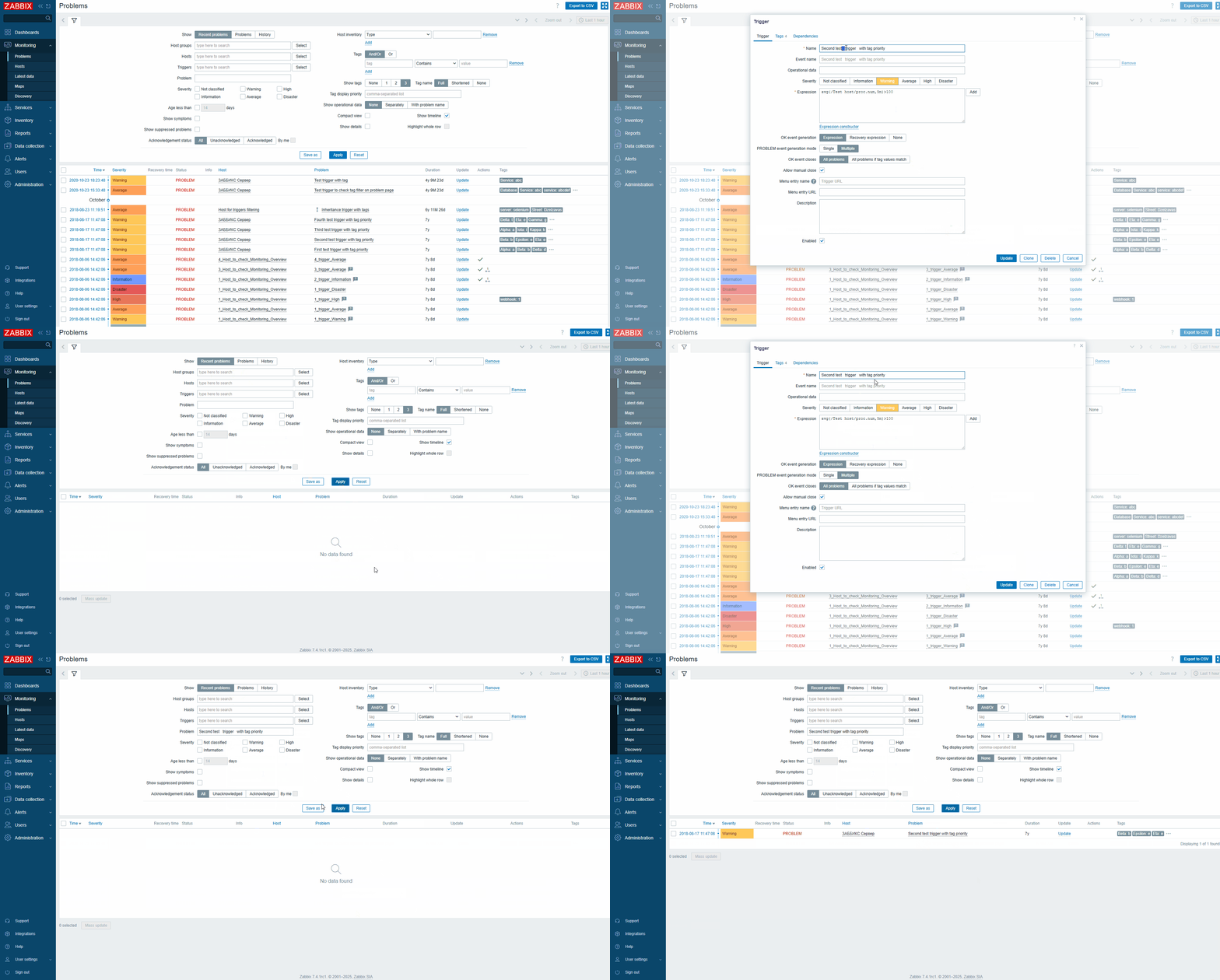
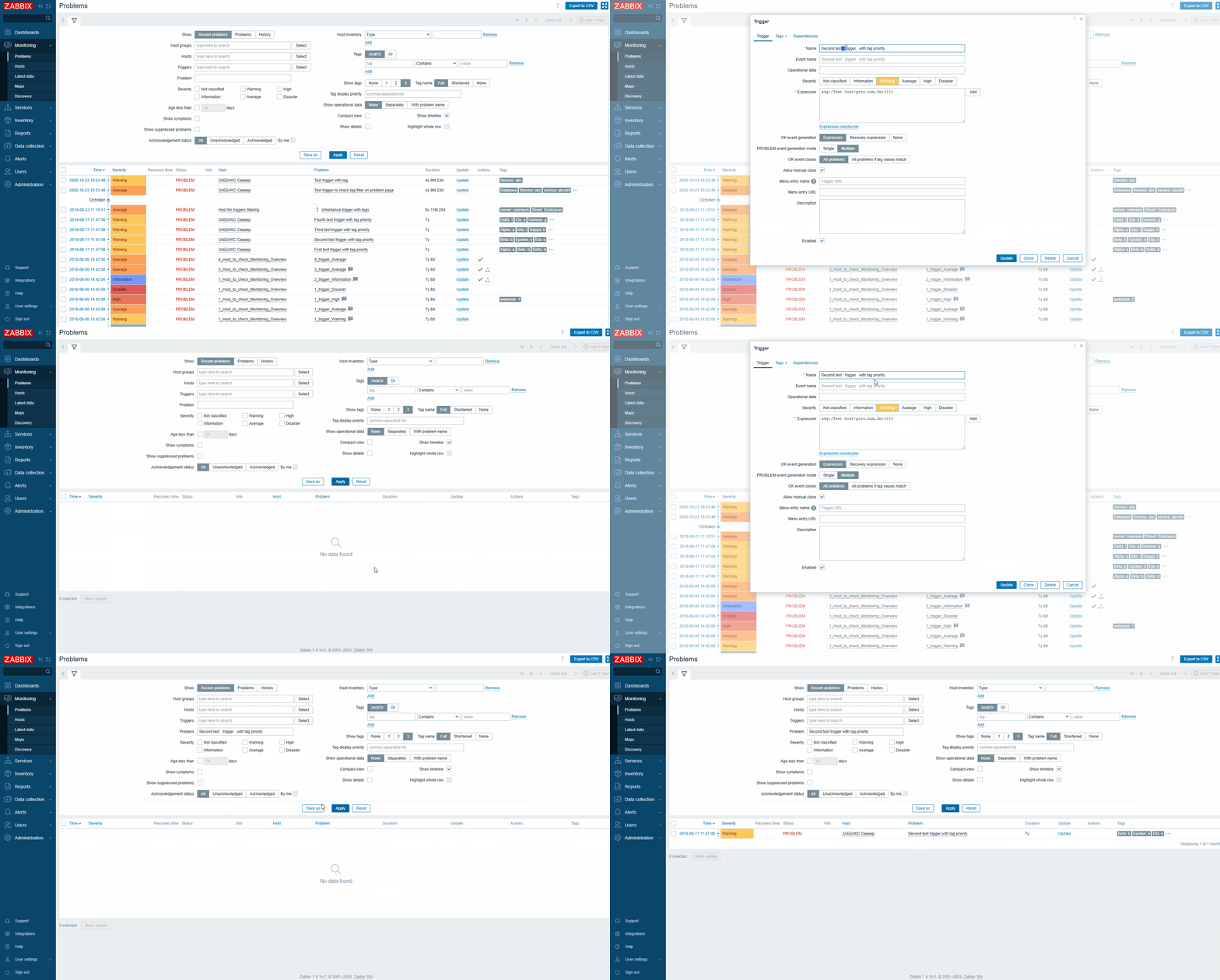
Precondition: Have an active problem whose name contains multiple consecutive spaces. Example:
Second test trigger with tag priority
Steps to reproduce:
- Go to Monitoring → Problems.
- In the Problem filter field, enter the problem name including the multiple consecutive spaces (as in the example above).
Result:
The problem list is empty.
Expected:
The filter should correctly find problems even if their names contain multiple consecutive spaces.
Note: The same filtering approach works correctly on the Hosts and Latest data pages.
- related to
-
-
- Closed
-