-
Type:
Problem report
-
Resolution: Unresolved
-
Priority:
 Minor
Minor
-
Affects Version/s: 7.0.18rc2, 7.4.2rc1, 8.0.0alpha1
-
Component/s: Frontend (F)
-
None
-
Environment:Chrome (138.0.7204.185), Edge (139.0.3405.86) and Firefox (141.0.3)
-
S26-W08/09, S26-W12/13, S26-W14/15, S26-W16/17, S26-W18/19, S26-W22/23, S26-W24/25, S26-W26/27, S26-W38/39, S26-W40/41
-
1
Steps to reproduce:
- Create a new template with one macro of type secret (or import the example: zbx_export_templates (35).yaml
 ).
). - Open the created template in a new browser tab.
- Change the macro type from secret to vault (to see btn-undo icon).
- Enter an invalid value to trigger inline validation.
- Increase or decrease the browser zoom level (e.g., 60% or 150%).
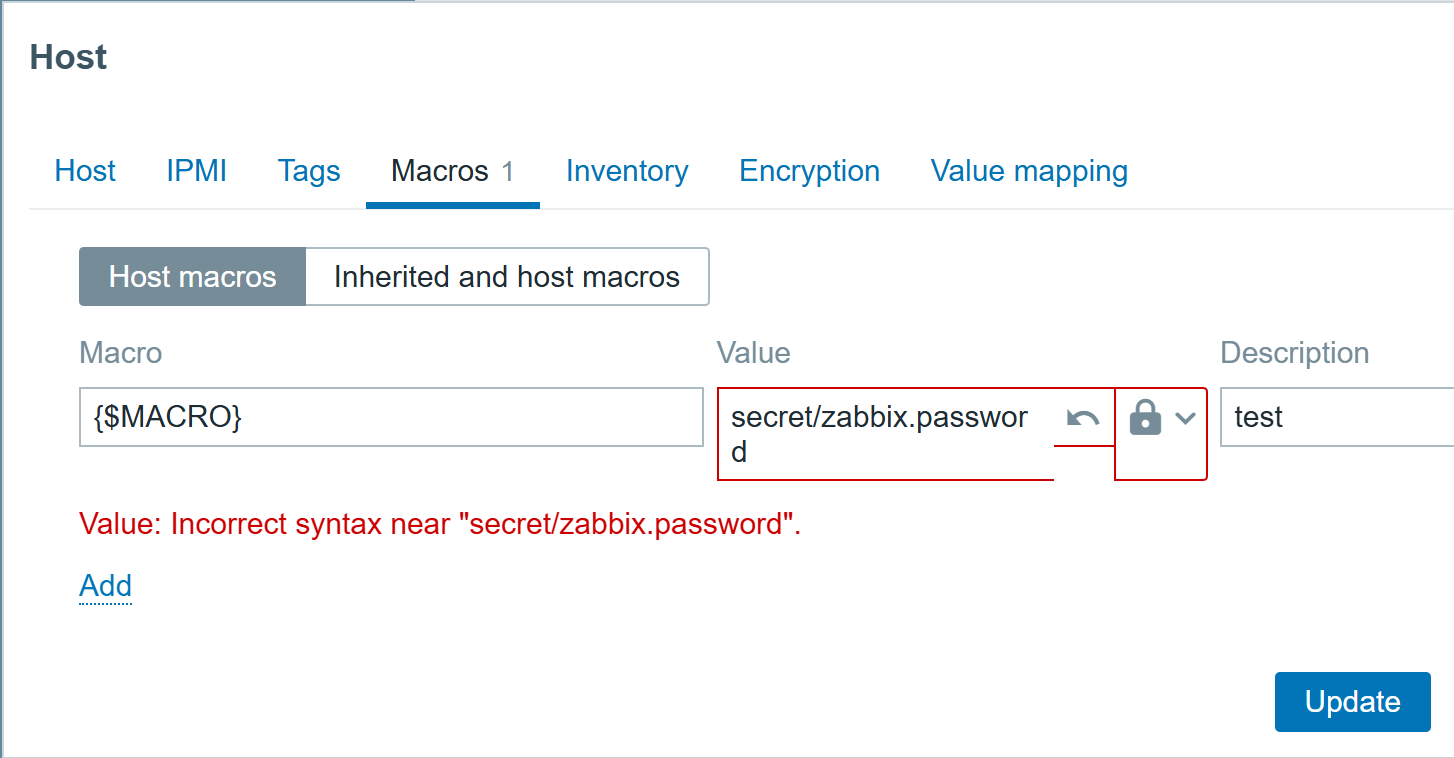
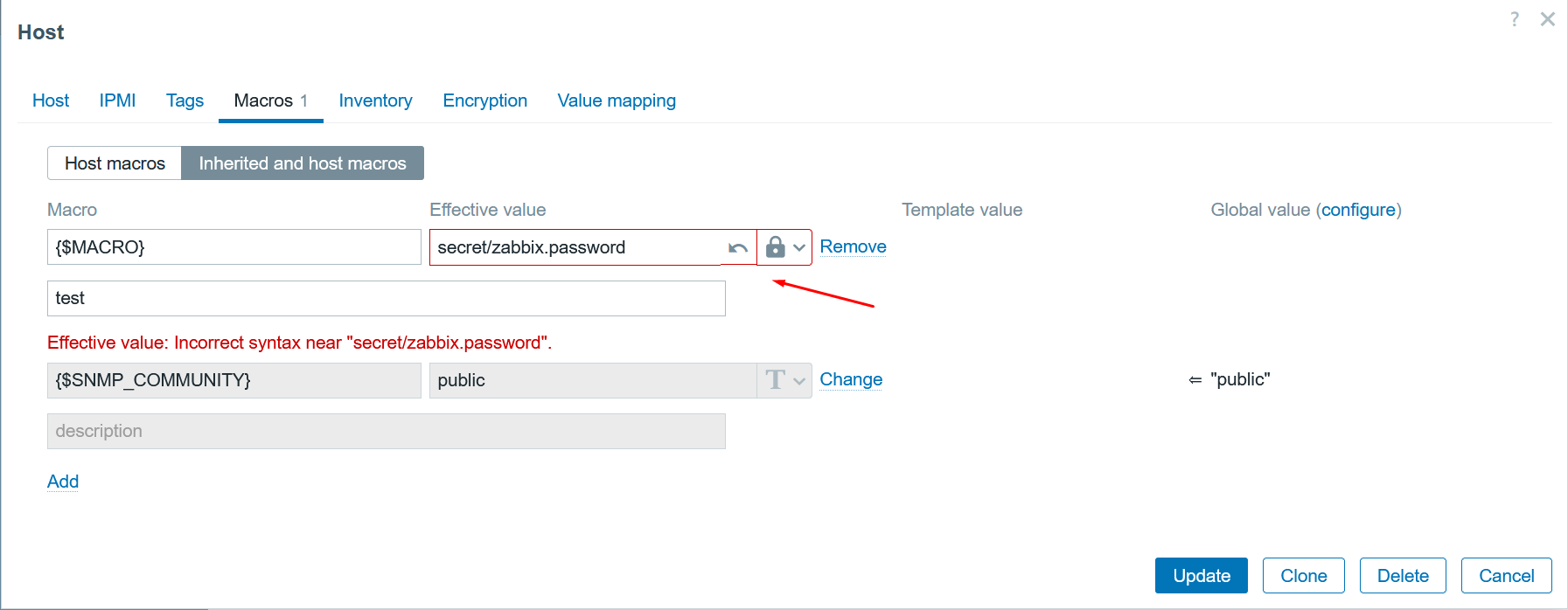
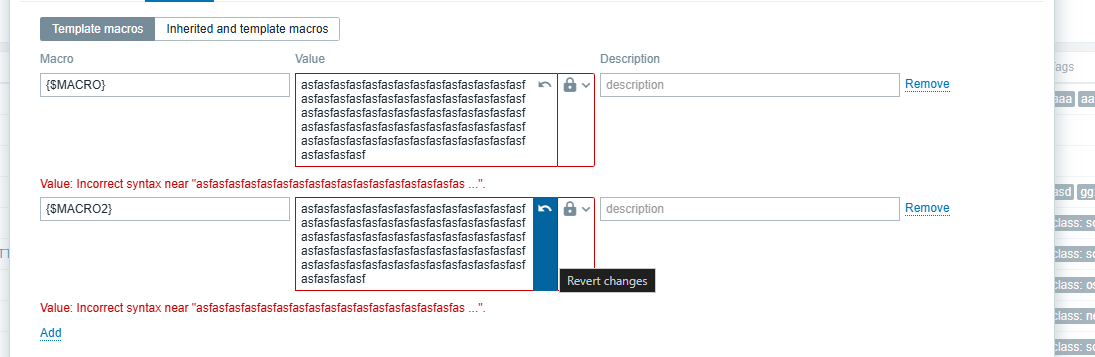
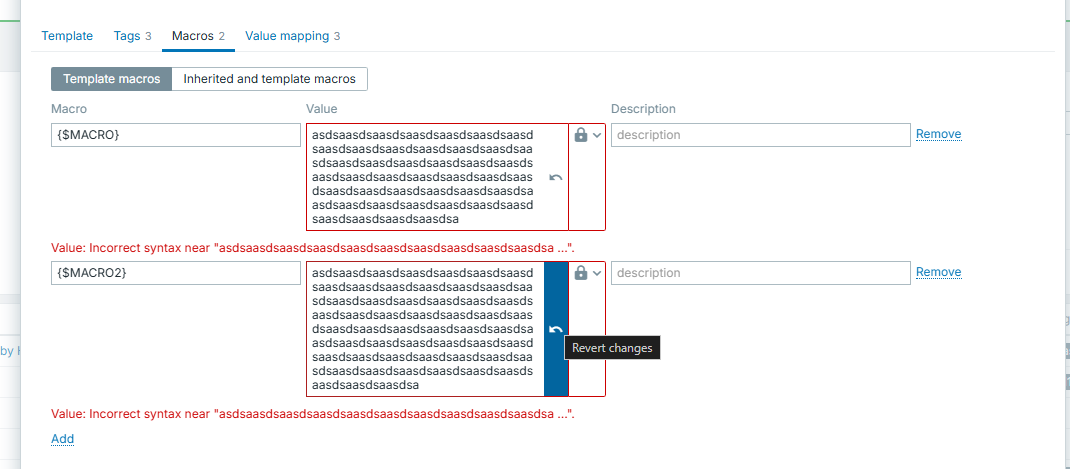
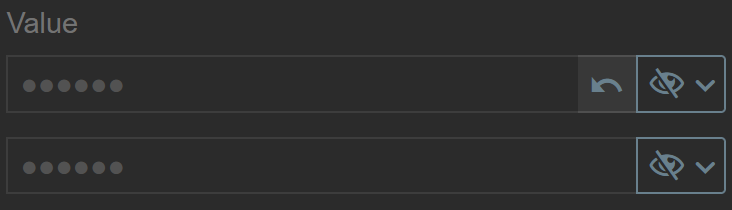
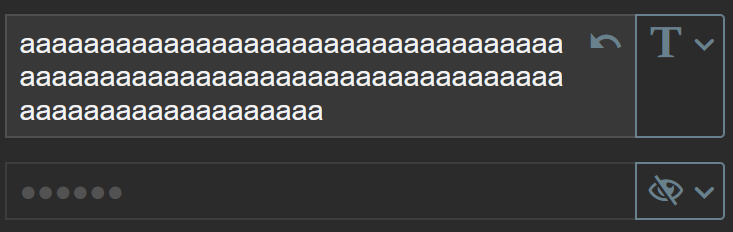
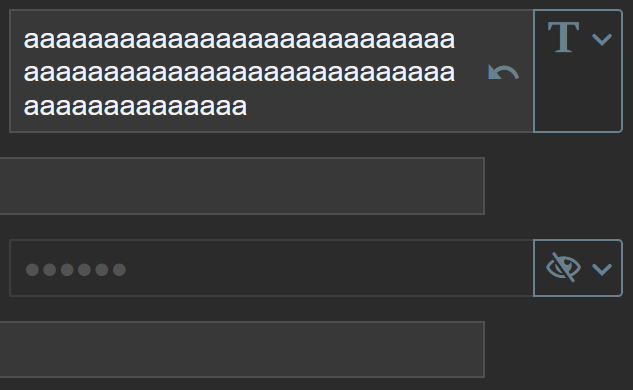
Actual: The red inline validation border becomes visually distorted because of browser zoom level.
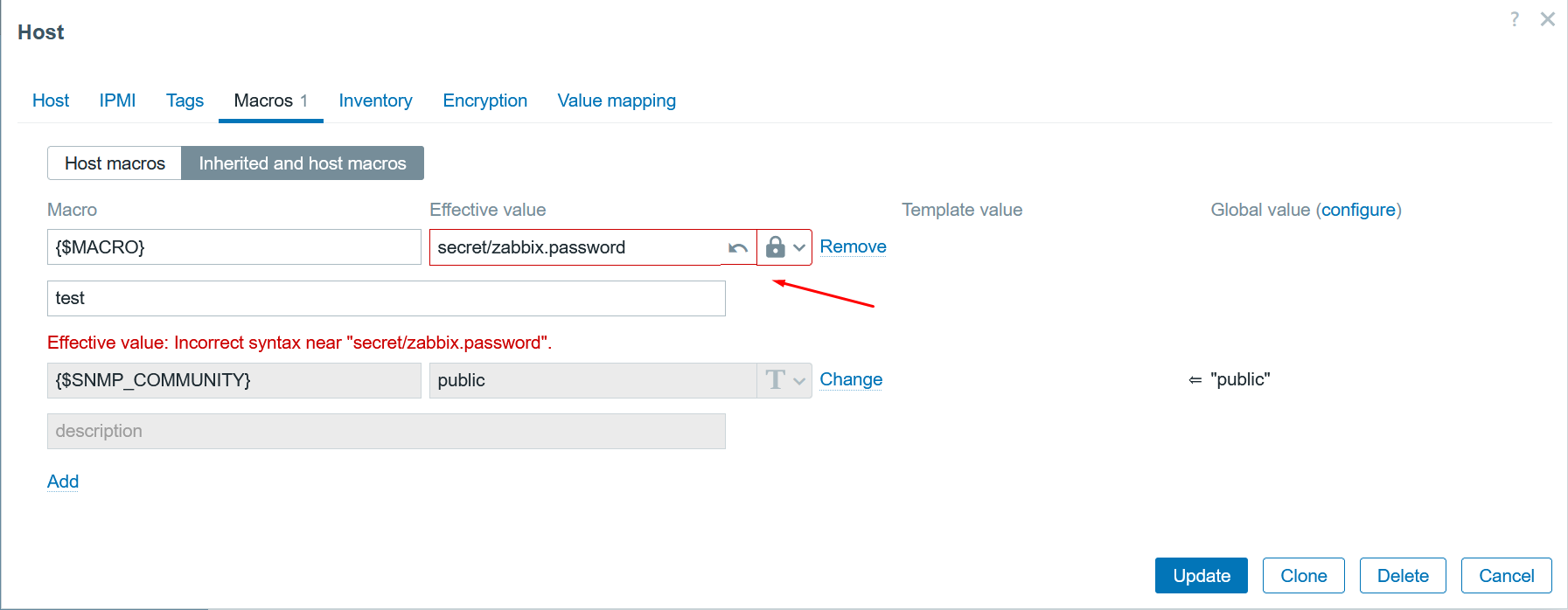
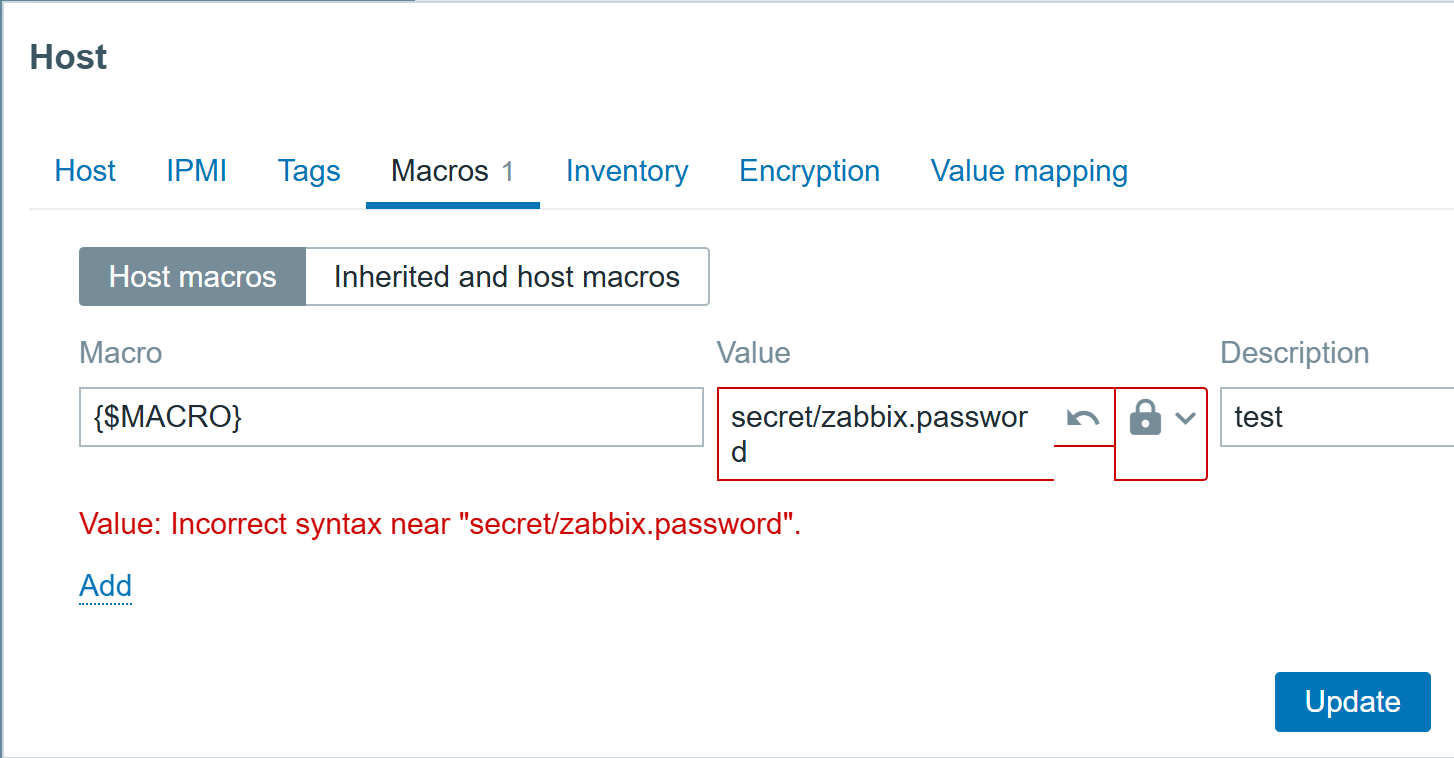
Expected: Inline validation error border should remain visually consistent at all zoom levels.