-
Type:
Problem report
-
Resolution: Commercial support required
-
Priority:
 Trivial
-
None
-
Affects Version/s: None
-
Component/s: Templates (T)
Steps to reproduce:
- addHost
- Link it with Jira Data Center by JMX
- Zabbix Java gateway is installed on server
- Zabbix agent is installed on Jira done
- Configuration on Jira setenv:
JAVA_OPTS="-Dcom.sun.management.jmxremote ${JAVA_OPTS}"
JAVA_OPTS="-Dcom.sun.management.jmxremote.port=8099 ${JAVA_OPTS}"
JAVA_OPTS="-Dcom.sun.management.jmxremote.local.only=false ${JAVA_OPTS}"
JAVA_OPTS="-Dcom.sun.management.jmxremote.ssl=false ${JAVA_OPTS}"export JAVA_OPTSCATALINA_OPTS="-Xms${JVM_MINIMUM_MEMORY} -Xmx${JVM_MAXIMUM_MEMORY} ${CATALINA_OPTS}"CATALINA_OPTS="-Dcom.sun.management.jmxremote.authenticate=true ${CATALINA_OPTS}"CATALINA_OPTS="-Dcom.sun.management.jmxremote.password.file=/opt/appdata/jira-home/jmxremote.password ${CATALINA_OPTS}"
CATALINA_OPTS="-Dcom.sun.management.jmxremote.access.file=/opt/appdata/jira-home/jmxremote.access ${CATALINA_OPTS}"
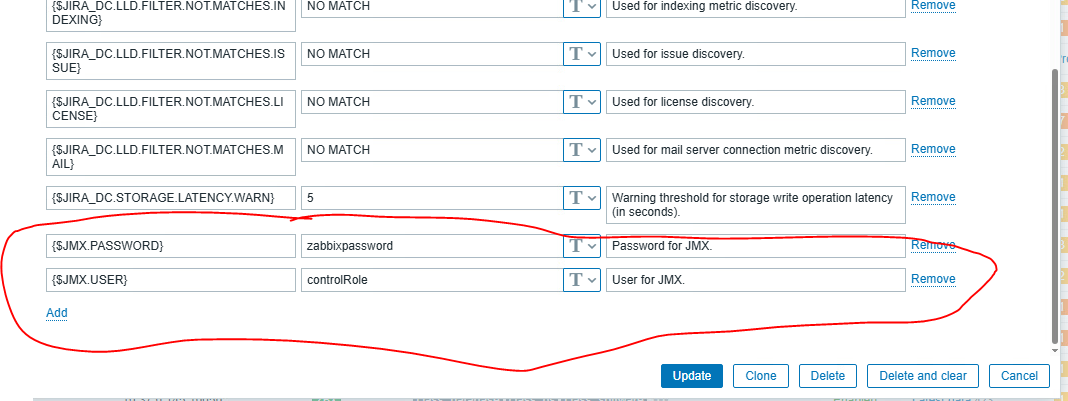
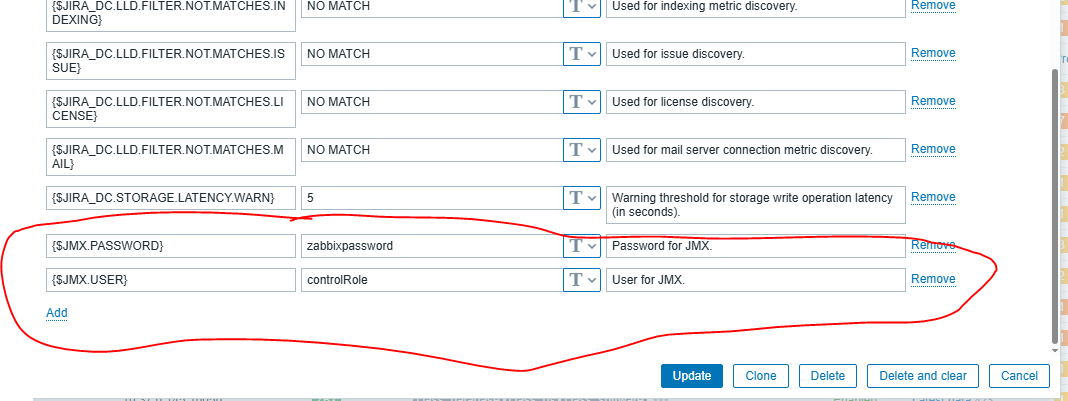
- . on template we have
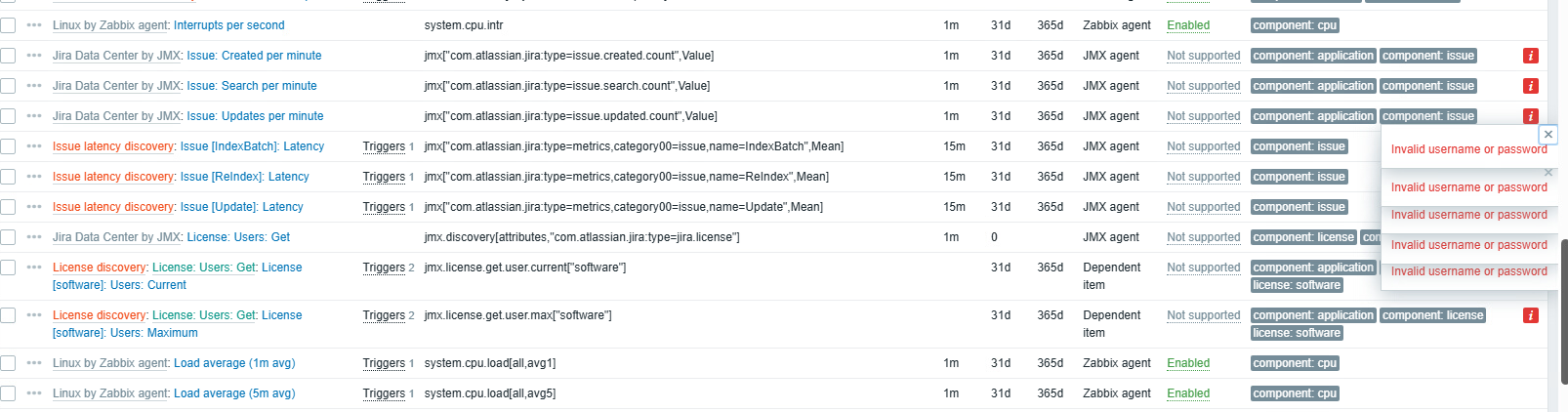
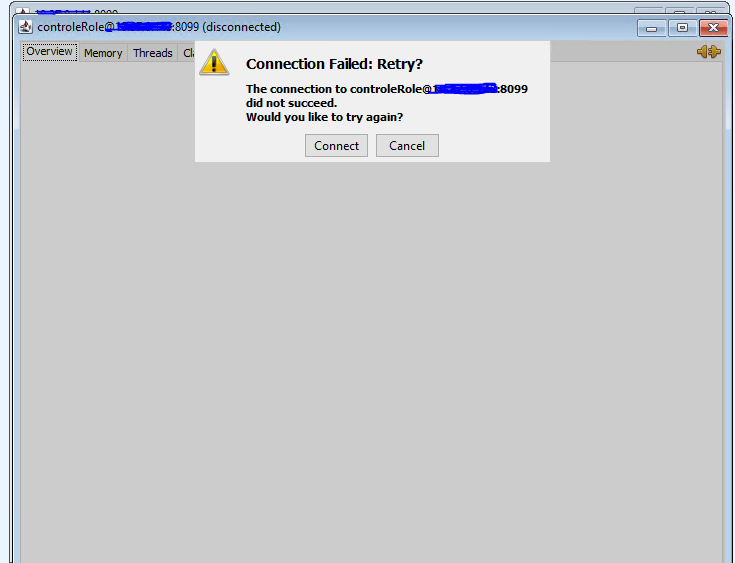
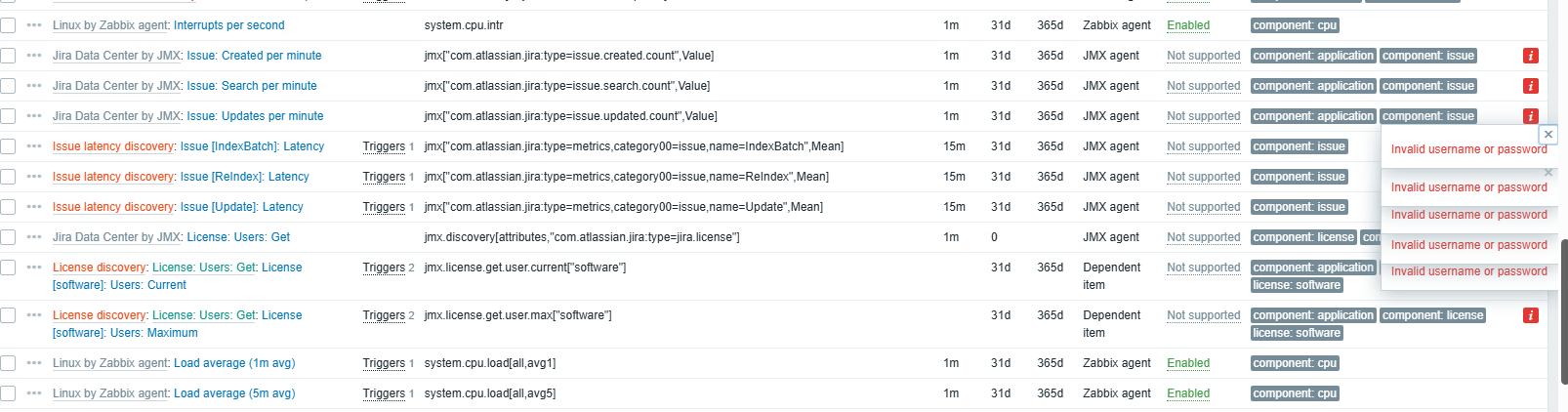
Result:
Expected:
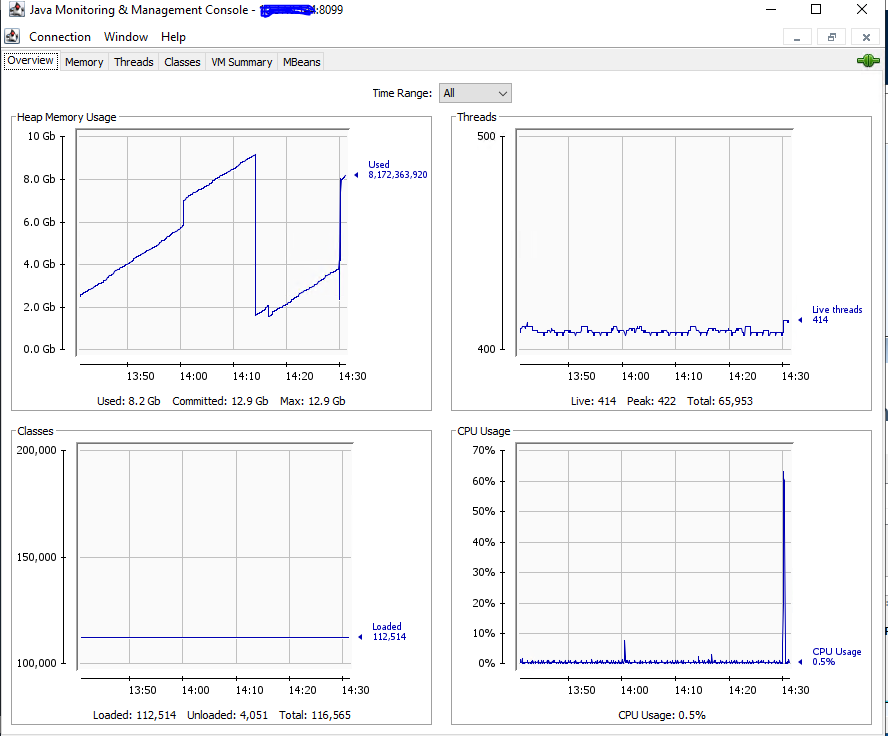
Everything works fine when I set authentication=false but we would like to enable it on prod environment.