-
Type:
Problem report
-
Resolution: Unresolved
-
Priority:
 Trivial
-
None
-
Affects Version/s: 7.0.19rc1, 7.4.3rc1, 8.0.0alpha1
-
Component/s: None
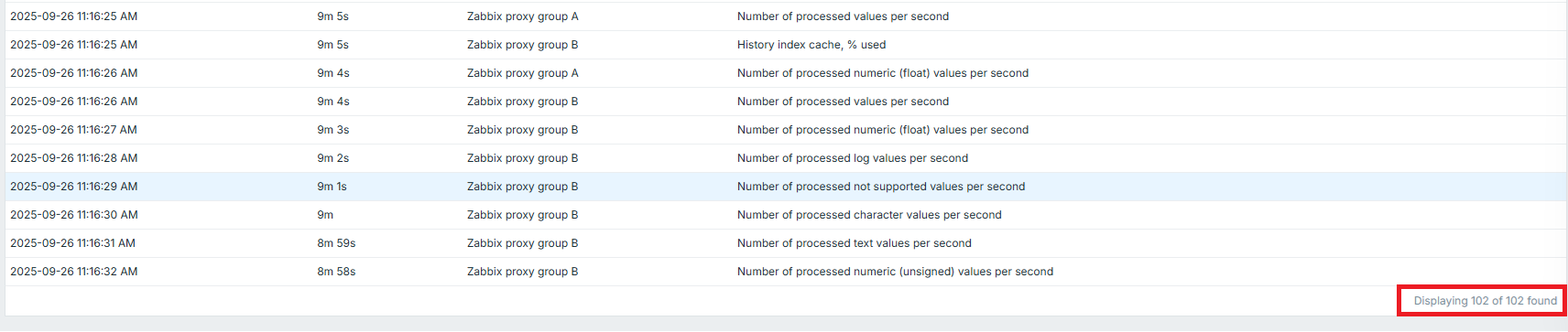
The user-specific setting Rows per page does not affect the Queue details page under Administration → Queue.
Steps to reproduce:
- Open the user configuration form and set Rows per page to 10.
- Generate a queue with more than 100 entries.
- Open Administration → Queue → Queue details page.
Result: The page displays all queue entries without pagination.
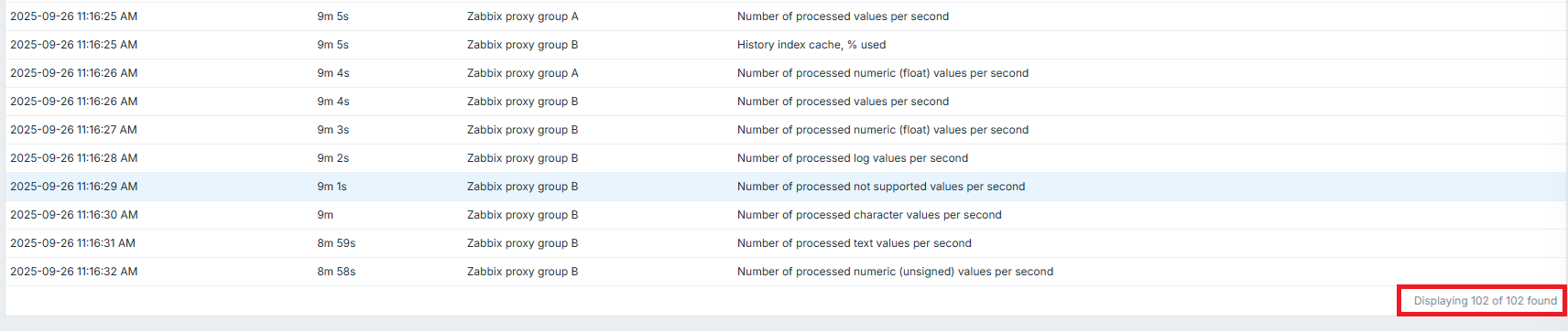
Expected:
The number of displayed entries should respect the Rows per page setting. Pagination/navigation should be available, similar to other pages such as Hosts list or Latest data.