-
Type:
Problem report
-
Resolution: Fixed
-
Priority:
 Trivial
-
Affects Version/s: 7.0.20rc1, 7.4.4rc1, 8.0.0alpha1
-
Component/s: Frontend (F)
-
S26-W08/09, S26-W10/11, S26-W12/13
-
2
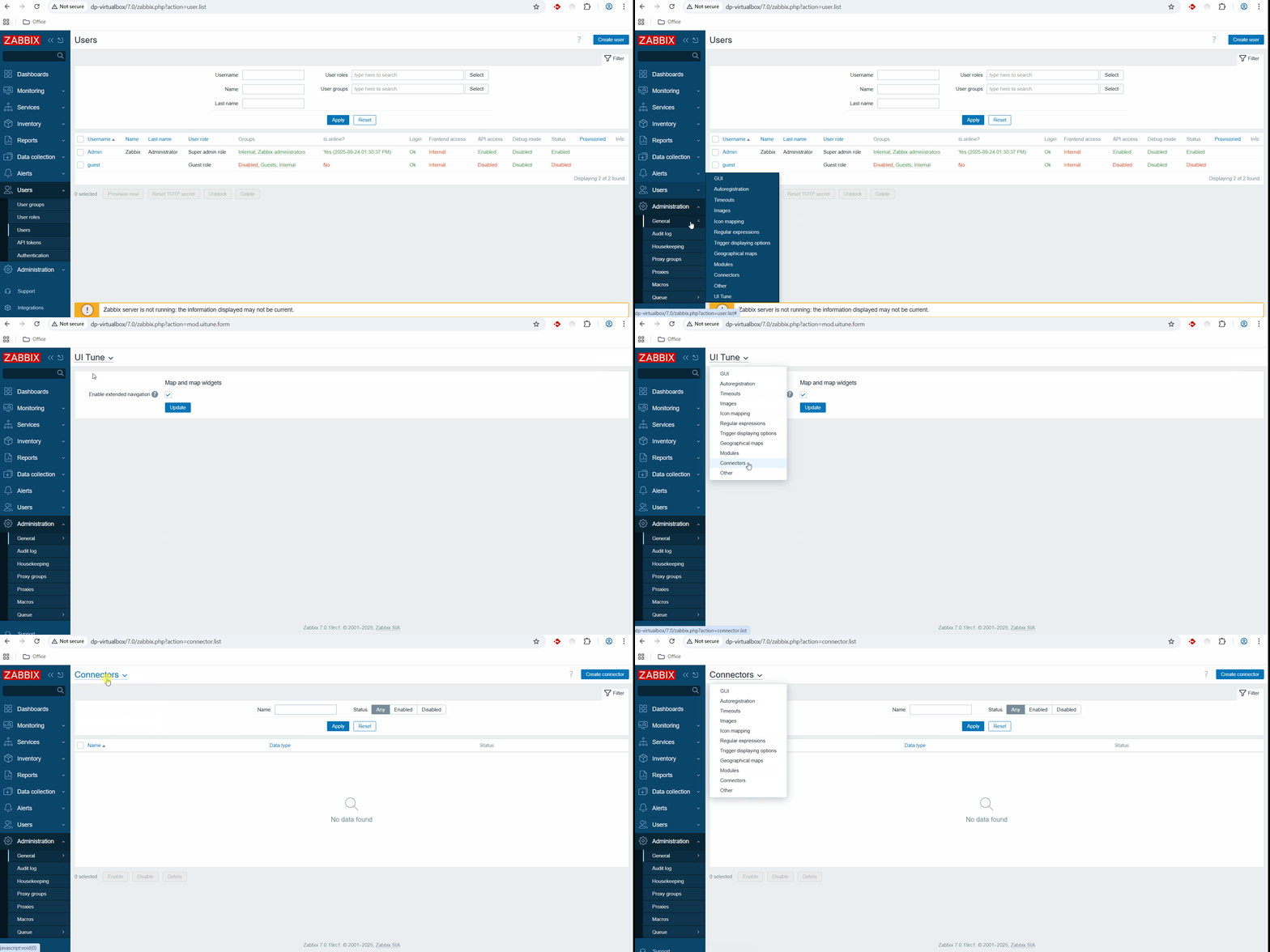
From DEV-4479: On the new General pages, the top dropdown menu does not contain a link to the custom UI module setting page. From other pages under Administration -> General, it is not possible to access the module settings page via the top that dropdown menu.
Steps to reproduce:
- Add custom UI module.
- Enable it on 'Modules' page.
- Click on Administration -> General menu button to see all general options. Should see your module in the list.
- Click on GUI option.
- Click on dropdown menu and observe it.
Result: No custom UI module in the list. It is not possible to access the module settings page via the top that dropdown menu.
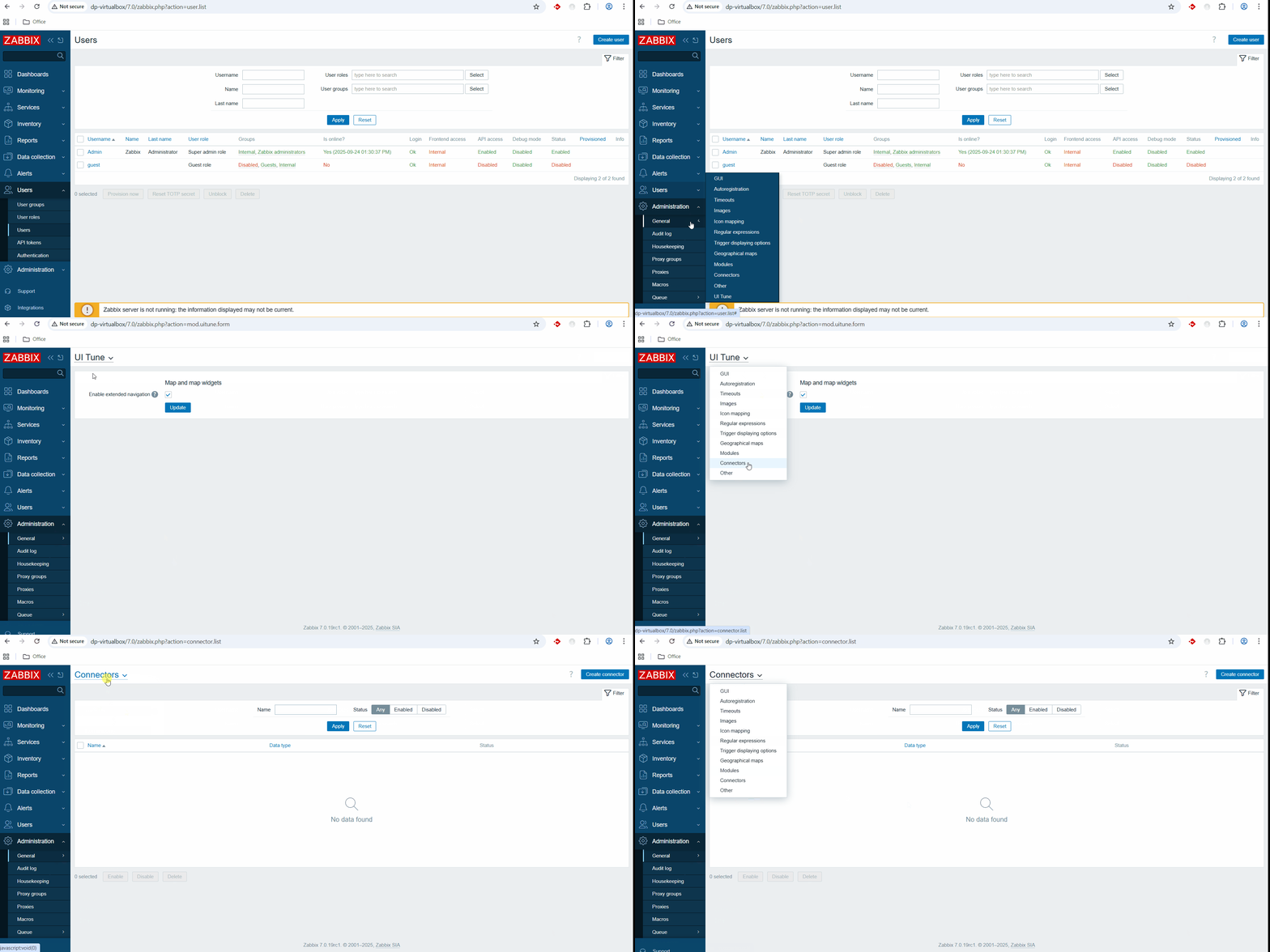
Expected: Dropdown menu should have same options as general left-side menu.