-
Type:
Problem report
-
Resolution: Unresolved
-
Priority:
 Trivial
-
Affects Version/s: 8.0.0alpha1
-
Component/s: Frontend (F)
-
S26-W14/15, S26-W16/17, S26-W20/21, S26-W22/23, S26-W24/25, S26-W26/27, S26-W28/29, S26-W30/31, S26-W32/33, S26-W34/35, S26-W36/37, S26-W38/39, S26-W40/41
-
6
Steps to reproduce:
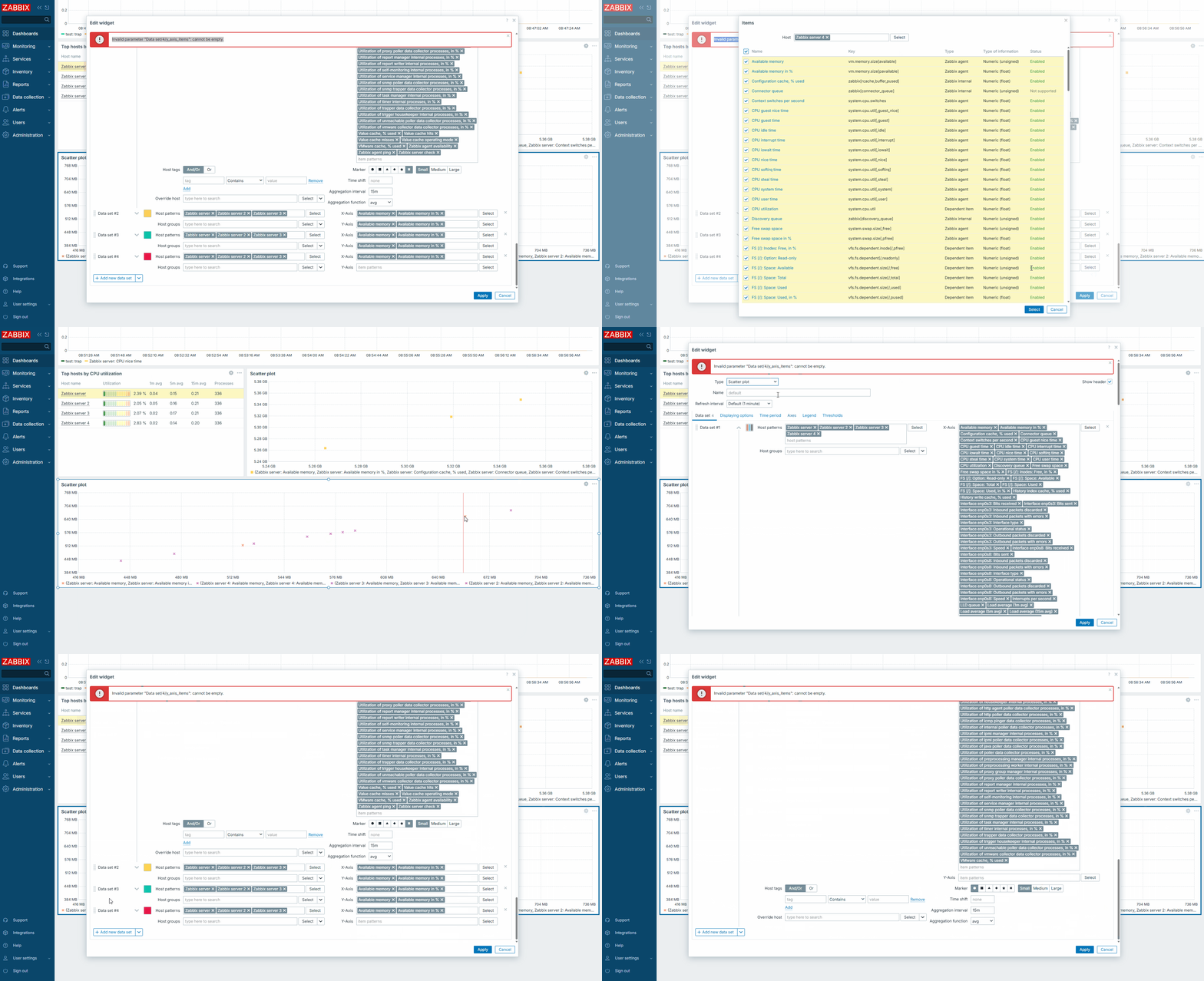
- Start creating a new Scatter plot or Graph widget.
- In the 1st data set, select all hosts (in this case, 4 copies of Zabbix server) and choose items for both X and Y axes.
- Clone the 1st data set 4-6 times.
- Save your widget configuration form.
- Observe your widget.
- Click the Edit button on your widget.
Result:
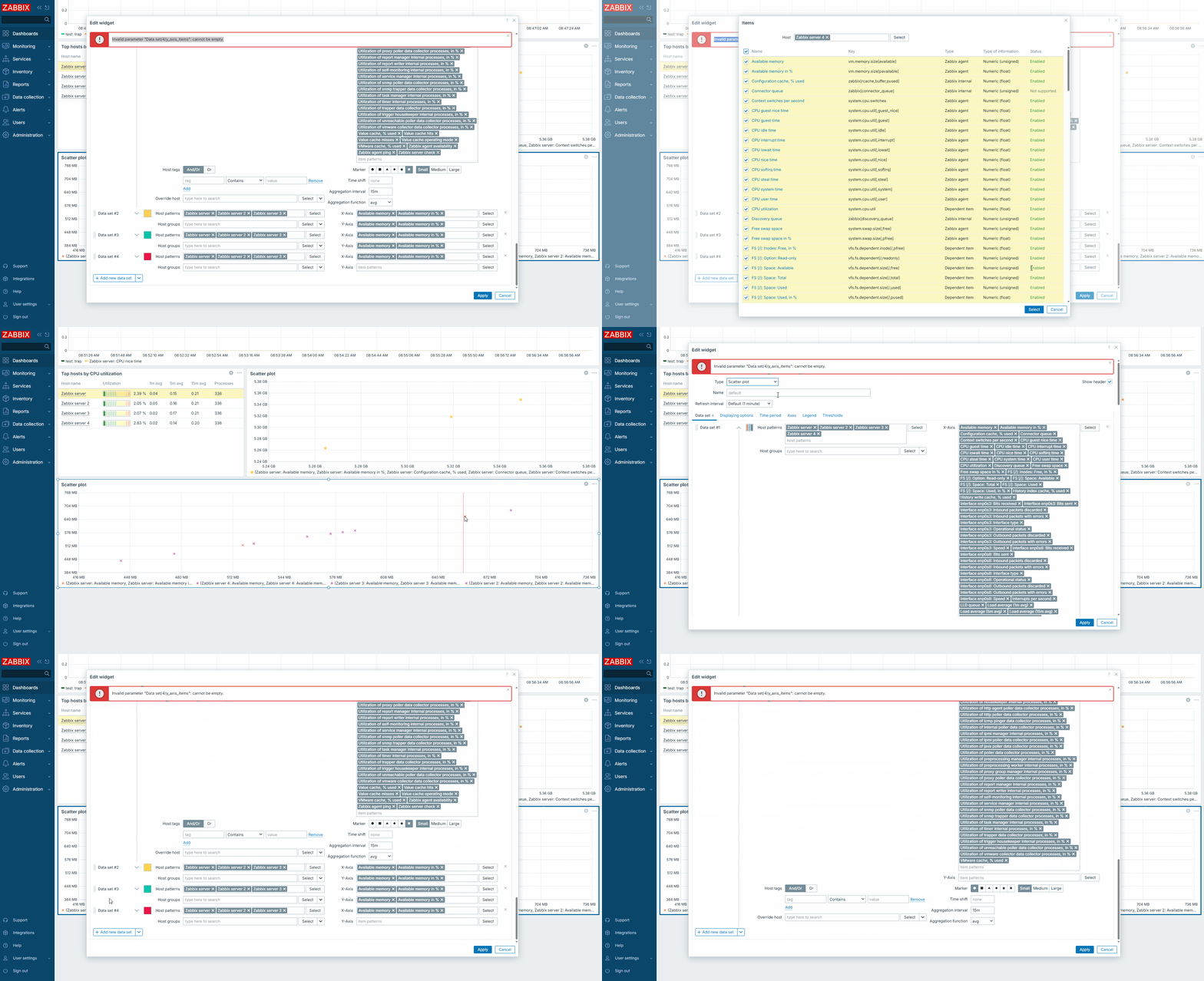
An error notification appears:
Invalid parameter "Data set/4/y_axis_items": cannot be empty.
PHP error logs:
$ tail -f /var/log/apache2/error.log
[Fri Oct 24 04:29:51.877821 2025] [php:warn] [pid 908] [client 192.168.120.28:53694] PHP Warning:  PHP Request Startup: Input variables exceeded 1000. To increase the limit change max_input_vars in php.ini. in Unknown on line 0, referer: http://dp-virtualbox/ZBXNEXT-9424-7.3/zabbix.php?action=dashboard.view&dashboardid=1&from=now-1h&to=now
[Fri Oct 24 04:30:18.404850 2025] [php:warn] [pid 5623] [client 192.168.120.28:50389] PHP Warning:  PHP Request Startup: Input variables exceeded 1000. To increase the limit change max_input_vars in php.ini. in Unknown on line 0, referer: http://dp-virtualbox/ZBXNEXT-9424-7.3/zabbix.php?action=dashboard.view&dashboardid=1&from=now-1h&to=now
Expected: The user should receive a warning about the limit being reached before saving the widget configuration form. An error message should appear if the limit is reached when form data is being submitted.