-
Type:
Problem report
-
Resolution: Unresolved
-
Priority:
 Major
Major
-
None
-
Affects Version/s: 8.0.0alpha1
-
Component/s: None
-
Support backlog
Discovered with: ZBXNEXT-9751
Steps to reproduce:
- Save Autoregistration with following configuration:
- No encryption: unchecked
- PSK: checked (and configure required PSK settings)
- Reload page
- Uncheck PSK setting
Result:
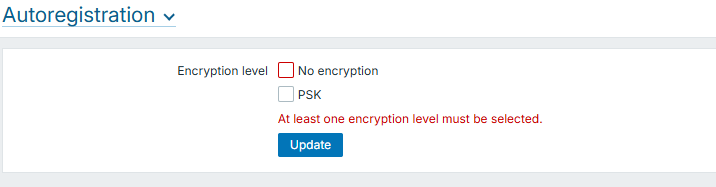
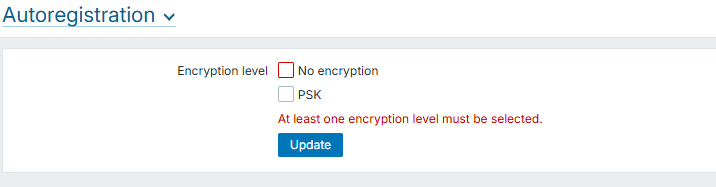
Inline error At least one encryption level must be selected. is not displayed. It is displayed only when form is submitted or when No encryption is checked/unchecked

Expected:
Inline error is displayed immediately when unchecking PSK