-
Type:
Problem report
-
Resolution: Unresolved
-
Priority:
 Minor
Minor
-
None
-
Affects Version/s: 7.0.20, 7.4.4
-
Component/s: None
-
None
Steps to reproduce:
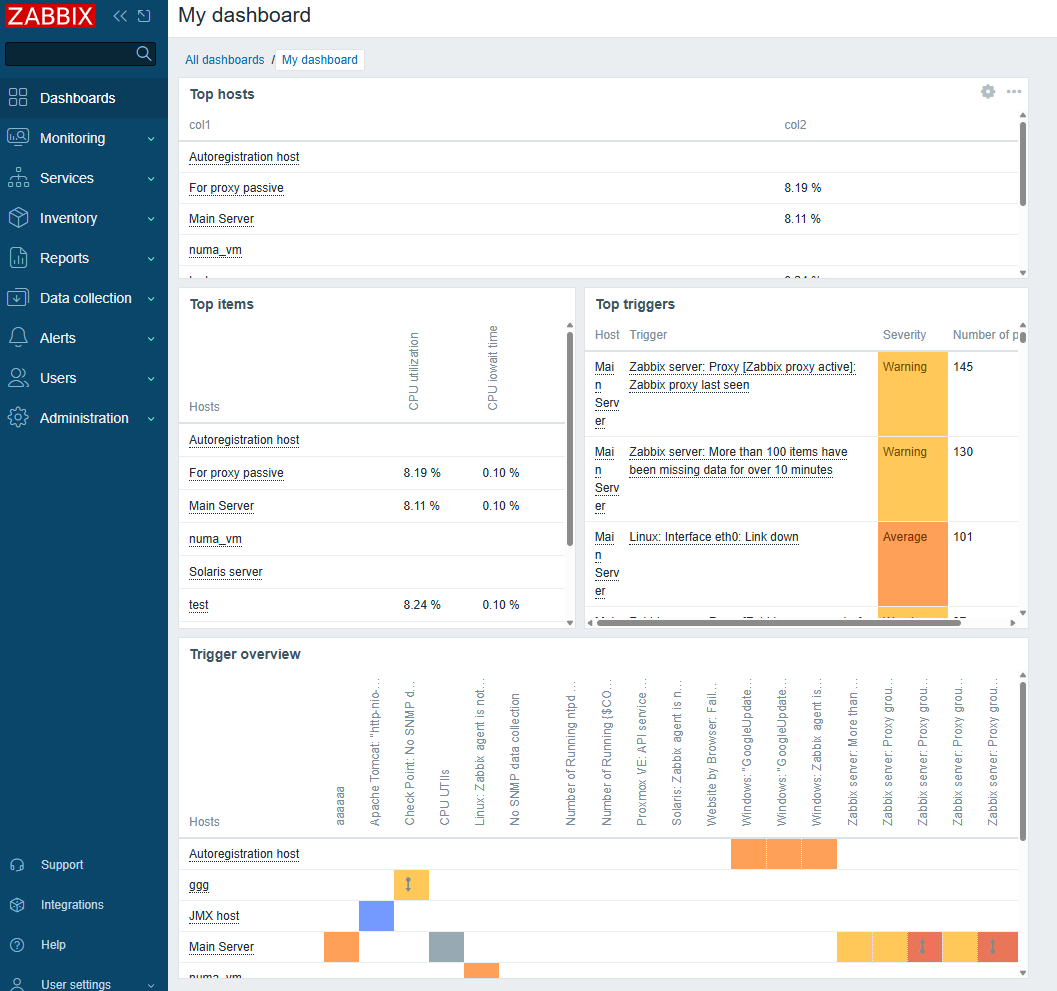
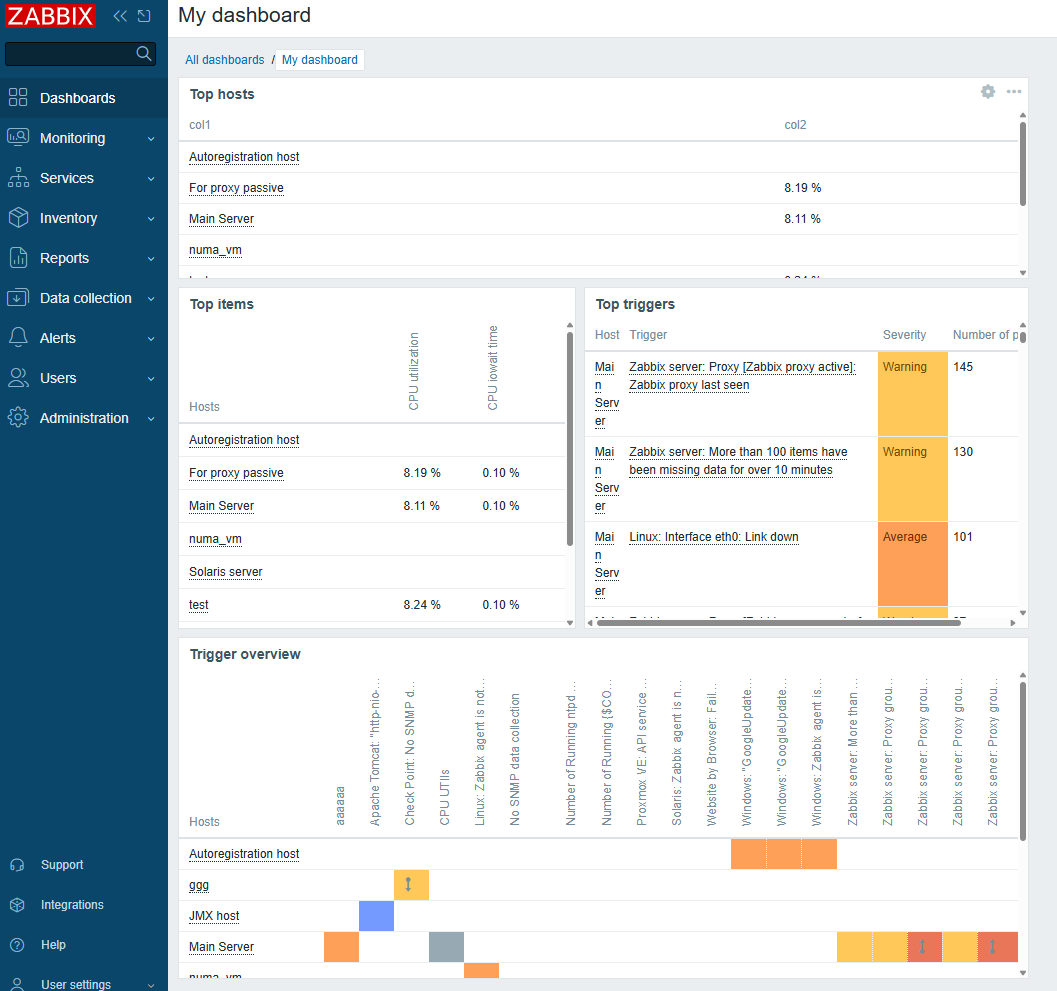
1. Create Dashboard with Top widgets as on screenshot
2. Configure scheduled reports
3. Test it or wait the report comes to e-mail.
Result:
See the file:
scheduled_report.pdf
The info hided under scrollbar not seen in scheduled report.
Expected behaviour
All information should be demonstrated in the report.
If client configured this information means that the information is useful for him. and that means it should be demonstrated in the report.