-
Type:
Problem report
-
Resolution: Duplicate
-
Priority:
 Trivial
-
None
-
Affects Version/s: 7.0.22rc1, 7.2.15rc1, 7.4.6rc1, 8.0.0alpha2
-
Component/s: Frontend (F)
-
S25-W50/51/52/01, S26-W04/05, S26-W06/07, S26-W20/21
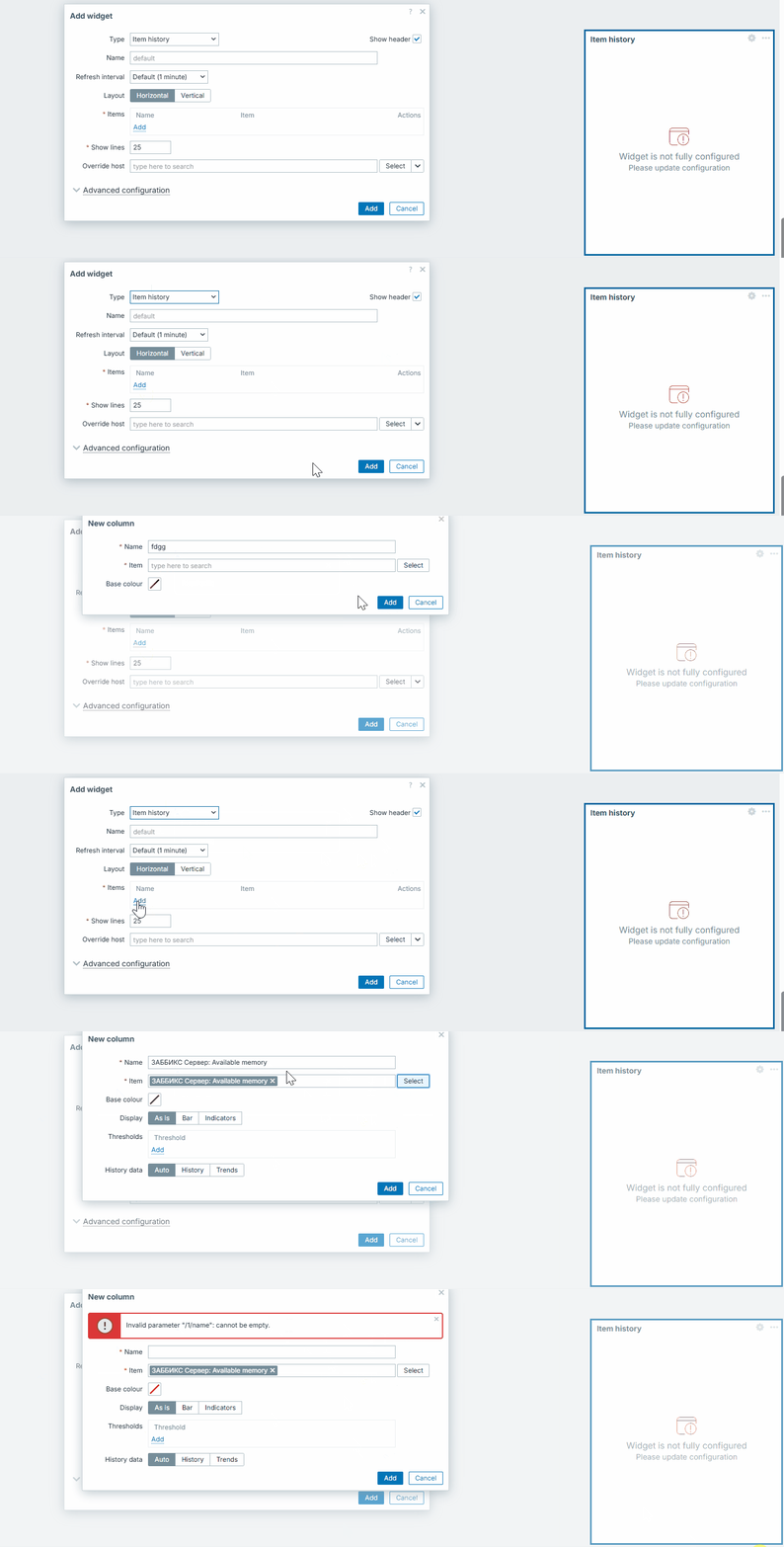
Item History Widget → New Column dialog allows clicking Add button without Item.
Steps to reproduce:
- Open any dashboard.
- Add a widget Item history or edit an existing one.
- Go to Items -> Add.
- In the popup, leave all fields empty (no item selected) or add Name only.
- Press the Add button
Result:
Dialog closes, column is not added.
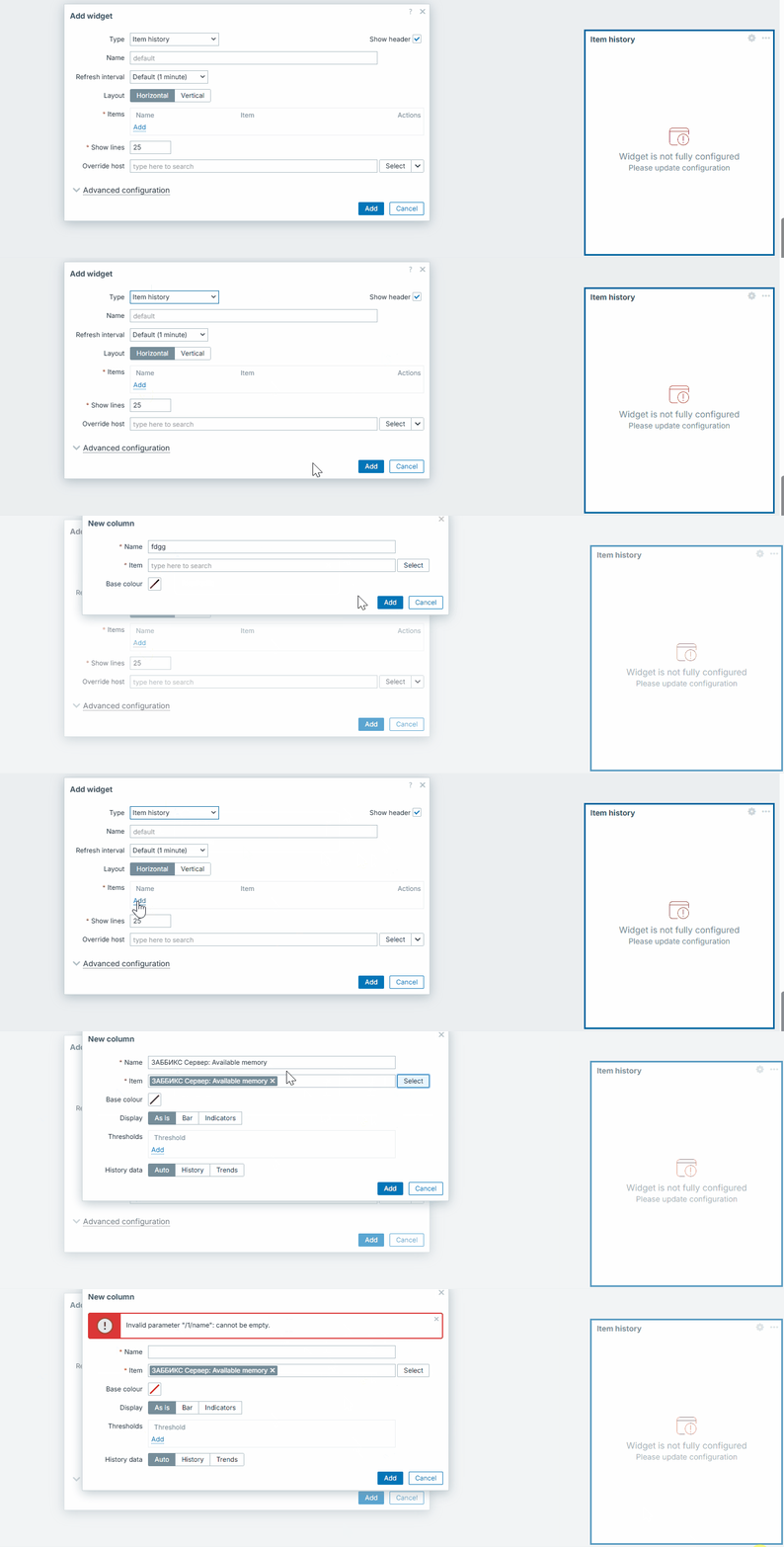
Expected:
If no Name/Item is selected, the user must see an error. Popup should not close if required fields are missing.
- duplicates
-
-
- Closed
-