-
Type:
Incident report
-
Resolution: Won't fix
-
Priority:
 Trivial
-
None
-
Affects Version/s: 6.0.43rc1, 7.0.22rc1, 7.2.15rc1, 7.4.6rc1, 8.0.0alpha2
-
Component/s: Frontend (F)
Steps to reproduce:
- Add new/Update existing SLA form
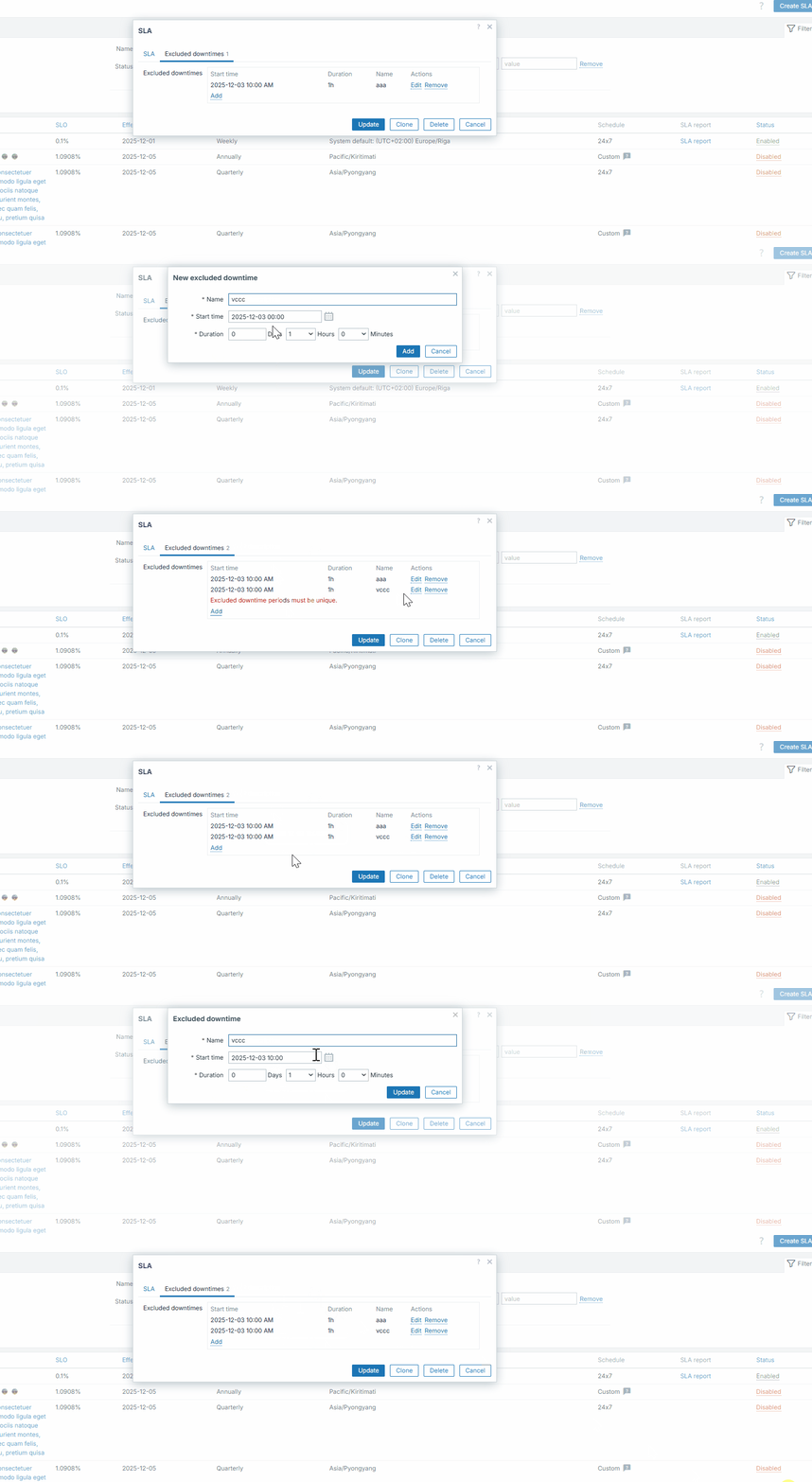
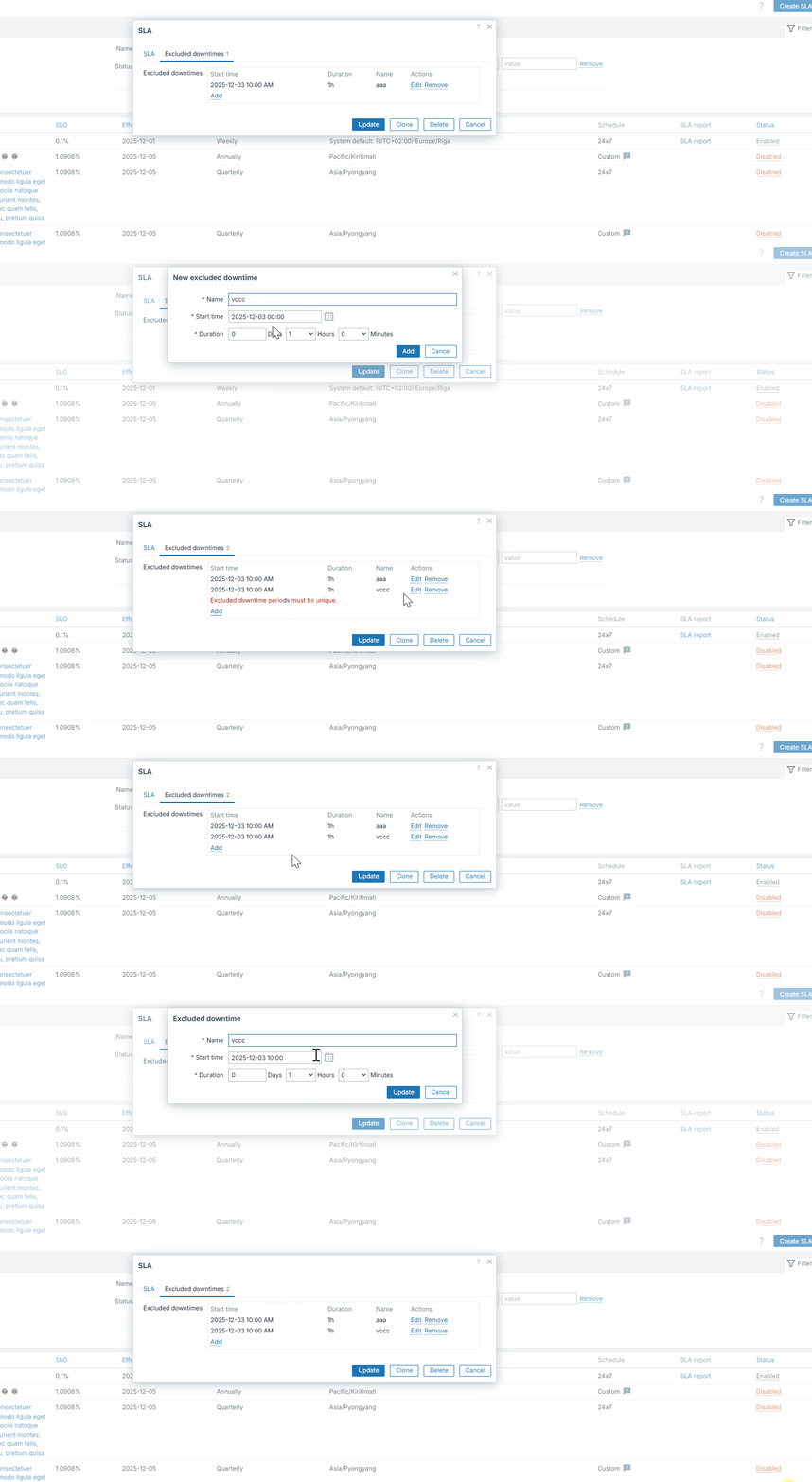
- Go to Excluded downtimes tab, add an excluded downtime
- Add another excluded downtime with identical start time, but in the end add seconds as well
- Observe in excluded downtime table seconds are not displayed, periods are identical, no seconds displayed
- Click edit for the period you added seconds to - observe no seconds in form field; cancel editing of period
- Observe no inline error that periods must be unique is displayed
- Add/Update the form, observe form saved successfully
Actual: identical expected downtime periods are allowed
Expected: added seconds are ignored/cleared before saving, no identical periods allowed
Example: