System default theme switches to Dark instead of Blue

XMLWordPrintable

    • Type: Problem report
    • Resolution: Unresolved
    • Priority: Trivial
    • None
    • Affects Version/s: 8.0.0alpha2 (master)
    • Component/s: Frontend (F)

      Steps to reproduce:

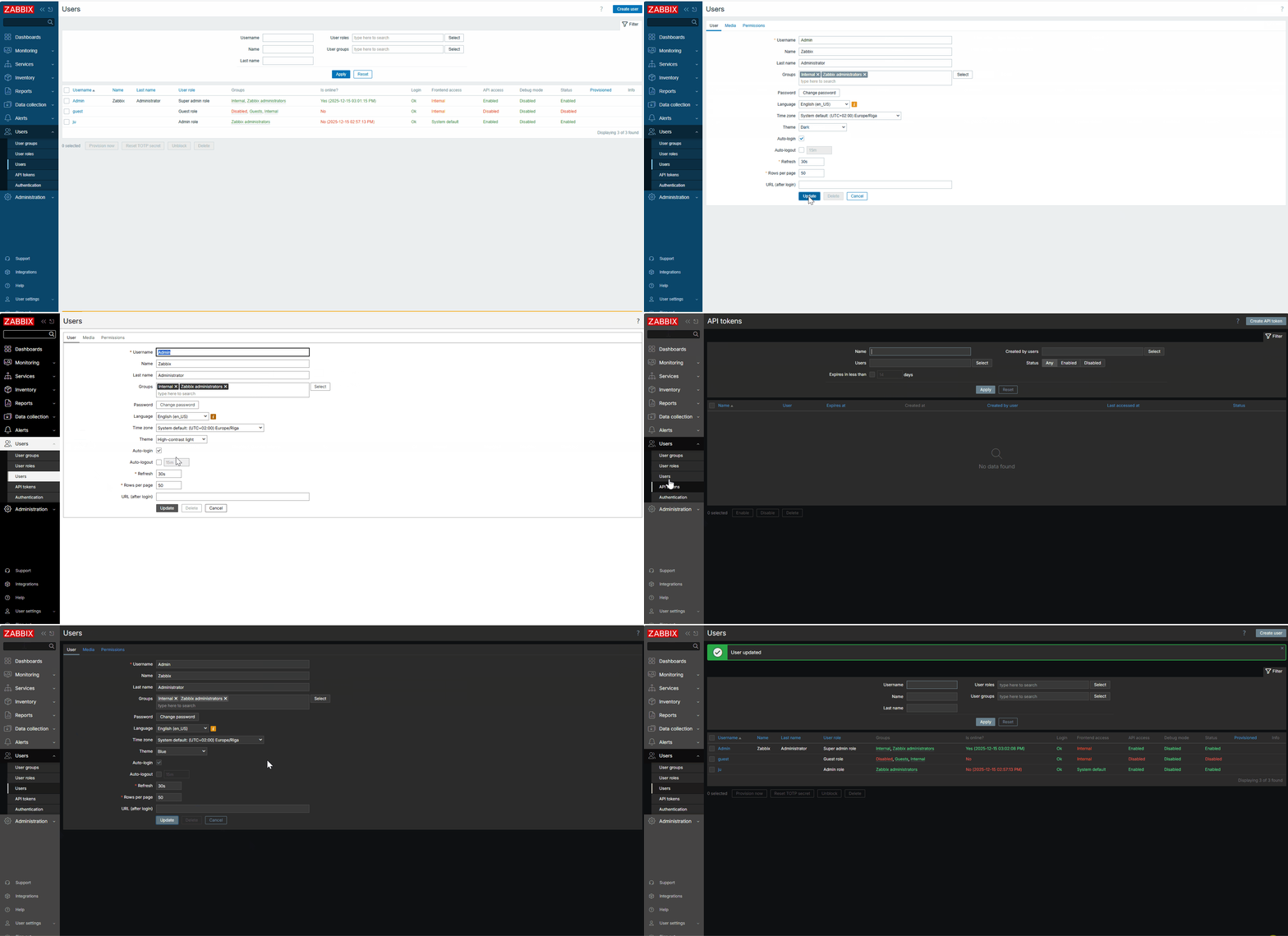
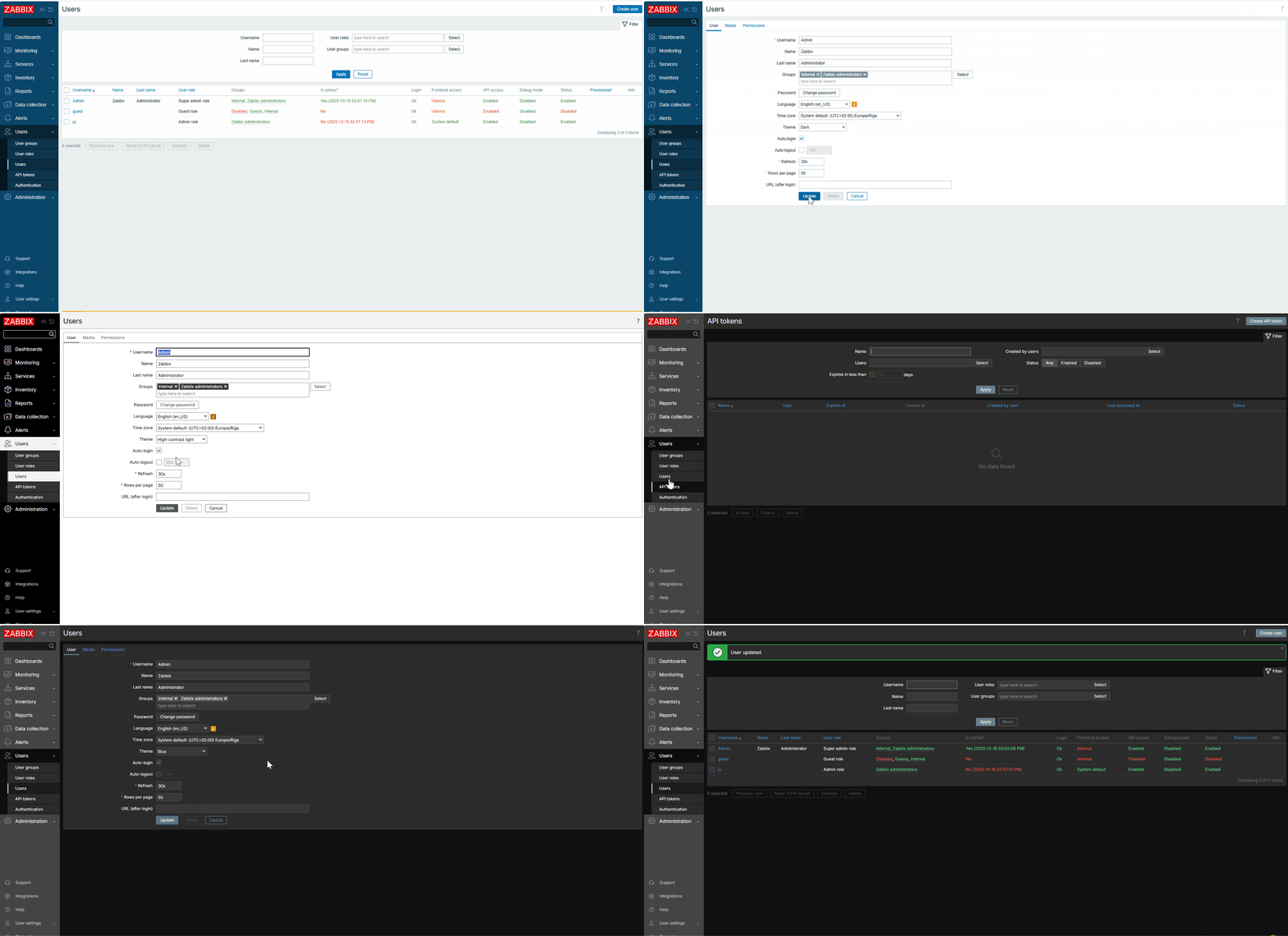
      1. Open Profile or Users → Admin.
      2. Change the theme to Dark.
      3. Change it back to System default.

      Result:
      The System default theme switches to dark instead of blue.
      Expected:
      System default - use default system settings -> Blue theme.
        1. Animation10.gif
          1.45 MB
          Juliana Iljina

            Assignee:
            Zabbix Development Team
            Reporter:
            Juliana Iljina
            Votes:
            0 Vote for this issue
            Watchers:
            2 Start watching this issue

              Created:
              Updated: