-
Type:
Problem report
-
Resolution: Unresolved
-
Priority:
 Trivial
-
None
-
Affects Version/s: 7.0.22, 7.4.6, 8.0.0alpha2
-
Component/s: Frontend (F)
1. Create a user group;
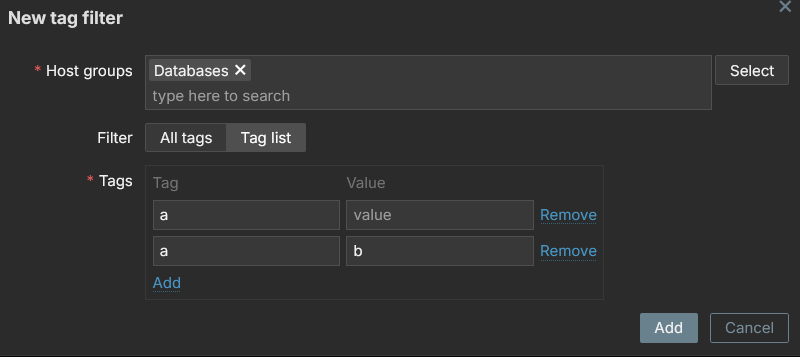
2. in user group "Problem tag filter" click to add a new tag filter;
3. choose a host group and add a tag "a" with empty value;
3. add another tag "a" with value "b";
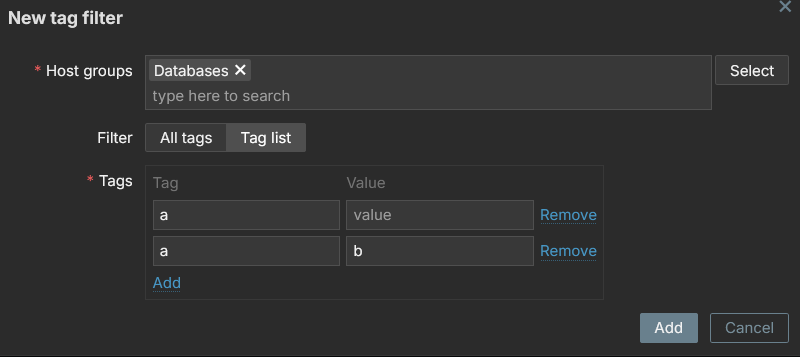
4. optionally you can add more;
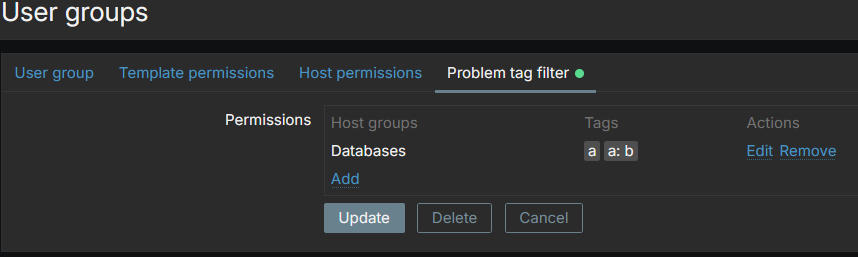
5. after the modal window is closed, observe that there is a record and in tags list "a" and "a:b";
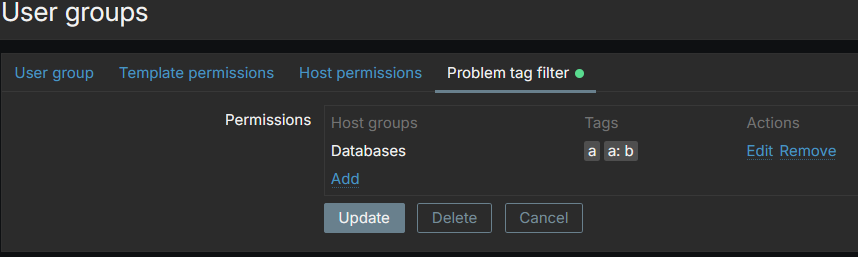
6. save the user group;
7. observe in DB there are both records with tag "a" and empty value and another record "a" with value "b";

8. open the user group to edit it;
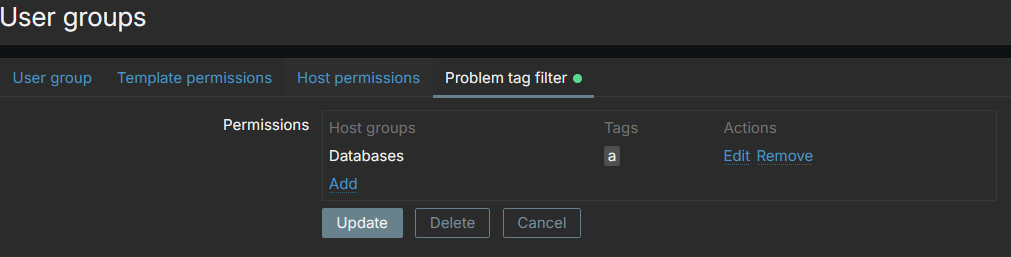
9. now observe that in "Problem tag filter" there's only one tag left "a". The other tag "a:b" has collapsed into the "a";
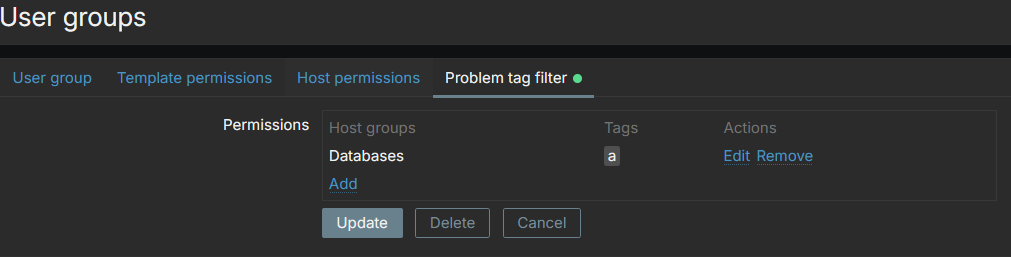
10. saving the user group again will remove the extra record "a:b" from DB.

What is expected:
in the tag list after adding/updating tags, don't show the tag with value, if there is a tag with empty value. And do not create redundant records in DB.