-
Type:
Problem report
-
Resolution: False Positive
-
Priority:
 Trivial
-
None
-
Affects Version/s: 8.0.0alpha2
-
Component/s: Frontend (F)
-
None
Steps to reproduce:
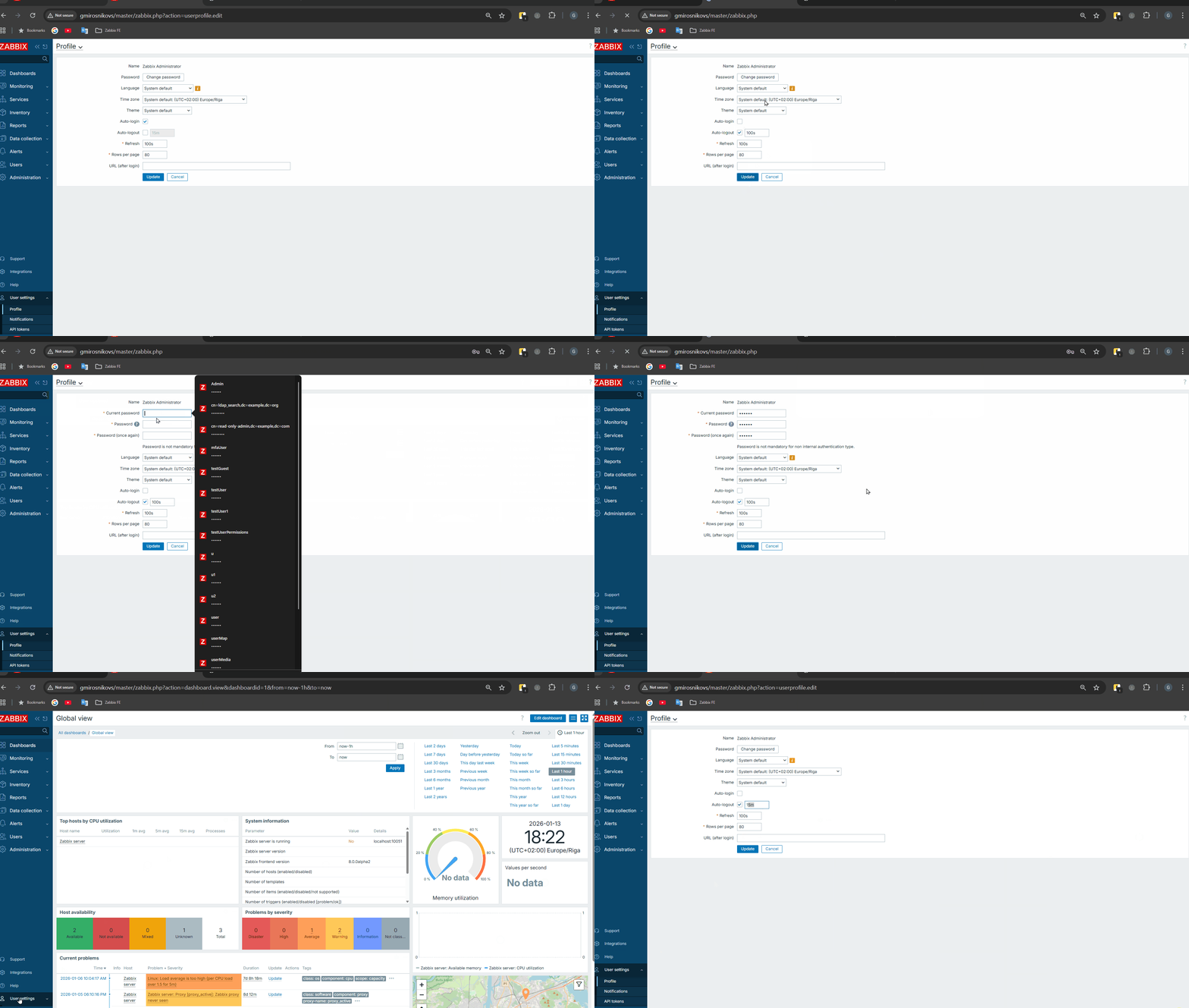
- Go to "User settings" -> "Profile"
- Click on "Auto-logout" checkbox and set time for 100s
- Click "Update"
- Go to "User settings" -> "Profile"
- Click "Change password"
- Enter valid data in password fields
- Click "Update"
- Log in with new password
- Go to "User settings" -> "Profile"
Result:
Value for Auto-logout is set to default "15m"
Expected:
Value for Auto-logout should be as set before "100s"