-
Type:
Problem report
-
Resolution: Fixed
-
Priority:
 Trivial
-
Affects Version/s: 6.0.44rc1, 7.0.23rc1, 7.4.7rc1, 8.0.0alpha2
-
Component/s: Frontend (F)
-
None
-
S26-W04/05, S26-W08/09, S26-W10/11, S26-W12/13
-
0.5
Steps to reproduce:
- Change user language or uninstall locale support for chosen language so when opening any page error about unsupported locale is displayed for user
- Open Monitoring ->problems
- Observe, that error is displayed
- Wait until refresh
Result:
HTML code in success status is displayed

Expected:
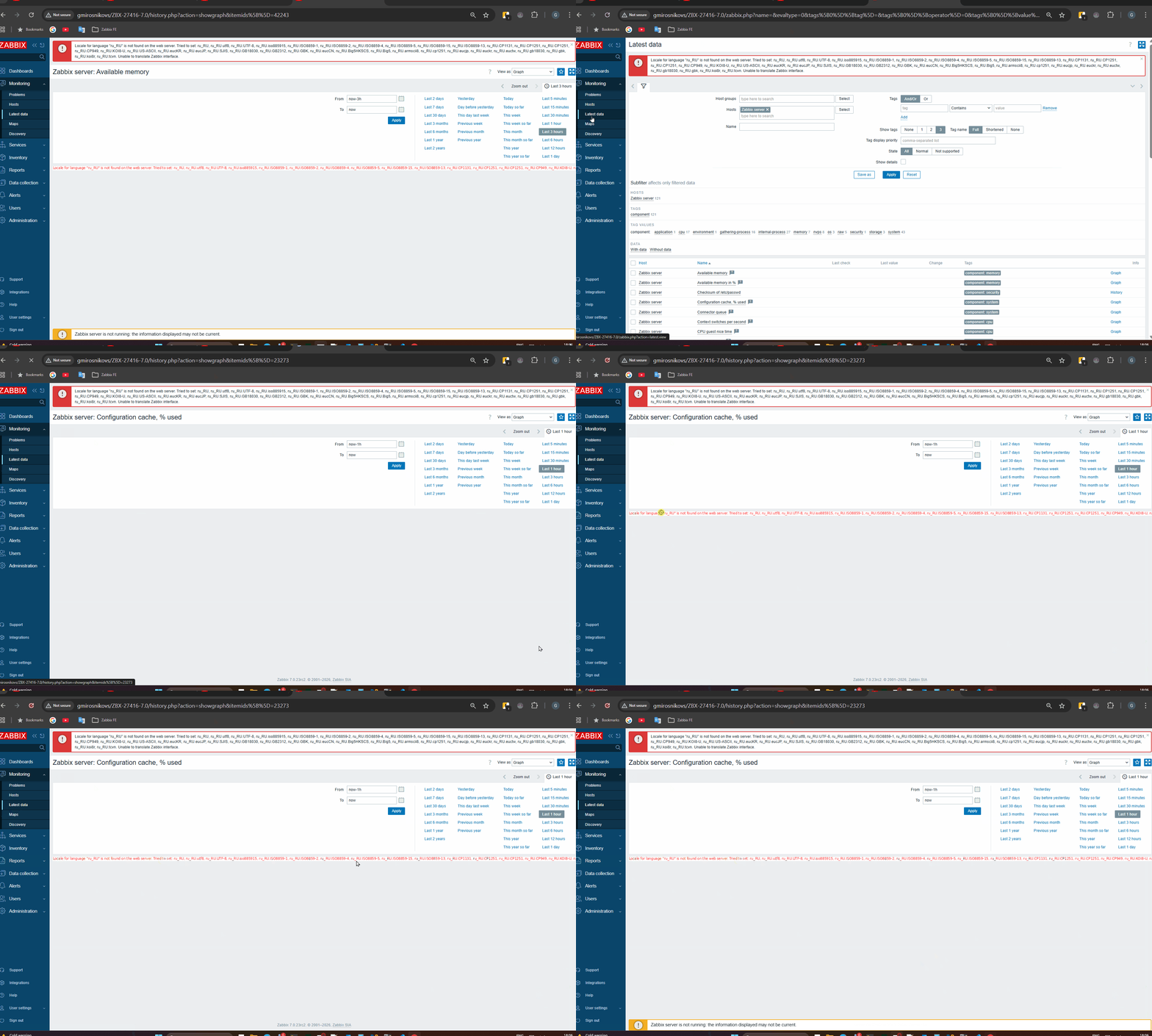
Should work same as Monitoring->Hosts and Montoring ->Latest data:
- there should be error on opening page
- refresh should have its own error message that should be replaced based on refresh result messages (it is fine and expected to display error message twice when refresh request has been done)
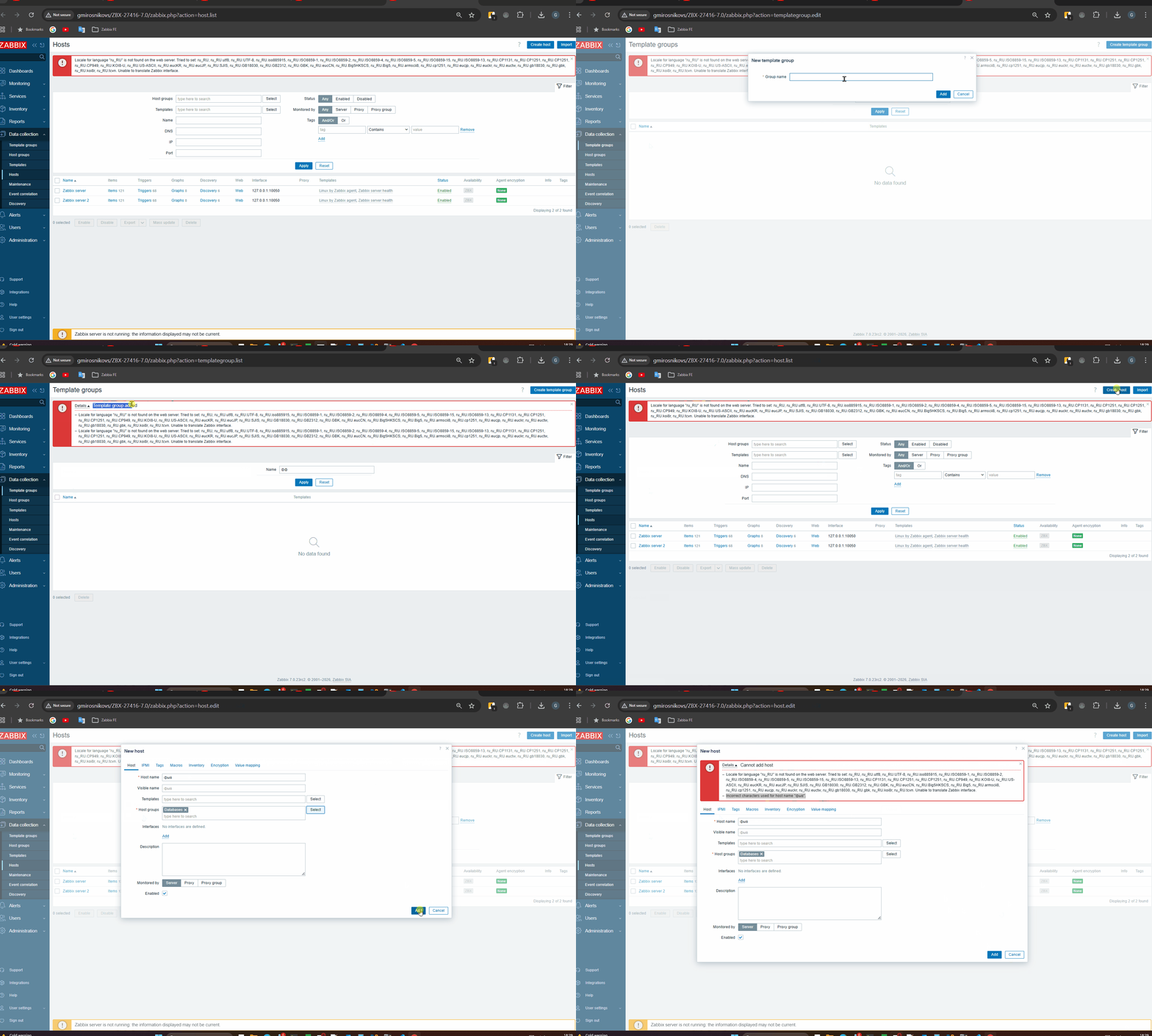
- error/success messages that are added because of pop-up dialog should not affect page or refresh error messages

Noticed with: ZBX-27353 (2) and in that task expected behaviour was confirmed