-
Type:
Incident report
-
Resolution: Won't fix
-
Priority:
 Minor
Minor
-
None
-
Affects Version/s: None
-
Component/s: Frontend (F)
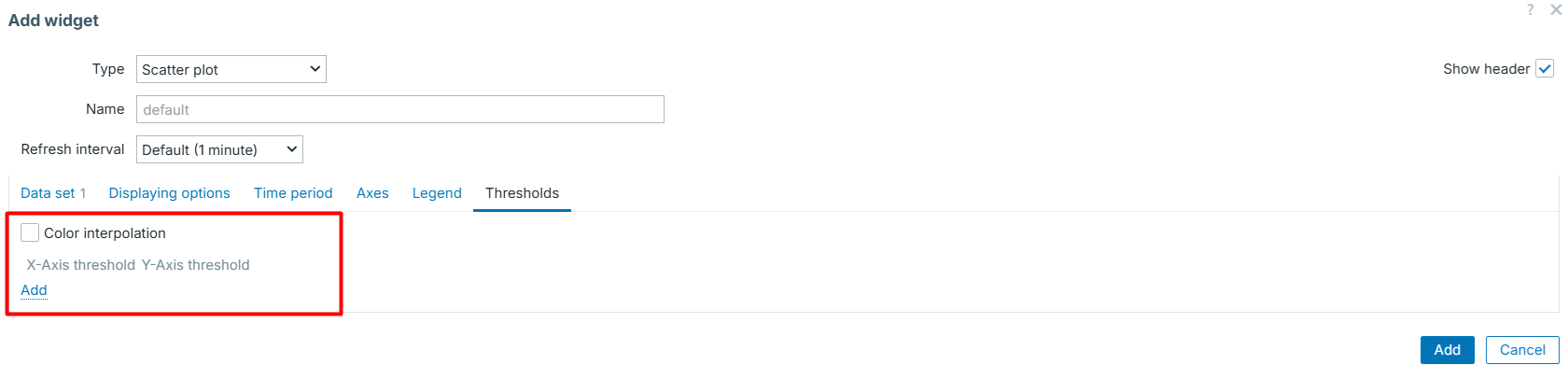
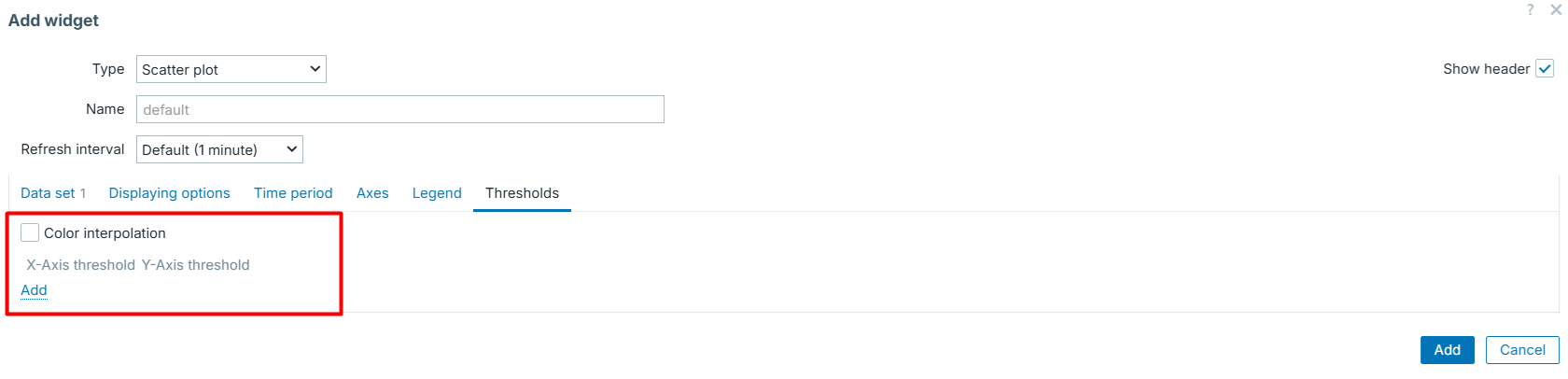
Currently, when a user navigates to the Thresholds tab in the Scatter plot widget modal, the section is empty by default. Only the column headers and the "Add" button are visible. This creates unnecessary friction and makes the interface look incomplete upon first interaction.
To improve the user experience, we should ensure that at least one threshold row is automatically present when the tab is opened or when the widget is being configured for the first time.
Steps to reproduce:
- Open Scatter plot widget configuration form.
- Open Thresholds tab and observe the form.
Result:
- The list is empty.
- User must manually click the "Add" link to bring up the X-Axis and Y-Axis input fields.
Expected:
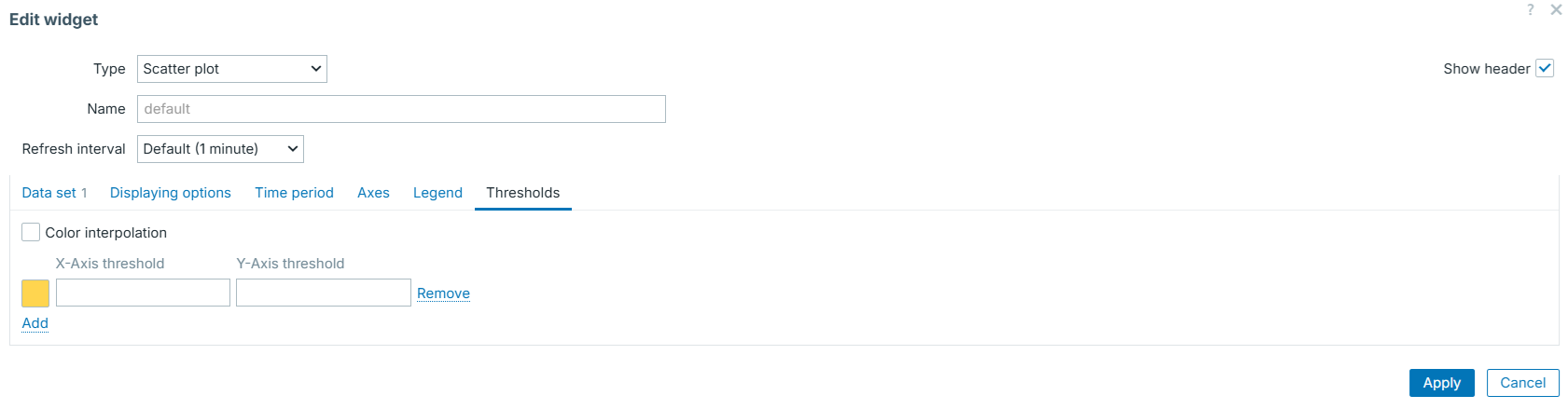
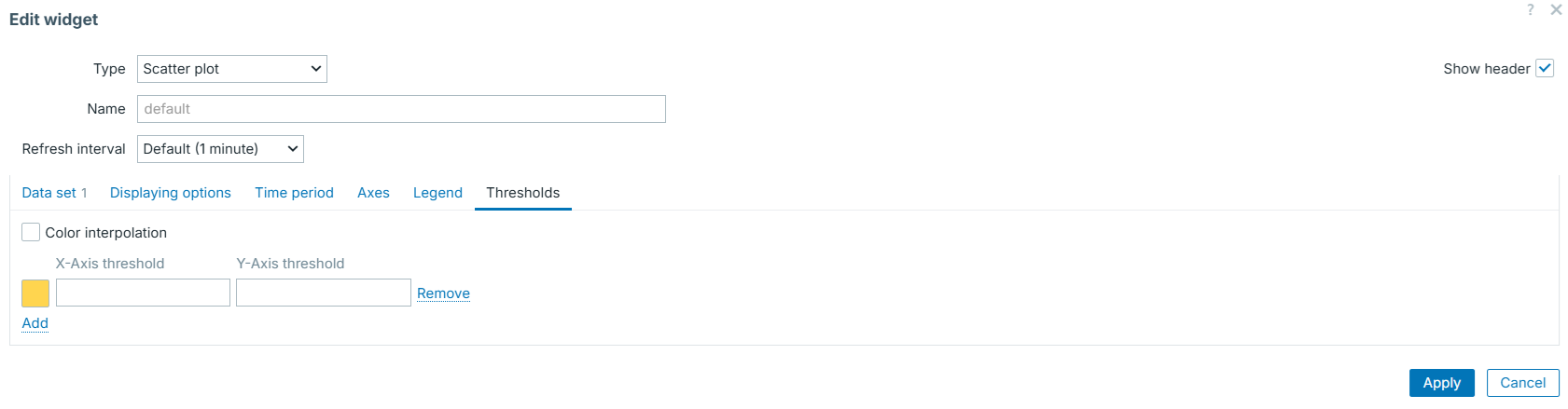
- Upon opening the "Thresholds" tab (if no thresholds exist yet), one row should be pre-populated by default.
- The yellow color picker, X-Axis threshold input, and Y-Axis threshold input should be visible immediately.