-
Type:
Problem report
-
Resolution: Fixed
-
Priority:
 Trivial
-
Affects Version/s: 7.4.7rc1, 8.0.0alpha2
-
Component/s: Frontend (F)
-
S26-W18/19, S26-W20/21
-
0.5
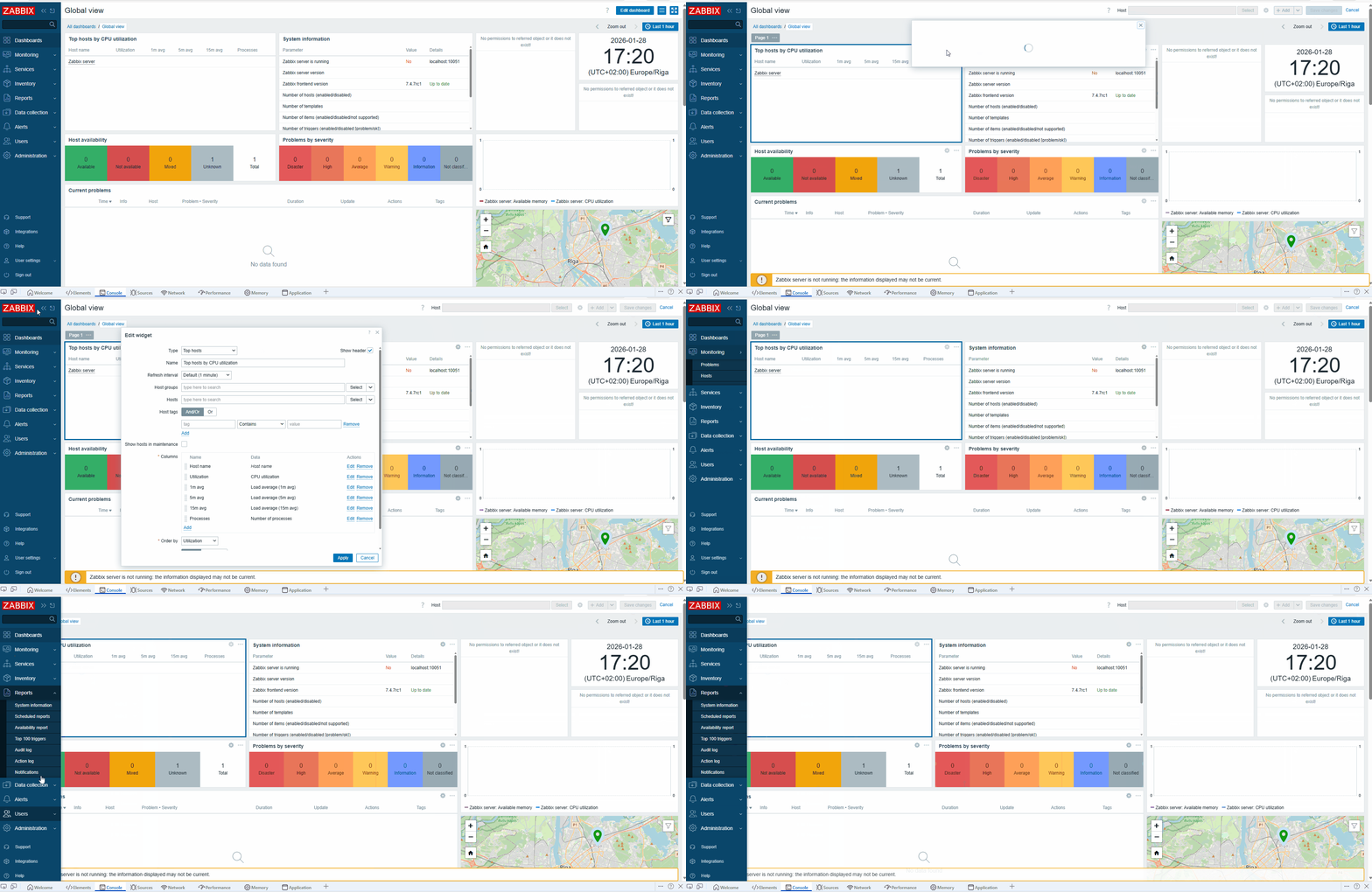
After dragging the main menu, the widget add/edit pop-up can be hidden under the main menu.
Steps to reproduce:
- Open a dashboard.
- Collapse the main menu and then expand it back.
- Add a new widget or edit an existing one.
- Drag the widget configuration pop-up under the main menu.
Result:
The widget add/edit configuration pop-up can be completely hidden under the main menu.
Expected:
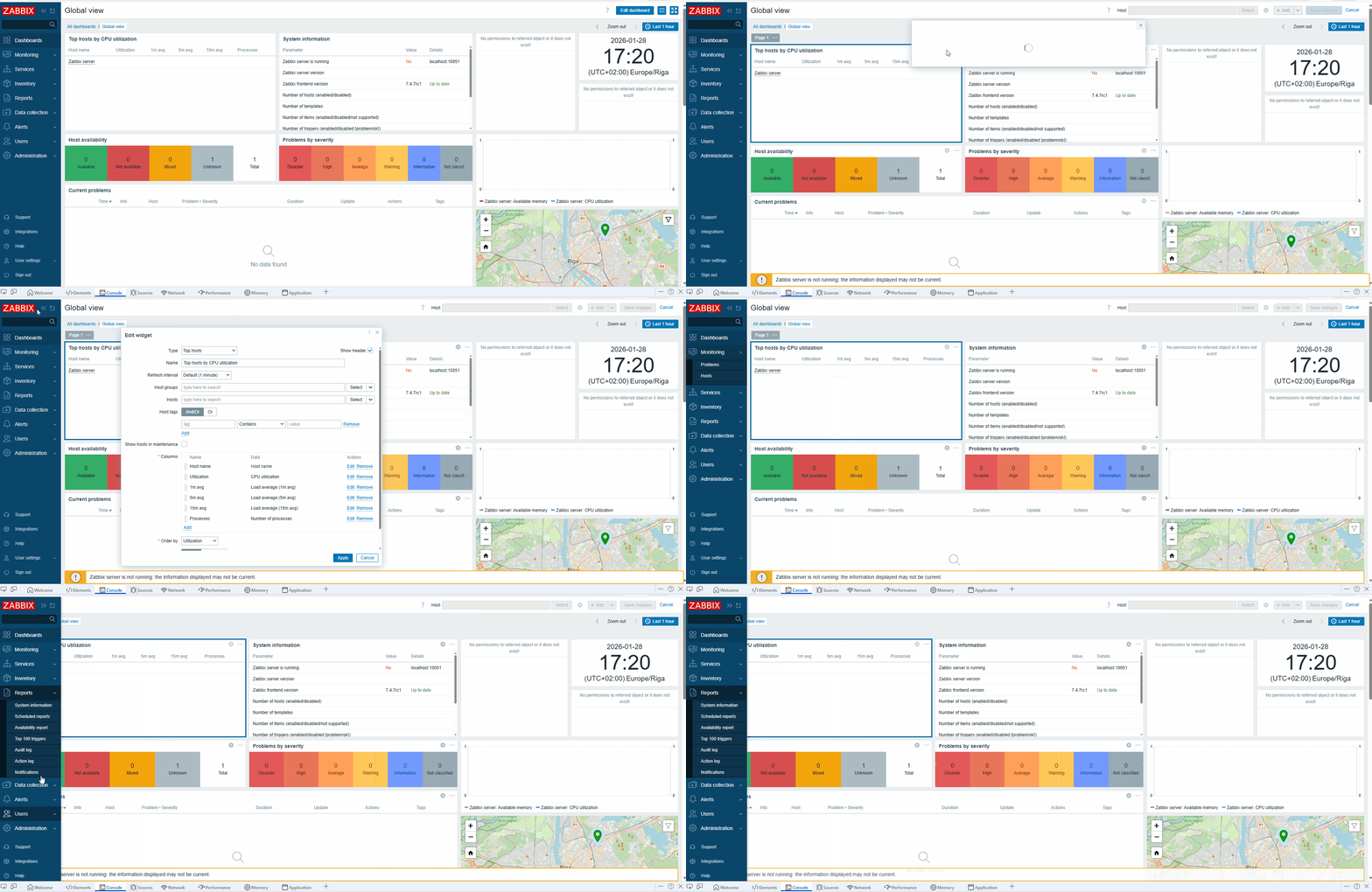
The widget add/edit configuration pop-up should always remain at least partially visible.
- related to
-
ZBXNEXT-10850 Dashboard widget configuration in a docked right-side panel instead of a floating dialog
-

- Open
-


