-
Type:
Problem report
-
Resolution: Won't fix
-
Priority:
 Trivial
-
None
-
Affects Version/s: None
-
Component/s: Frontend (F)
Displaying an empty widget without any explanation is confusing for users. Showing a clear "No data" message would make the behavior more understandable and user-friendly.
Steps to reproduce:
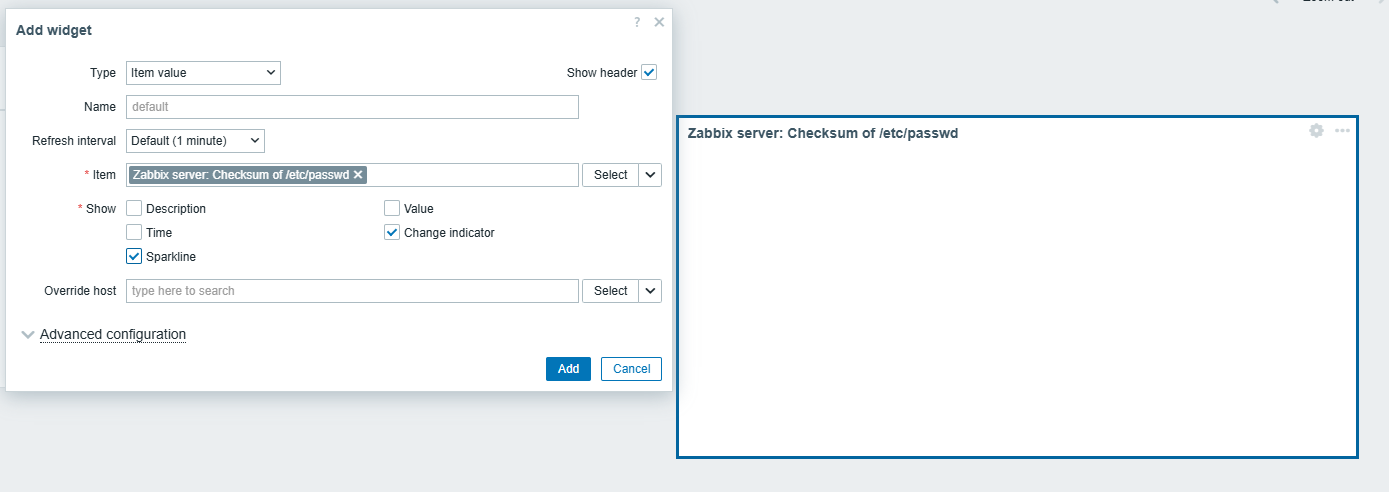
- Go to Dashboards.
- Create a new Item Value widget.
- Add an item that has no data.
- In Show options, select only Sparkline and/or Change indicator.
- Save the widget.
Result:
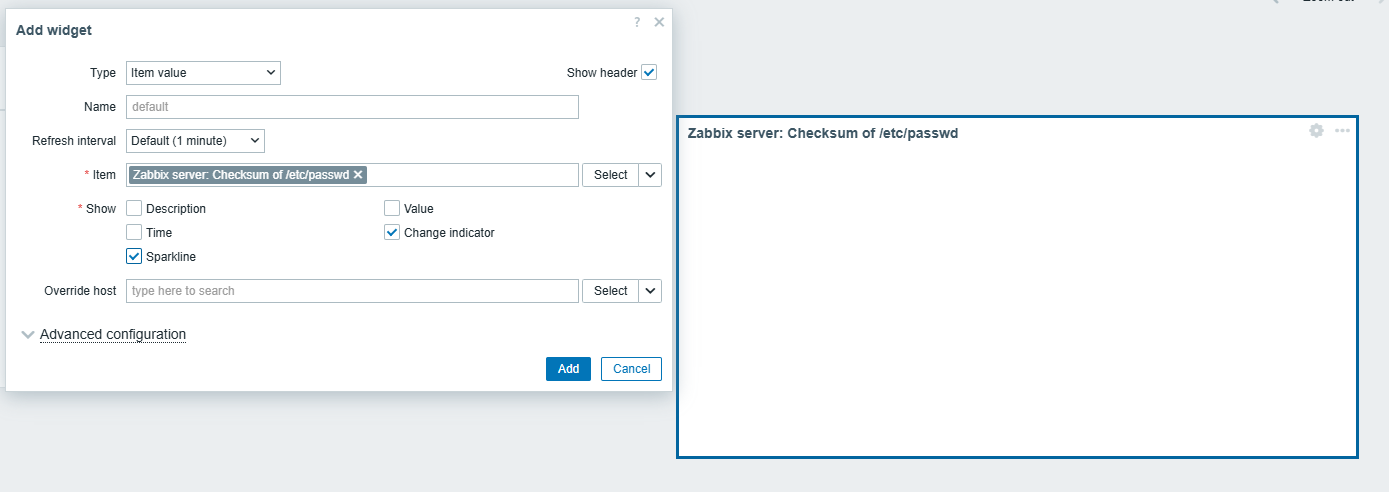
- The widget is displayed as empty.
- No message or indication is shown.
- From the user's perspective, it is unclear whether the widget is broken or simply has no data.
Expected:
The widget should display a "No data" message when no data is available.