-
Type:
Problem report
-
Resolution: Unresolved
-
Priority:
 Trivial
-
Affects Version/s: 7.4.7rc1, 8.0.0alpha1, 8.0.0alpha2
-
Component/s: Frontend (F)
-
S26-W18/19, S26-W38/39, S26-W40/41
-
0.5
Steps to reproduce:
- Go to Configuration → Templates/Hosts.
- Click Import.
- Select and upload a template file.
- Wait until the Import Compare dialog is displayed.
Result:
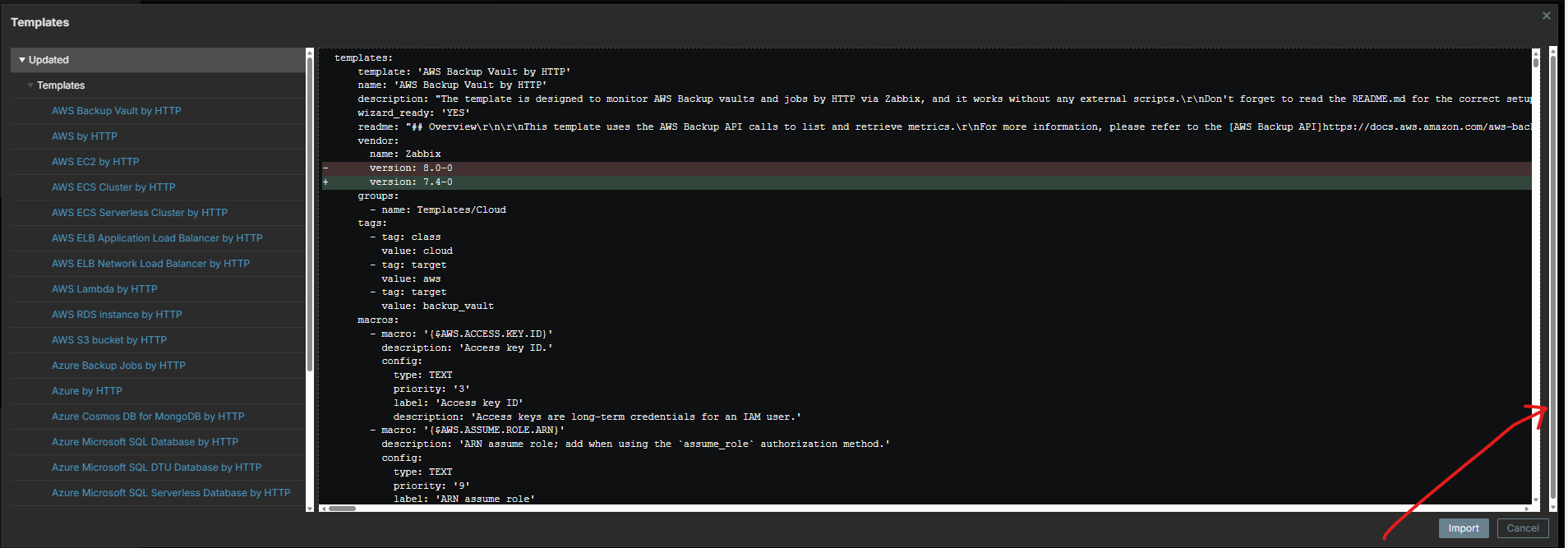
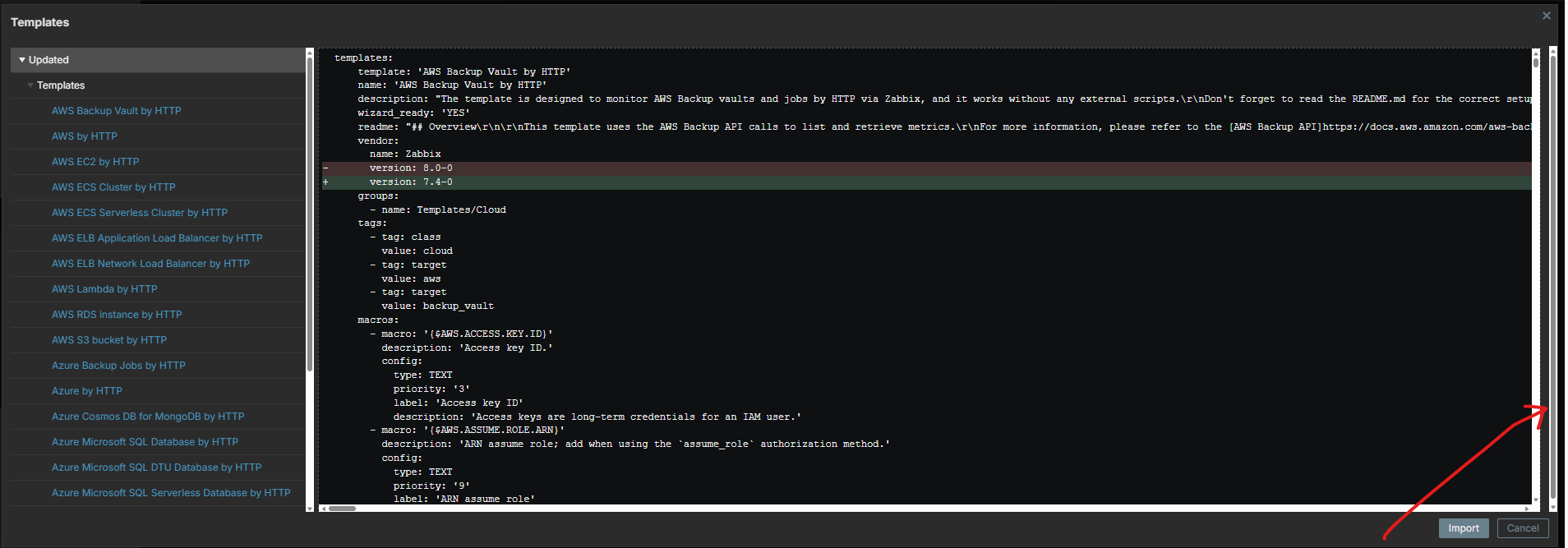
Extra scrollbar appears in the Import Compare dialog:
Expected:
The extra scrollbar makes the dialog look visually broken and may confuse users.