ExportXMLWordPrintable

    • S26-W06/07, S26-W36/37, S26-W38/39, S26-W40/41
    • 0.5

      Steps to reproduce:

      1. Create a new graph widget and add an item to the item list.
      2. Create a new user with admin permissions.
      3. Share the dashboard containing the graph widget with that user.
      4. Log in as the new user.
      5. Open the graph widget in edit mode.

      Result:
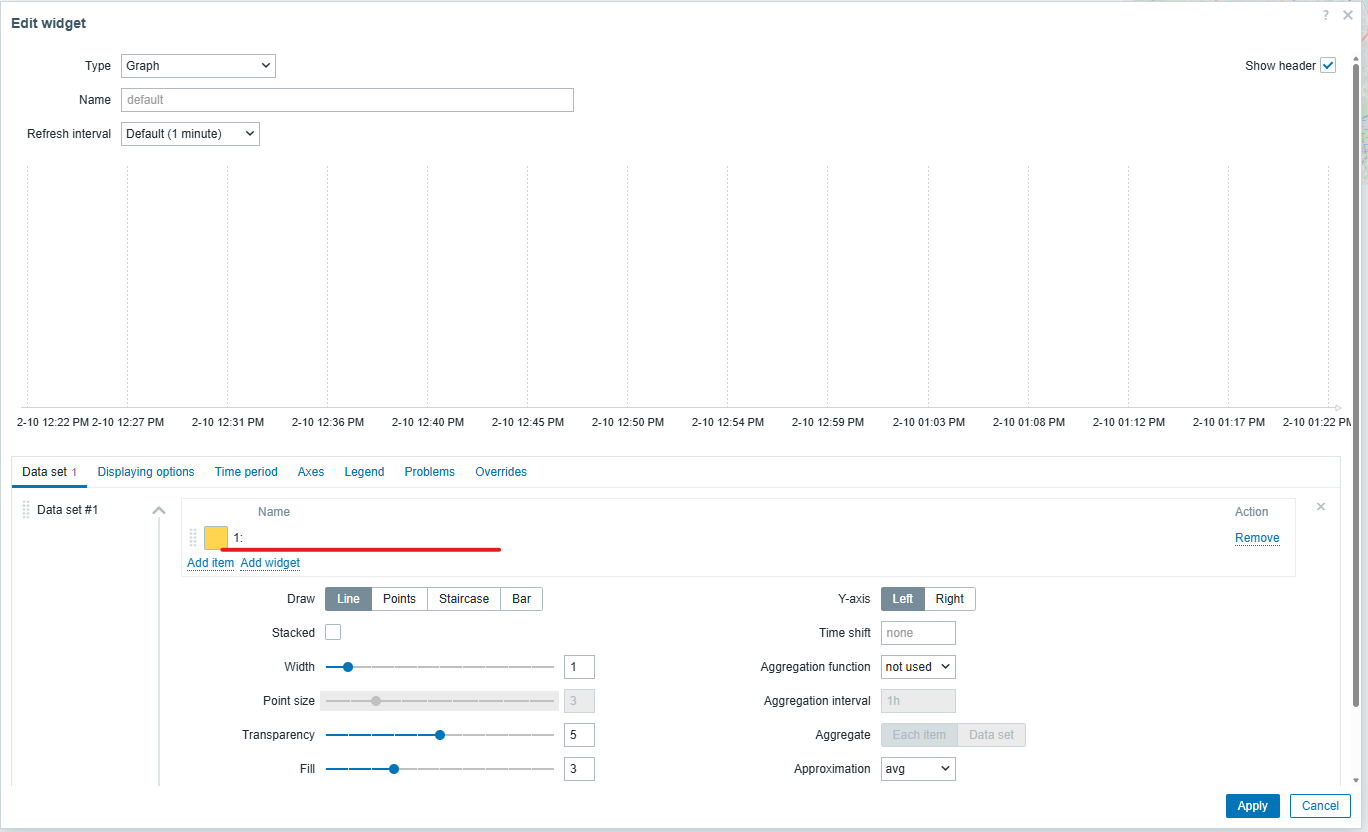
      The item list field is empty instead of showing “Inaccessible item”.
      Despite the missing item, the widget can still be modified and saved, which is unexpected.
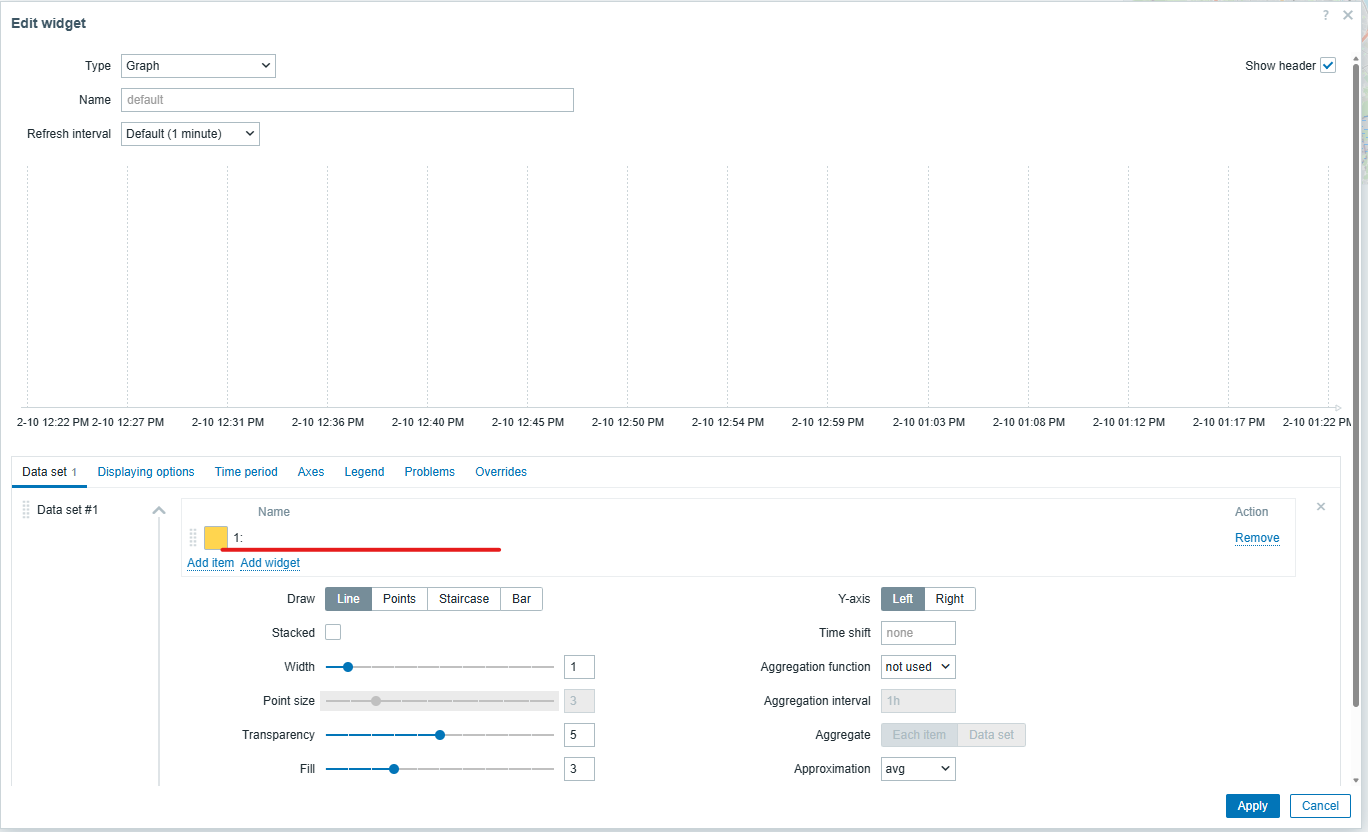
      Expected:
      The item list should display “Inaccessible item”.

        1. image-2026-02-10-13-24-59-591.png
          54 kB
          Juliana Iljina
        2. image-2026-10-05-14-28-45-546.png
          63 kB
          Juliana Iljina
        3. image-2026-10-05-14-47-28-061.png
          70 kB
          Juliana Iljina
        4. screenshot-1.png
          75 kB
          Juliana Iljina

            Assignee:
            Aleksandrs Subins
            Reporter:
            Juliana Iljina
            Team A
            Votes:
            0 Vote for this issue
            Watchers:
            3 Start watching this issue

              Created:
              Updated:

                Estimated:
                Original Estimate - Not Specified
                Not Specified
                Remaining:
                Remaining Estimate - Not Specified
                Not Specified
                Logged:
                Time Spent - 29.75h
                29.75h