-
Type:
Problem report
-
Resolution: Fixed
-
Priority:
 Minor
Minor
-
Affects Version/s: 7.0.25rc1, 7.4.9rc1, 8.0.0beta1
-
Component/s: Frontend (F)
-
S26-W14/15, S26-W16/17, S26-W24/25
-
1
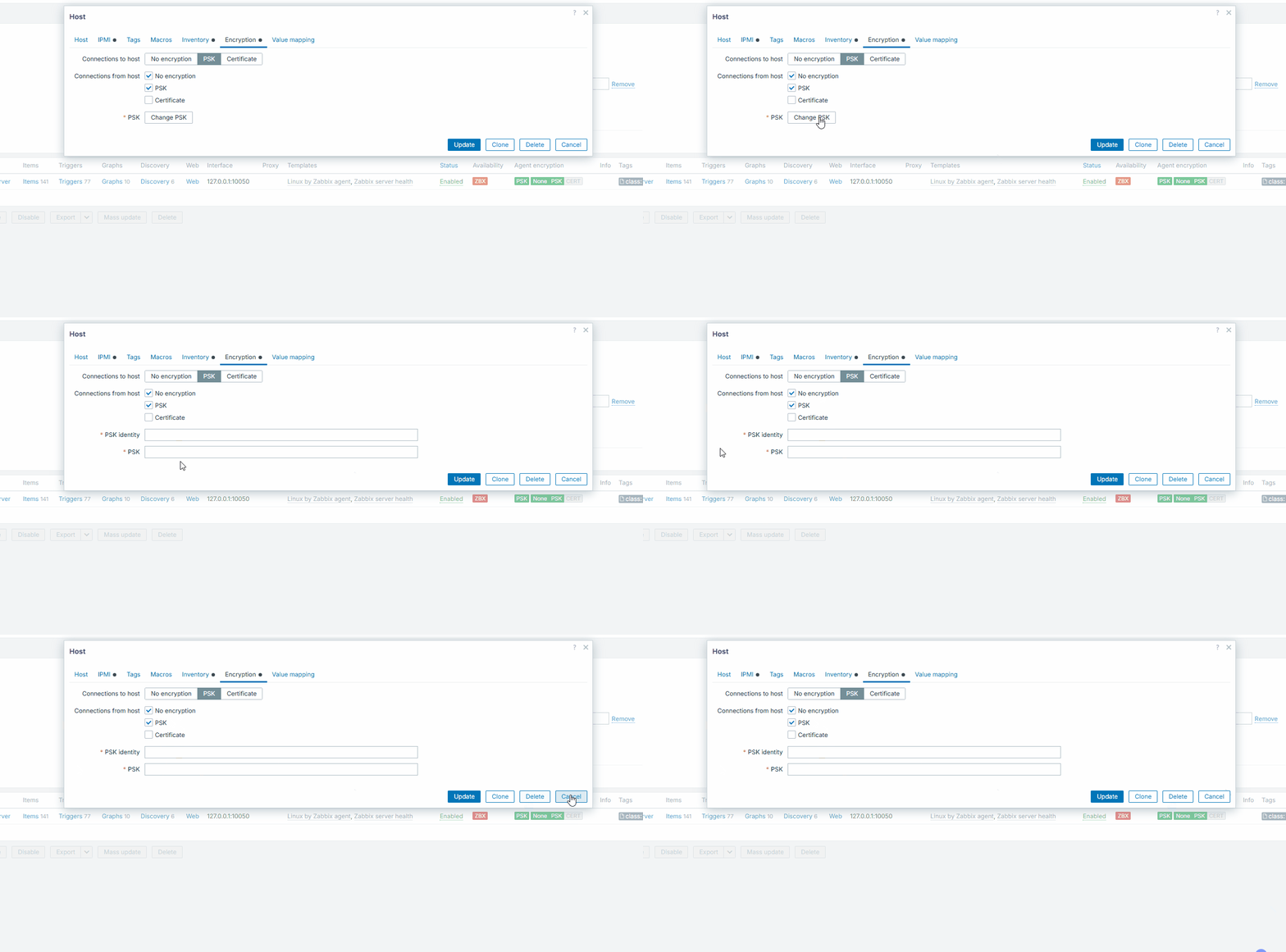
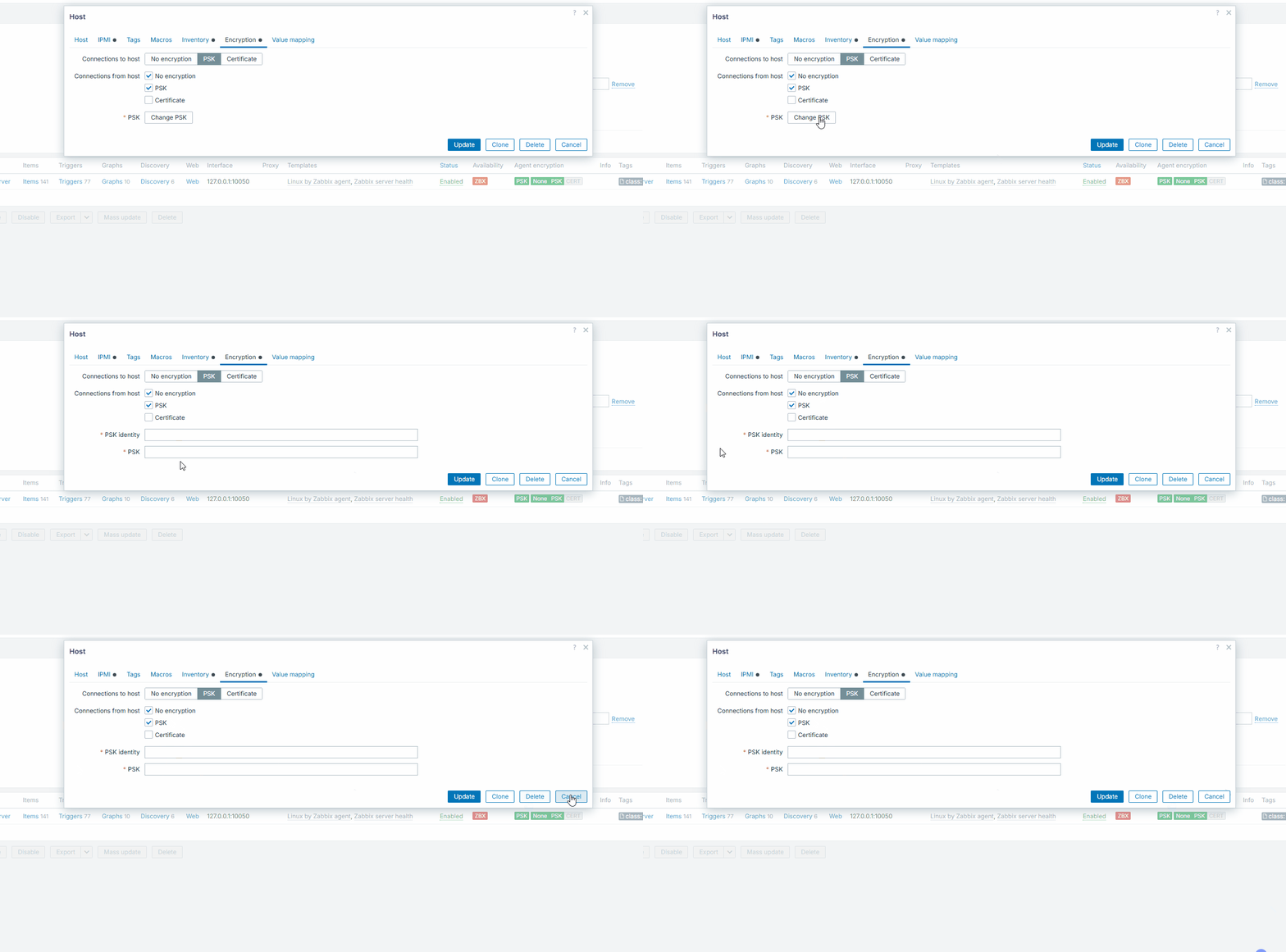
There are several places on the frontend, where focus not on the input field, after clicking on Change password / Change PSK buttons, by result user cannot type input data straight away. Pressing Tab button will select the correct input field.
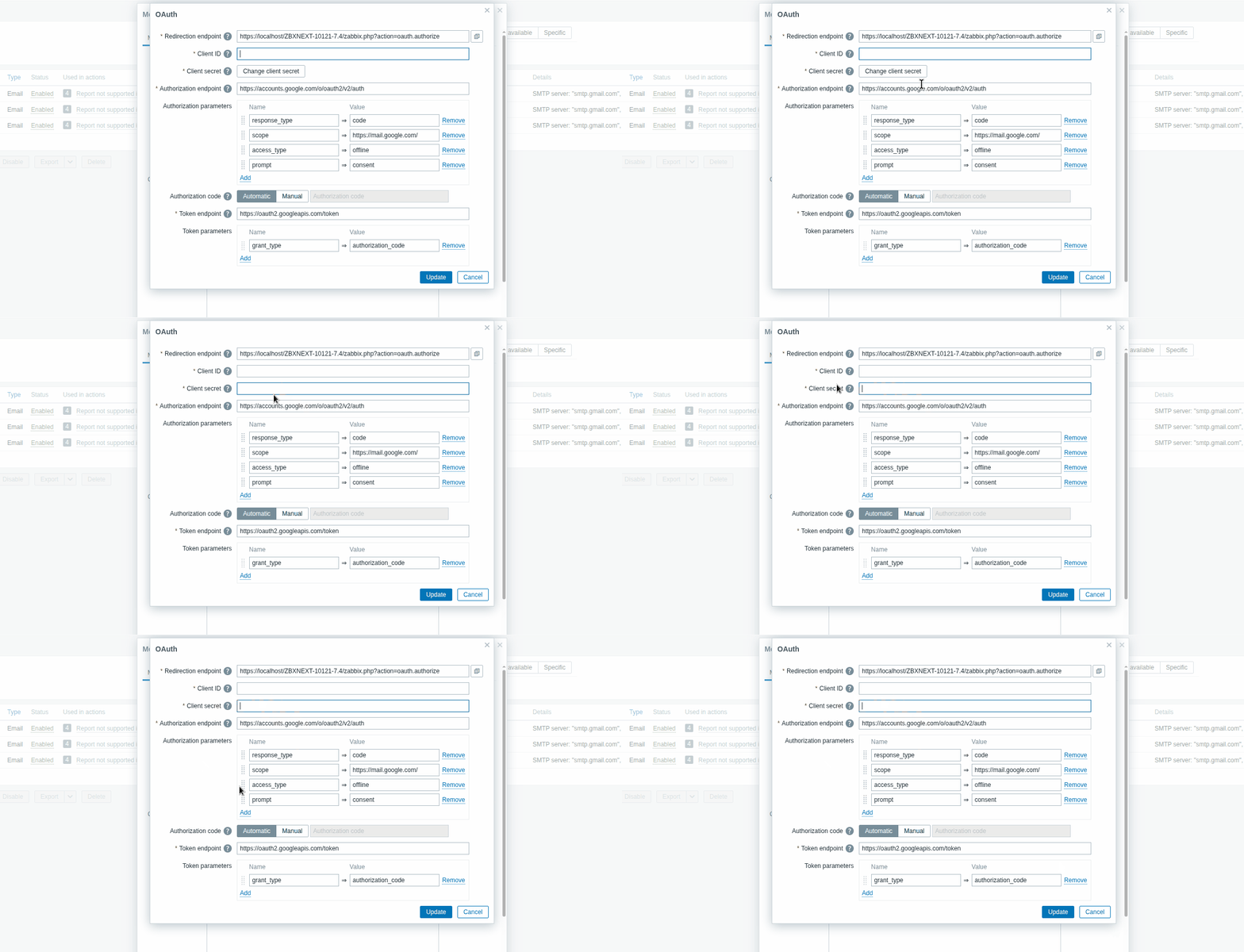
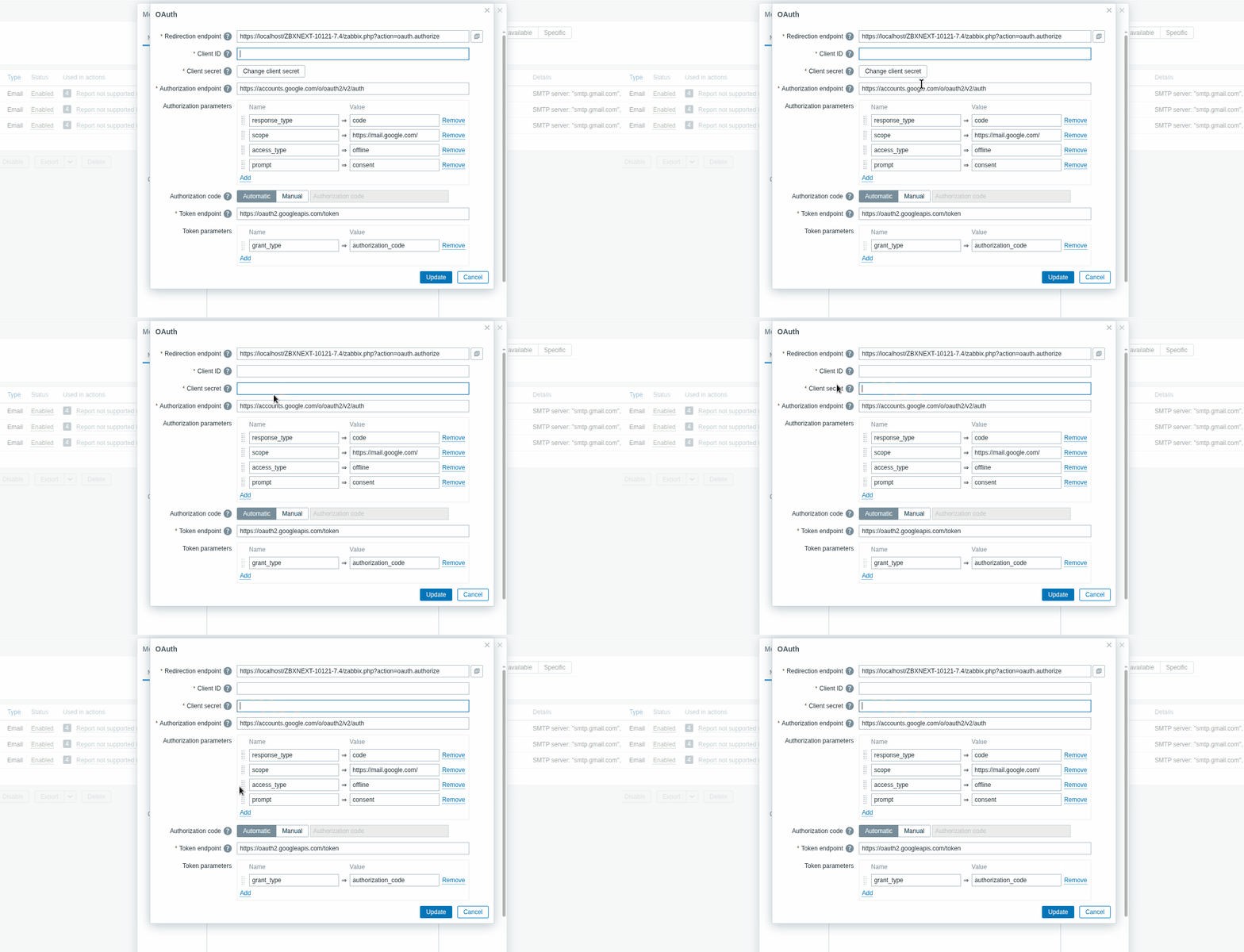
The behavior is inconsistent with other locations, where focus is working correctly (for example - Media types -> Oauth -> Change client secret)
Locations with the issue:
- Authentication -> LDAP -> Server -> Bind password
- Proxy -> Encryption -> Change PSK
- General -> Autoregistration -> Change PSK
- Data collection -> Host -> Change PSK
- User settings -> Profile -> Change password
- Users -> User -> Edit -> Change password
Possible there are other locations with similar behavior.
Note: on 7.0 and 7.4 the user form is working differently and form is completely reloaded, so focus is on the first input field of the form (might be expected).
Steps to reproduce:
Precondition: host with PSK is previously created
- Open Data collection -> Hosts -> Edit host with PSK
- Open Encrytption
- Click on Change PSK button
- Try to type in input
Result:
Focus is not on the appeared input field, user can't type in data straight away. In some cases pressing Tab will move focus on the correct field
See video:
Expected:
The focus should be on the input field straight away. Behavior should be similar as in the Media type form - Oauth, for Change client secret button