-
Type:
Problem report
-
Resolution: Unresolved
-
Priority:
 Trivial
-
None
-
Affects Version/s: 7.4.7, 7.4.8
-
Component/s: Frontend (F)
-
None
-
Environment:Chrome, Windows, MacOS
Steps to reproduce:
- Navigate to Configuration -> Hosts.
- Click on Create host (or open an existing one).
- Look at the Interfaces block.
- Change the browser window width or adjust the browser zoom (e.g., to 80% or 120%).
Result:
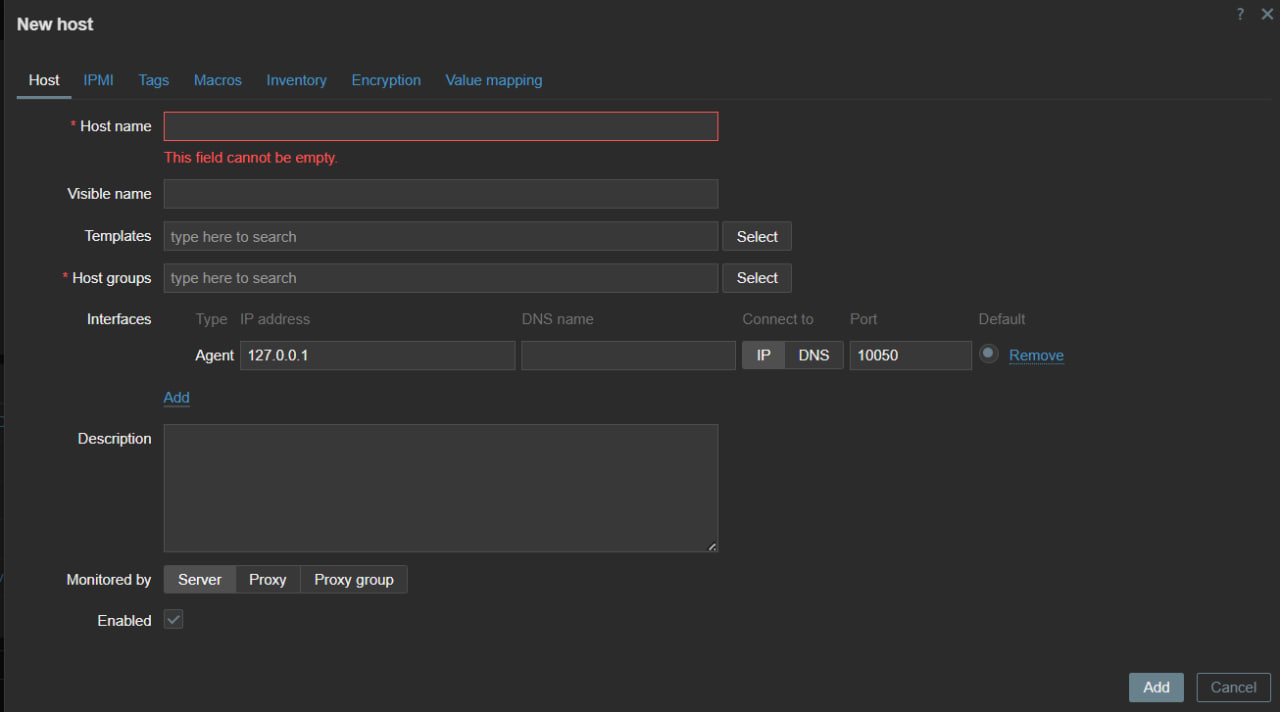
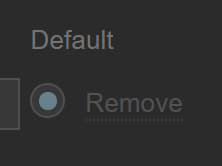
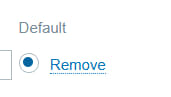
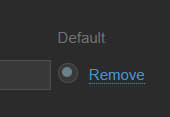
See screenshots
The radio button shifts, breaking the layout
Expected:
The radio button should remain centered and correctly aligned within its designated column, regardless of the screen scale or window size.