-
Type:
Problem report
-
Resolution: Fixed
-
Priority:
 Trivial
-
Affects Version/s: 7.0.25rc1, 7.4.9rc1, 8.0.0alpha2
-
Component/s: Frontend (F)
-
S26-W14/15, S26-W16/17, S26-W18/19, S26-W20/21
-
1
Steps to reproduce:
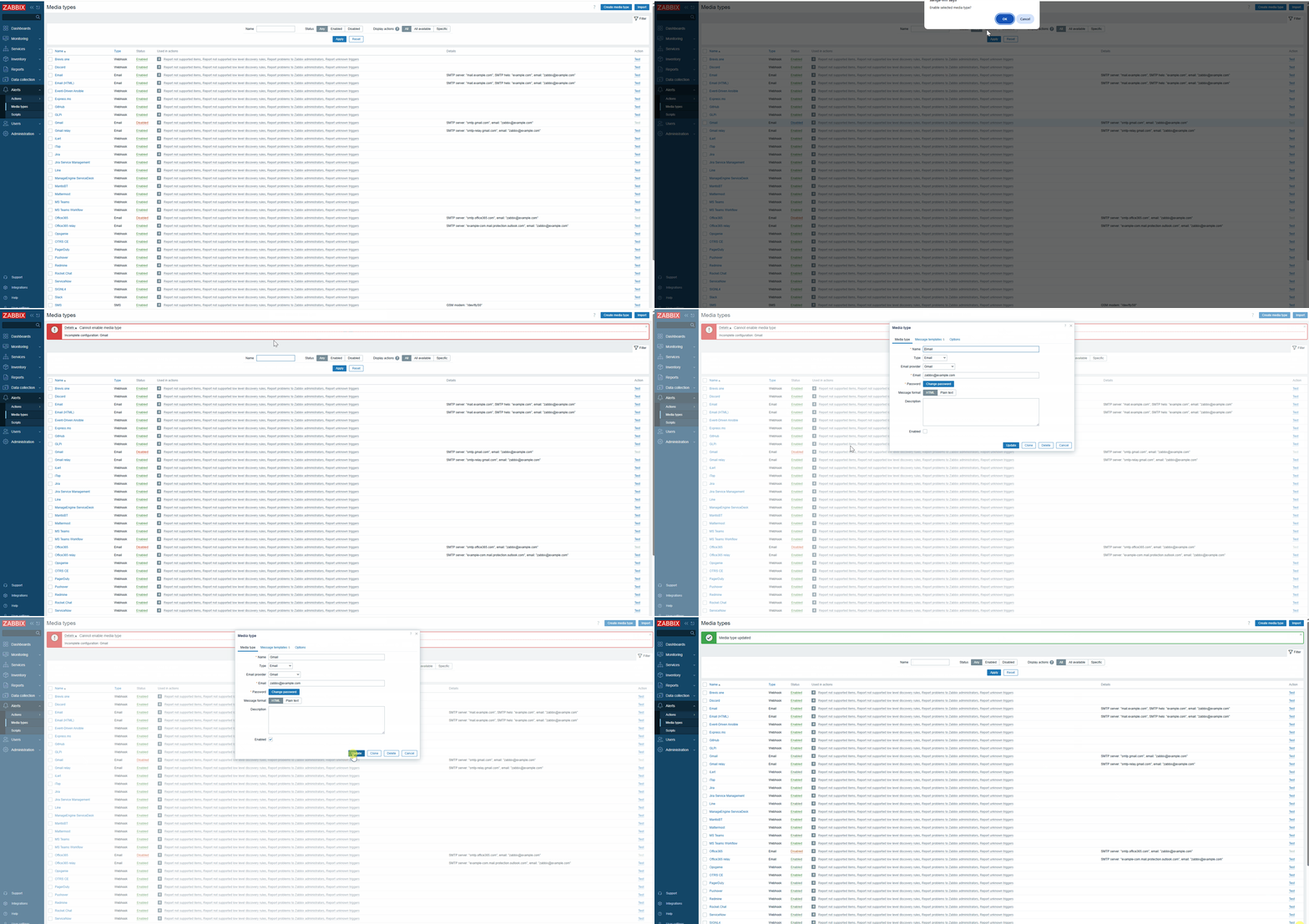
- Navigate to Alerts -> Media types
- Press on "Disabled" status button of the media type Gmail (or Office365)
- Observe error message "Cannot enable media type. Incomplete configuration: Gmail"
- Open the Gmail media type, check the "Enabled" checkbox and do not change anything else
- Click Update
- Observe status changed without error messages
Result: error message about incomplete configuration present if Gmail and Office365 media types enabled from list
Expected: no error message should be displayed to ensure consistent behaviour since the same action done from form does not create error